.svg)
10 Best Social Customer Service Software Platforms for Fast-Growing Businesses in 2026

You have three customers trying to reach you at the same time. One tags you in an Instagram post about a damaged order, one sends a WhatsApp message about a delayed shipment and another one drops a comment on your Facebook ad asking a pre-sale question they need answered before they buy.
All three are time-sensitive. All three are on different platforms and right now, your team is in three different apps trying to manage it.
Something is going to get missed. And when it does, it is not a private miss. 54% of customers say they have a more favorable view of brands that respond to social media messages and comments, according to Convince & Convert. The flip side is equally true. A complaint left unanswered on Instagram is visible to every follower who scrolls your profile. The damage does not stay with one customer. It radiates.
Social customer service software puts all three channels in one inbox. Full context. One queue. Nothing missed. This guide covers the 10 best social media customer service software platforms in 2026, what each one actually does well, and how to pick the right one for where your business is now.
Quick Comparison: 10 Best Social Customer Service Software Platforms
Why Social Customer Service Is No Longer Optional
The framing of social customer service as a "nice to have" channel died around 2022. By 2026, it is the primary surface where customer trust is built or destroyed.
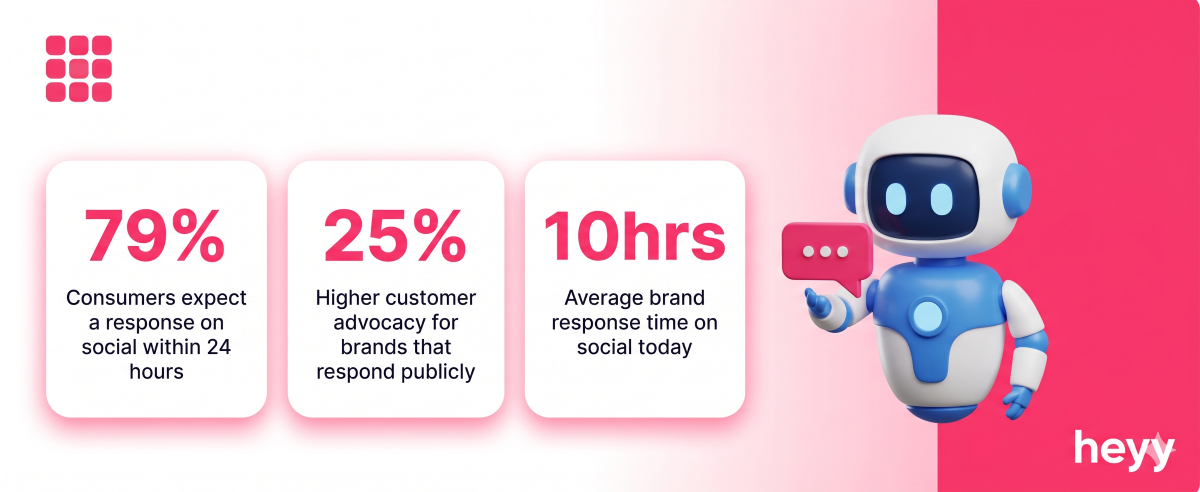
79% of consumers expect a response from brands on social media within 24 hours, according to Convince & Convert's social media research. Among those under 35, the expectation is under an hour. The businesses meeting that expectation are building loyalty. The ones missing it are losing customers publicly.
The channel shift is structural, not cyclical. Customers now use social media and messaging apps as their primary channel for brand communication more often than email or phone, according to Salesforce's State of the Connected Customer report. That shift is not reversing. It is accelerating with every platform that adds messaging capability and every generation of consumers that grows up with social as their default communication layer.
The business cost of underperforming here is compounding. A slow response on social does not damage one relationship. It damages the one visible to every person who sees the thread. Brands that respond to social media complaints see 25% higher customer advocacy rates compared to those who do not, per Convince & Convert's data. The best customer engagement platforms in this category are not just inbox tools. They are the infrastructure that determines whether your brand's social presence builds loyalty or erodes it. The ROI of social customer service is measurable, and it flows in both directions.
What Actually Separates Good Social Customer Service Software from Bad
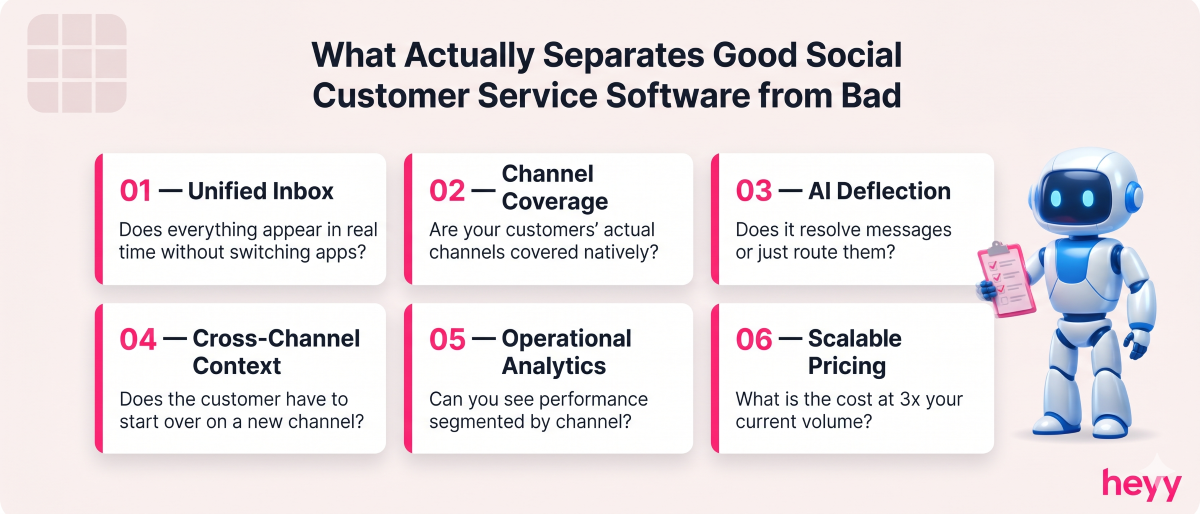
Every social media customer service software platform in this category claims to be omnichannel, to have AI, and to save your team time. The best customer engagement platforms prove it in practice. Most of them are right about one of those three. Here is what to actually test before you commit.
Unified inbox with real-time sync. The core requirement. Messages from WhatsApp, Instagram DMs, Facebook comments, X mentions, and your website chat should appear in one queue, in real time, without requiring manual refresh or channel switching. If your team has to check multiple interfaces, you do not have a unified inbox. You have multiple inboxes that happen to be on the same screen.
Channel coverage that matches your customers. Not all platforms cover all channels equally. Most cover Facebook and Instagram natively. Coverage of WhatsApp Business, X (Twitter), TikTok, LinkedIn, and YouTube varies significantly. Before evaluating any other feature, confirm that the channels your customers actually use are covered natively, not through a third-party connector that introduces delay and unreliability.
AI that deflects volume, not just routes it. Routing a message to the right agent faster is useful. Having the AI resolve the message before a human is involved is transformative. Evaluate whether the AI handles responses autonomously or merely suggests them. The deflection rate, the percentage of messages resolved without human involvement, is the number that determines whether the AI actually reduces your team's workload.
Conversation context that persists across channels. A customer who messaged you on Instagram last week and returns via WhatsApp today should be recognized as the same person. Their previous interaction history should be immediately visible. Without cross-channel context, every conversation starts from scratch and your team looks like they have never met the customer before.
Analytics that measure what matters to operations. Volume dashboards are table stakes. What you need is first response time by channel, resolution time by issue type, agent performance at the individual level, and sentiment trends over time. If the platform cannot show you these numbers segmented by channel, you cannot identify where your social customer service operation is underperforming.
Pricing that scales without punishing growth. The per-seat, per-channel, per-AI-resolution pricing structures common in this category compound quickly. Run your cost at 3x current volume before signing. A platform that is affordable at 5 agents becomes disproportionately expensive at 20.
The Benefits of Social Customer Service Software for Fast-Growing Businesses
Every Message Gets Seen
The most common failure mode without dedicated software is the missed message. An Instagram DM that arrived at 6pm on Friday. A Facebook comment buried under engagement from a boosted post. A WhatsApp inquiry that came in while the team was handling a surge. Unified inbox software ensures every inbound message appears in one queue regardless of origin. Nothing falls through because no one was watching the right app.
Your Response Times Drop Across Every Channel
The average response time for brands on social media is 10 hours, according to SuperOffice's customer service benchmarks. Teams using unified social customer service software average response times under 30 minutes. That gap is not a marginal improvement. It is the difference between a brand customers trust and one they abandon publicly.
Your Team Handles More Volume Without More Headcount
AI deflection and canned response libraries mean a team of three can manage the volume that previously required a team of eight. As your business grows and social inquiry volume increases, the software scales without requiring proportional headcount additions.
You Turn Public Complaints Into Public Trust Signals
A complaint handled well in a public thread is more powerful than a positive review. Every person who sees the thread sees that your brand responds, takes accountability, and resolves issues. Brands that resolve customer complaints publicly on social media see up to 25% higher customer advocacy, per Convince & Convert. Social customer service done well is marketing.
Your Customer Data Becomes Coherent
Every conversation is a data point. Which issues come up most frequently? Which channel generates the most pre-sale questions? Which product generates the most complaints? Social customer service software captures and structures that data automatically. Without it, that intelligence is scattered across five platforms and three team members' memory.
1. Heyy — Best for WhatsApp and Instagram-First Businesses
Most social customer service platforms are built around X, Facebook, and email. They added WhatsApp and Instagram later, as integrations, which shows in the product experience. Heyy is built the other way around.
WhatsApp and Instagram DMs are first-class channels in Heyy. Not integrations. Not add-ons. The core product. For businesses in markets where WhatsApp is the primary customer communication channel, and for brands where Instagram is a meaningful customer acquisition surface, this distinction is the deciding factor.
One inbox handles WhatsApp, Instagram DMs, Facebook Messenger, and website chat simultaneously. The AI is trained on your product, policies, and FAQs. It responds to routine inquiries automatically, qualifies leads, books appointments, and escalates with full context when a human is needed. Your team sees one stream. Your customer sees instant, accurate, on-brand responses regardless of which channel they used.
For fast-growing e-commerce brands, service businesses, and any business running social media support automation across WhatsApp and Instagram, Heyy removes the coordination overhead without requiring a platform built for enterprise teams with enterprise budgets.
Best for: E-commerce brands, service businesses, and any fast-growing company where WhatsApp and Instagram generate meaningful customer contact volume.
Pricing: Free to start. Paid plans scale with usage, not seat count.
Pros:
- WhatsApp and Instagram as genuine first-class channels, not bolt-on integrations
- AI handles routine volume autonomously, not just routes it
- No-code setup deployable within a day
- Usage-based pricing that scales without punishing team growth
Cons:
- Does not cover X (Twitter) or LinkedIn natively
- Analytics depth is still maturing compared to established enterprise platforms
2. Sprout Social — Best for Mid-to-Large Teams Needing Social Management and Service Together
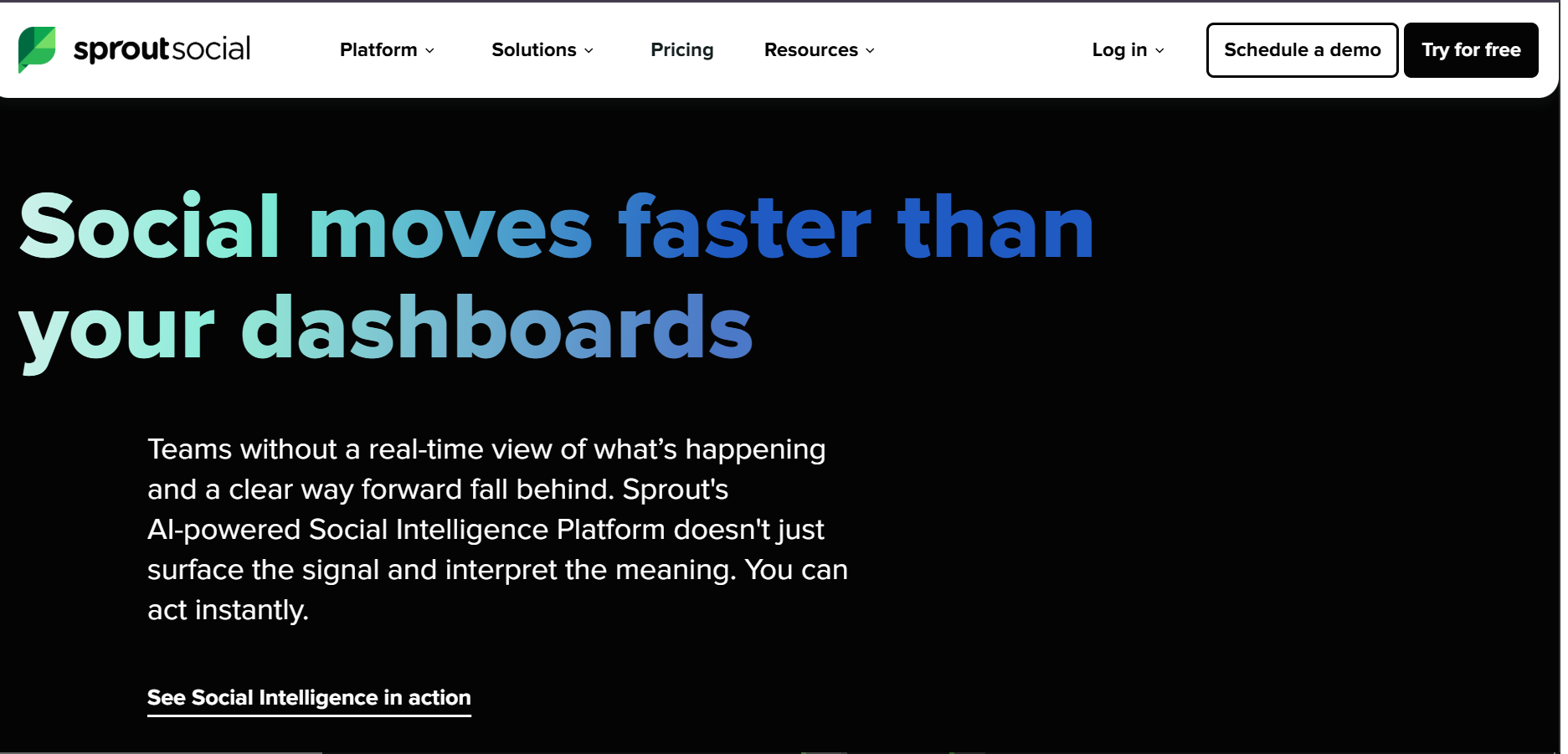
Sprout Social is the most complete social media management and customer service combination on this list. It covers Facebook, Instagram, X, LinkedIn, YouTube, and Pinterest from a single platform, with social listening, publishing, analytics, and customer service all integrated.
The Smart Inbox consolidates every message, comment, mention, and DM from every connected social profile into one prioritized queue. AI-powered sentiment analysis flags negative interactions for immediate attention. Workflow automation routes incoming messages to the right team member based on content, channel, or assigned account. Sprout Social's AI-assisted message triage helps teams manage 3x more conversations without adding headcount, according to their published customer case data.
For teams where social content and social customer service are managed by overlapping or the same people, the combination of publishing, scheduling, analytics, and inbox management in one platform eliminates the tool-switching overhead that degrades both functions when separated.
Best for: Mid-to-large businesses where social media management and social customer service are handled by the same team and need to share data and workflow.
Pricing: Starts at $299/month for 1 user. Scales significantly with additional seats and features.
Pros:
- Most complete social channel coverage on this list (FB, IG, X, LinkedIn, YouTube, Pinterest)
- Publishing, scheduling, and customer service in one platform
- AI sentiment analysis surfaces urgent messages automatically
- Strong analytics for cross-channel performance measurement
Cons:
- Expensive entry point for small teams
- Not purpose-built for WhatsApp Business at the same depth as its other channels
- Analytics and publishing features may be overkill for teams that only need customer service
3. Zendesk — Best for Enterprise Support Operations That Need Social as Part of a Broader System
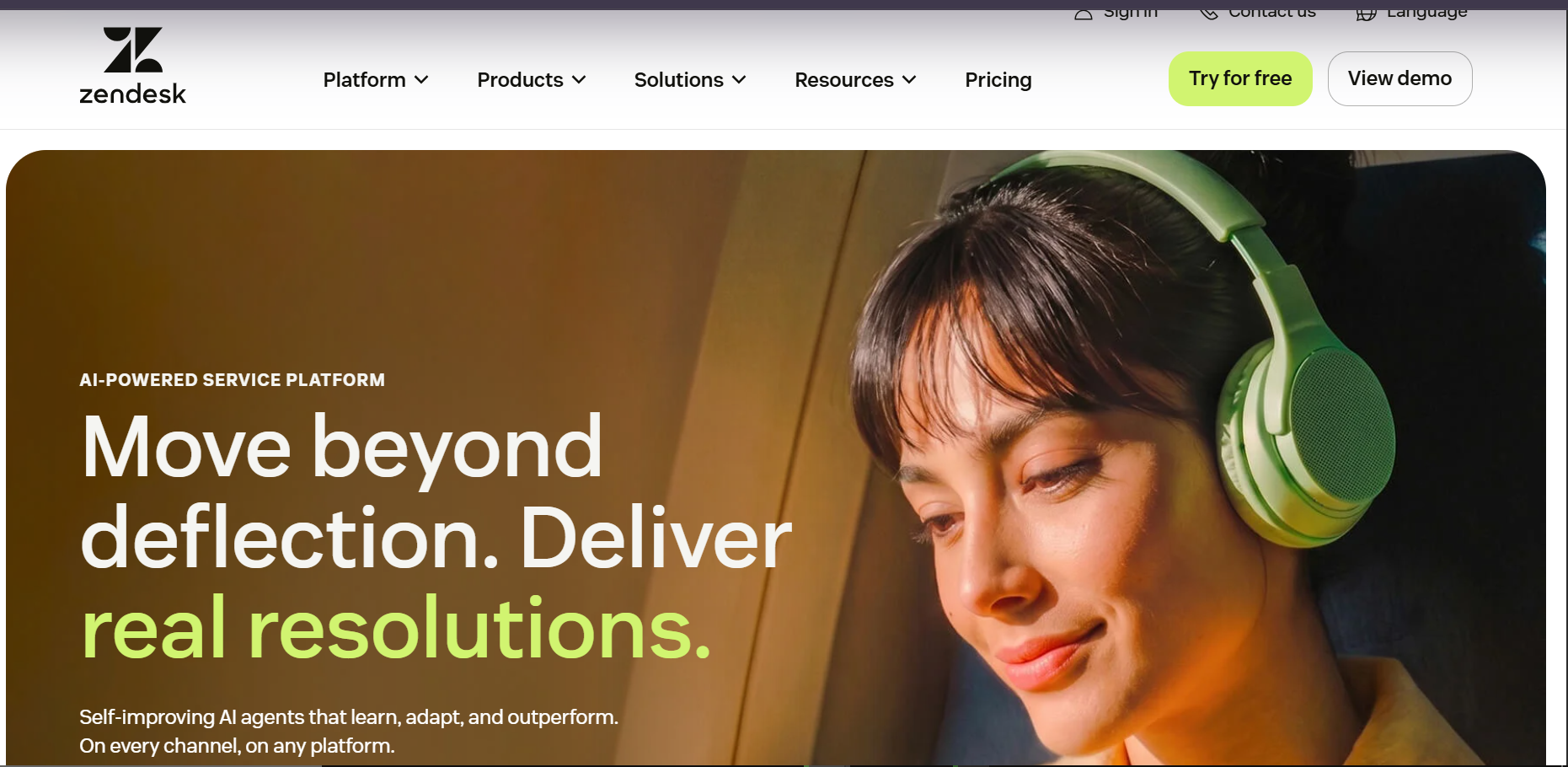
Zendesk is the enterprise standard for customer support infrastructure. Its social media integration converts messages from Facebook, Instagram, X, and WhatsApp into ticketing system tickets, routing them through the same SLA management, workflow automation, and analytics that govern email and phone support.
The integration depth is the differentiator. A social media complaint that arrives, escalates, requires a refund, and needs a follow-up call is handled within a single system with full audit trail and SLA tracking. For enterprise teams where consistency, compliance, and reporting depth matter more than speed of setup, that infrastructure is the entire value proposition.
The trade-off is cost and complexity. The median Zendesk enterprise buyer pays approximately $48,000 per year, per Gladly's verified purchase data. Adding the Copilot AI assistant requires an additional $50 per user per month on top of the base plan. Teams that need social customer service and nothing more will find Zendesk overbuilt and overpriced.
Best for: Enterprise support operations where social customer service is one channel within a broader, compliance-driven support operation.
Pricing: Suite starts at $25/agent/month..
Pros:
- Industry-leading ticketing system with full SLA management
- Converts social messages into trackable tickets with full audit trail
- Comprehensive omnichannel customer service platforms capability across email, social, phone, and chat
- Strong analytics and reporting at enterprise scale
Cons:
- Among the most expensive on this list at scale, especially with AI add-ons
- Setup complexity requires dedicated admin resources
- Social-specific features are part of a larger system, not purpose-built for social-first teams
4. Freshdesk — Best for Mid-Market Teams Wanting Affordable Omnichannel
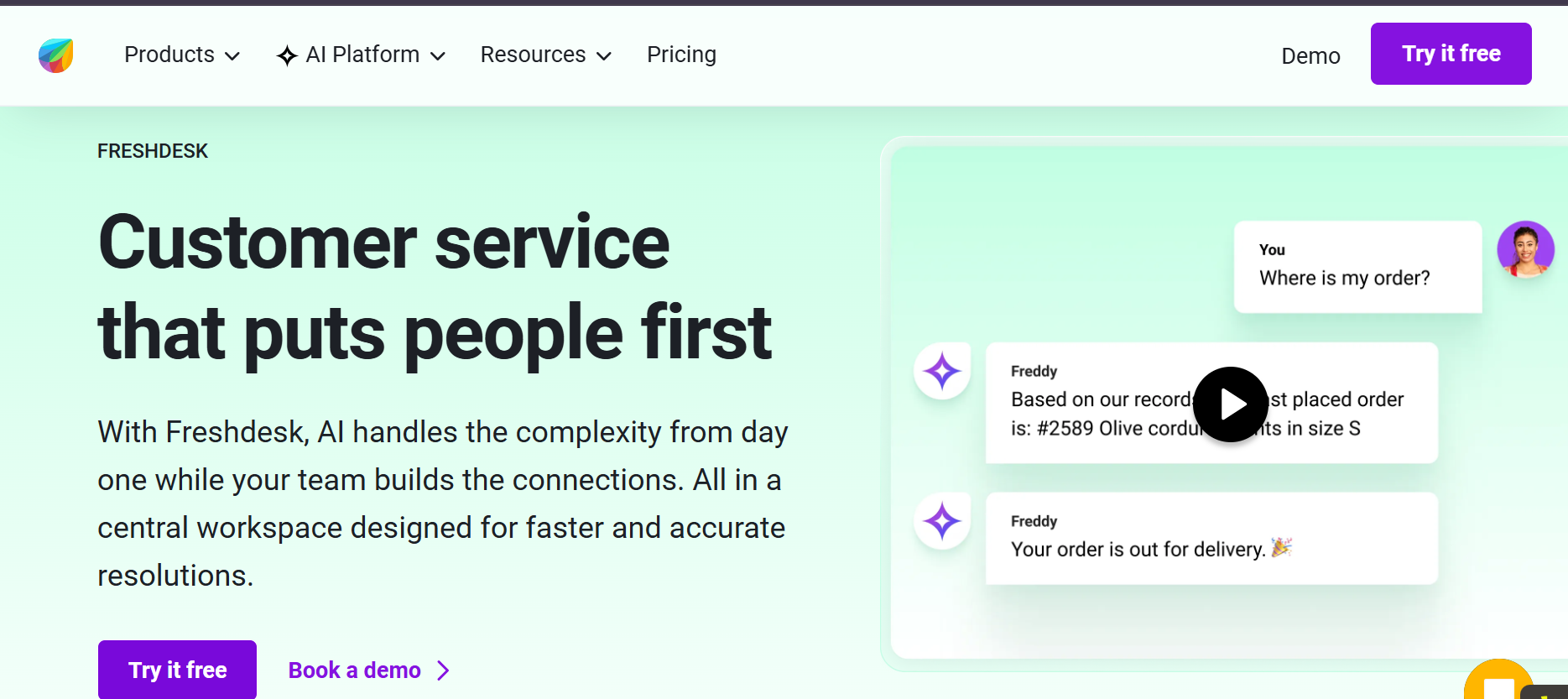
Freshdesk delivers enterprise-grade omnichannel capability at a price point that mid-market teams can justify without a board conversation. It covers Facebook, Instagram, X, WhatsApp, email, phone, and live chat from one helpdesk, with Freddy AI handling automated responses for common inquiries across all channels.
The AI layer is meaningful at this price point. Freddy AI categorizes incoming messages, suggests responses to agents, and resolves straightforward inquiries without human involvement. For social media inquiries specifically, it handles FAQs, order status questions, and basic troubleshooting automatically. Teams report 30 to 40% reductions in first-response time after implementing Freshdesk's AI-assisted social inbox, according to published case studies on the Freshdesk website.
The free plan covers the basics for very small teams. Paid plans start at $15 per agent per month, which is the most accessible price point for a genuinely capable omnichannel platform among the tools on this list.
Best for: Mid-market businesses needing full omnichannel coverage across social, email, and phone at an affordable per-agent price.
Pricing: Free plan available. Paid plans from $23/agent/month.
Pros:
- Strong value-to-cost ratio for omnichannel capability
- Freddy AI handles meaningful inquiry deflection across social channels
- Free plan available for small teams
- Covers WhatsApp, Facebook, Instagram, and X natively
Cons:
- WhatsApp and advanced social features require Growth plan or higher
- Analytics less deep than Zendesk or Sprout Social at the enterprise level
- AI quality trails the enterprise platforms at complex inquiry types
5. Hootsuite — Best for Teams That Need Social Scheduling and Service Together
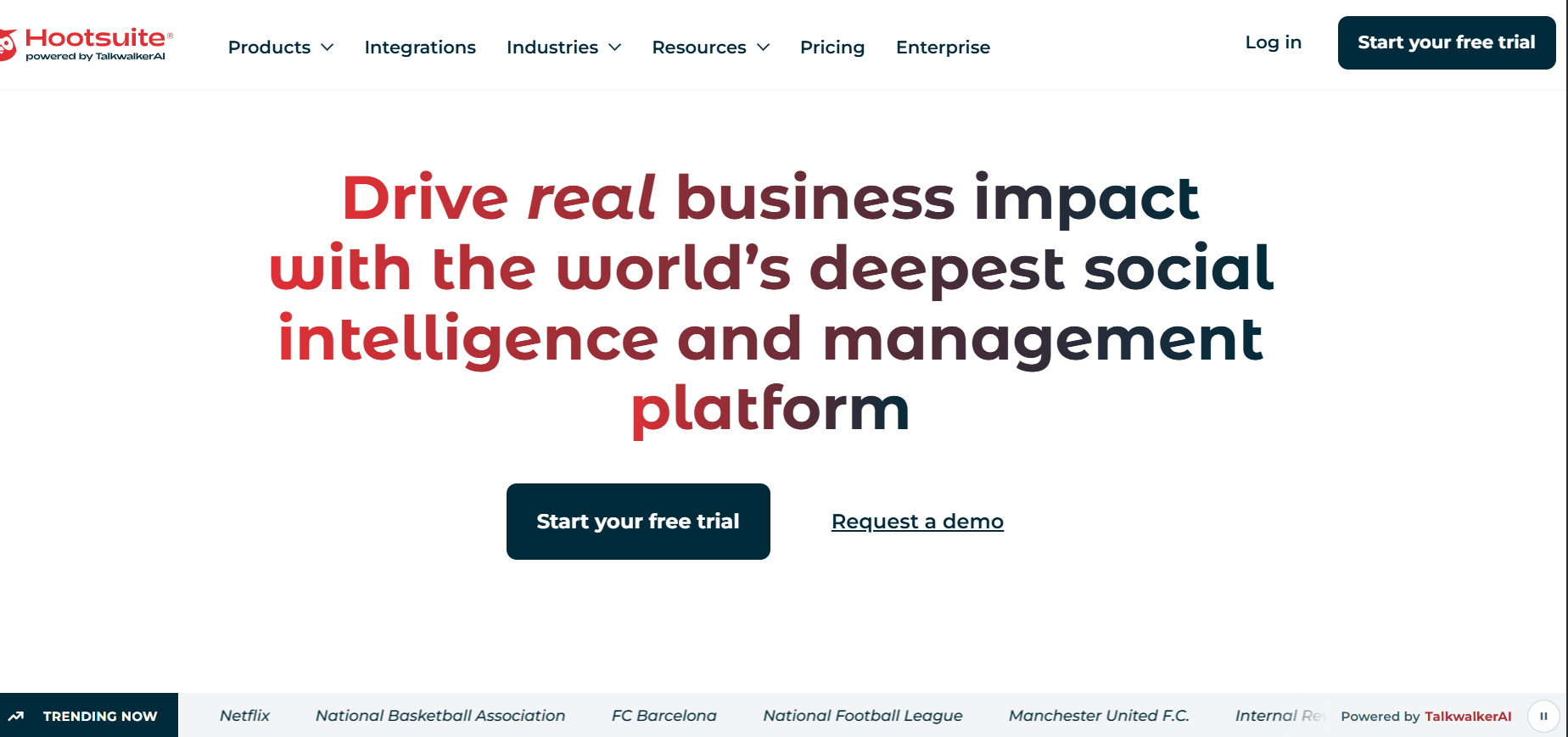
Hootsuite is the most widely recognized social media management platform globally, and its customer service capability sits alongside scheduling, analytics, and content management in one interface. For teams where content publishing and customer inquiry management are handled by the same people, Hootsuite eliminates the need to switch between a social management tool and a separate service platform.
The Inbox feature consolidates comments, DMs, and mentions from Facebook, Instagram, X, LinkedIn, and YouTube. Automated routing assigns incoming messages to specific team members. Response time tracking gives managers visibility into how quickly the team is handling social inquiries. At $99/month for the entry plan, it is more accessible than Sprout Social for smaller teams with combined publishing and service needs.
The trade-off is service depth. Hootsuite is a social management platform with service features, not the reverse. Teams whose primary function is customer service will find Freshdesk or Zendesk more capable. Teams that need both publishing and service with roughly equal weight will find Hootsuite's balance appropriate.
Best for: Teams managing both social media publishing and customer service inquiries, where both functions share personnel and tooling.
Pricing: Starts at $99/month. Enterprise pricing available for larger teams.
Pros:
- Publishing and service in one platform, eliminating tool-switching for combined teams
- Covers all major social channels including YouTube
- Automated routing and response time tracking included
- Strong analytics across both content and service metrics
Cons:
- Service features less deep than purpose-built helpdesk platforms
- WhatsApp coverage is limited compared to specialist platforms
- Per-seat costs at scale can exceed more service-focused alternatives
6. Zoho Desk — Best for Budget-Conscious SMBs Needing Multi-Channel Support
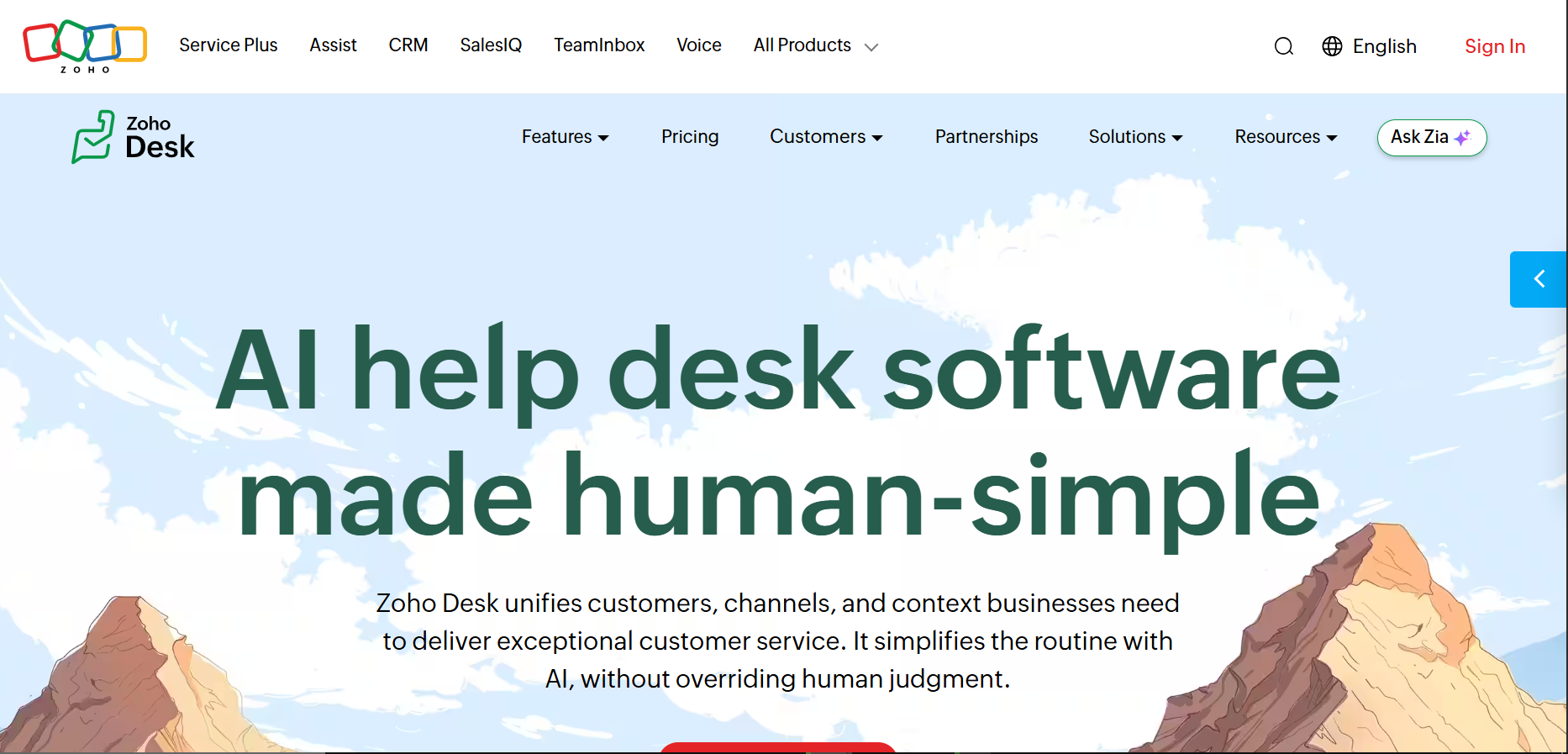
Zoho Desk is the most affordable genuinely capable omnichannel support platform on this list. At $7 per agent per month on the entry paid tier, it covers Facebook, Instagram, X, and WhatsApp alongside email and live chat with ticketing, automation, SLA management, and AI-powered response suggestions.
Zia, Zoho's AI, handles sentiment analysis, ticket tagging, and response suggestions across channels. For small teams handling under 500 social interactions per month, Zoho Desk delivers 80% of Zendesk's functionality at a fraction of the cost. The trade-off is depth: analytics are less granular, AI is less sophisticated at complex inquiry types, and enterprise-specific features (workforce management, advanced security compliance) are absent.
For SMBs expanding into social customer service for the first time, Zoho Desk is the most defensible starting point. Businesses using Zoho Desk report an average 40% improvement in first-response times within the first 30 days, according to Zoho's published customer data. When volume grows and complexity increases, upgrading to a higher-tier platform is straightforward.
Best for: Small and mid-sized businesses needing affordable, genuine omnichannel capability across social and email without enterprise overhead.
Pricing: Free plan for 3 agents. Paid plans from $7/agent/month. WhatsApp requires higher-tier plans.
Pros:
- Most affordable entry point for genuine omnichannel customer service
- Zia AI handles sentiment analysis and response suggestions across channels
- Full ticketing, SLA management, and automation included
- Strong integration with Zoho CRM for contact history
Cons:
- Analytics depth limited at lower tiers
- WhatsApp and advanced social features require Standard plan or higher
- Not designed for enterprise-scale social volume or compliance requirements
7. Help Scout — Best for Small Teams Wanting Simplicity Over Feature Depth
Help Scout's design philosophy is the opposite of Zendesk's. Where Zendesk adds complexity to handle scale, Help Scout removes it to serve teams that want a clean, intuitive inbox without the configuration overhead of a full enterprise platform.
It covers Facebook Messenger natively alongside email and live chat, with a shared inbox that multiple agents can work from simultaneously without conversation collision. AI features suggest replies, summarize conversations, and handle basic FAQ deflection. For small teams where the primary social customer service need is Facebook Messenger and email, Help Scout handles both excellently with a setup time measured in hours, not days.
The limitation is channel coverage. Help Scout does not natively support Instagram DMs, WhatsApp, or X. Teams whose customers use those channels will need a different platform or a supplementary tool. For teams whose social service requirement is genuinely limited to Facebook Messenger, it is the cleanest implementation available at any price.
Best for: Small teams with limited social channel requirements that prioritize ease of use and clean agent experience over comprehensive channel coverage.
Pricing: Starts at $22/user/month. Scales with team size.
Pros:
- Cleanest agent interface of any platform on this list
- Fast setup with minimal configuration overhead
- AI reply suggestions and conversation summaries included
- Strong for email-plus-chat teams expanding into Facebook Messenger
Cons:
- No native Instagram, WhatsApp, or X support
- Not suited for teams with meaningful cross-channel social service volume
- Limited analytics compared to social-first platforms
8. Sprinklr — Best for Enterprise Brands Managing High-Volume Social Across Many Channels
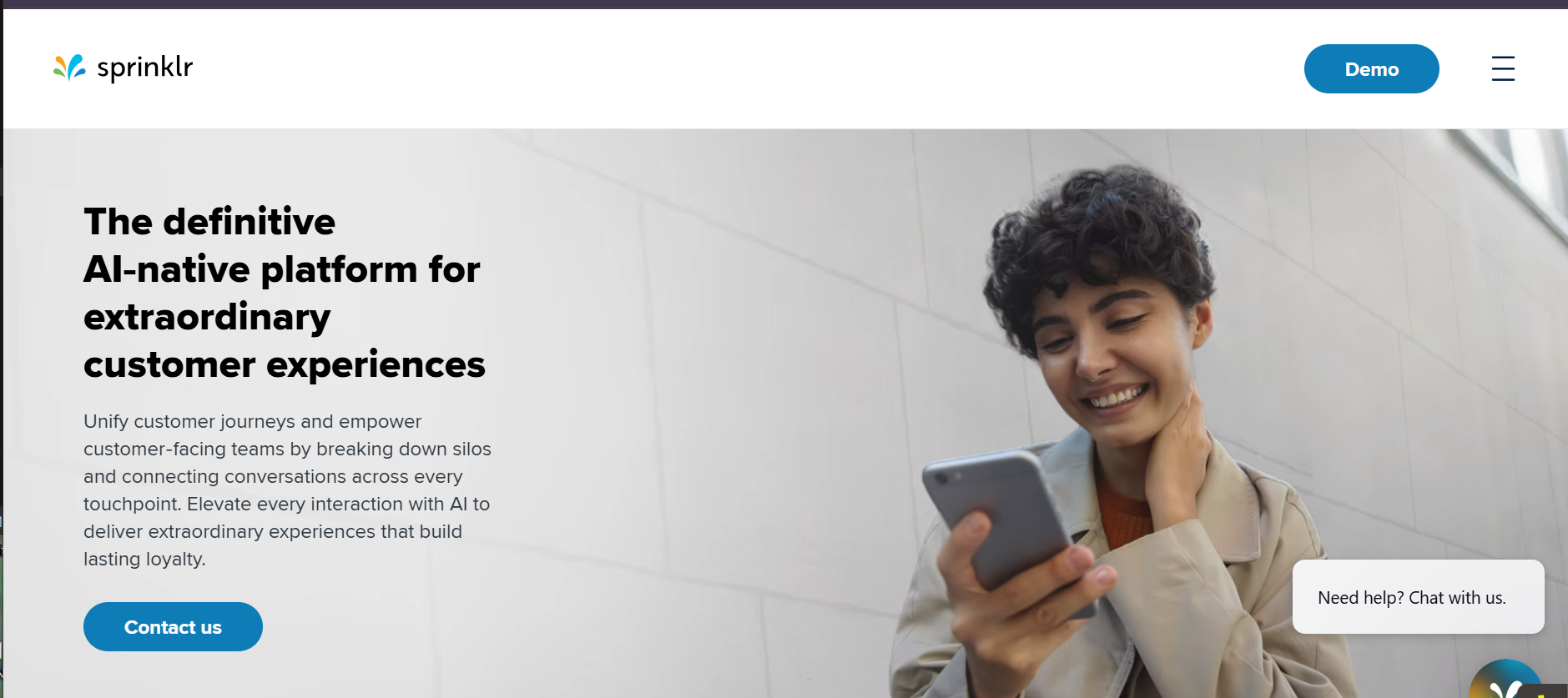
Sprinklr is the most complete enterprise social customer service platform available. It covers 43 social channels natively, including every major platform and several that most competitors do not support: TikTok, Reddit, Pinterest, LinkedIn, and YouTube comments all handled with the same depth as Facebook and Instagram.
The enterprise depth extends across AI, analytics, and workflow automation. AI-powered message classification, sentiment analysis, and automated resolution handle significant message volume before human agents are involved. Sprinklr users report handling up to 70% of social inquiries through AI automation without sacrificing CSAT scores, according to Sprinklr's published case studies. Workforce management, quality assurance, and compliance features make it appropriate for regulated industries and global brands with complex governance requirements.
The entry point is enterprise pricing without a public rate card. Teams without large social volumes, multiple channels, or complex compliance needs will find it disproportionate to their requirements.
Best for: Global enterprise brands managing high-volume social customer service across many channels, with compliance, governance, and workforce management requirements.
Pricing: Custom. Requires a sales conversation. Positioned for enterprise investment levels.
Pros:
- 43 social channels natively covered, the broadest on this list
- Enterprise-grade AI with meaningful deflection rates at scale
- Workforce management and QA features for large support organizations
- Strong compliance and data governance for regulated industries
Cons:
- Enterprise pricing positions it beyond most small and mid-market budgets
- Implementation complexity requires dedicated onboarding and admin resources
- Overkill for businesses with fewer than 10 social service agents
9. Agorapulse — Best for Agencies Managing Multiple Client Social Accounts
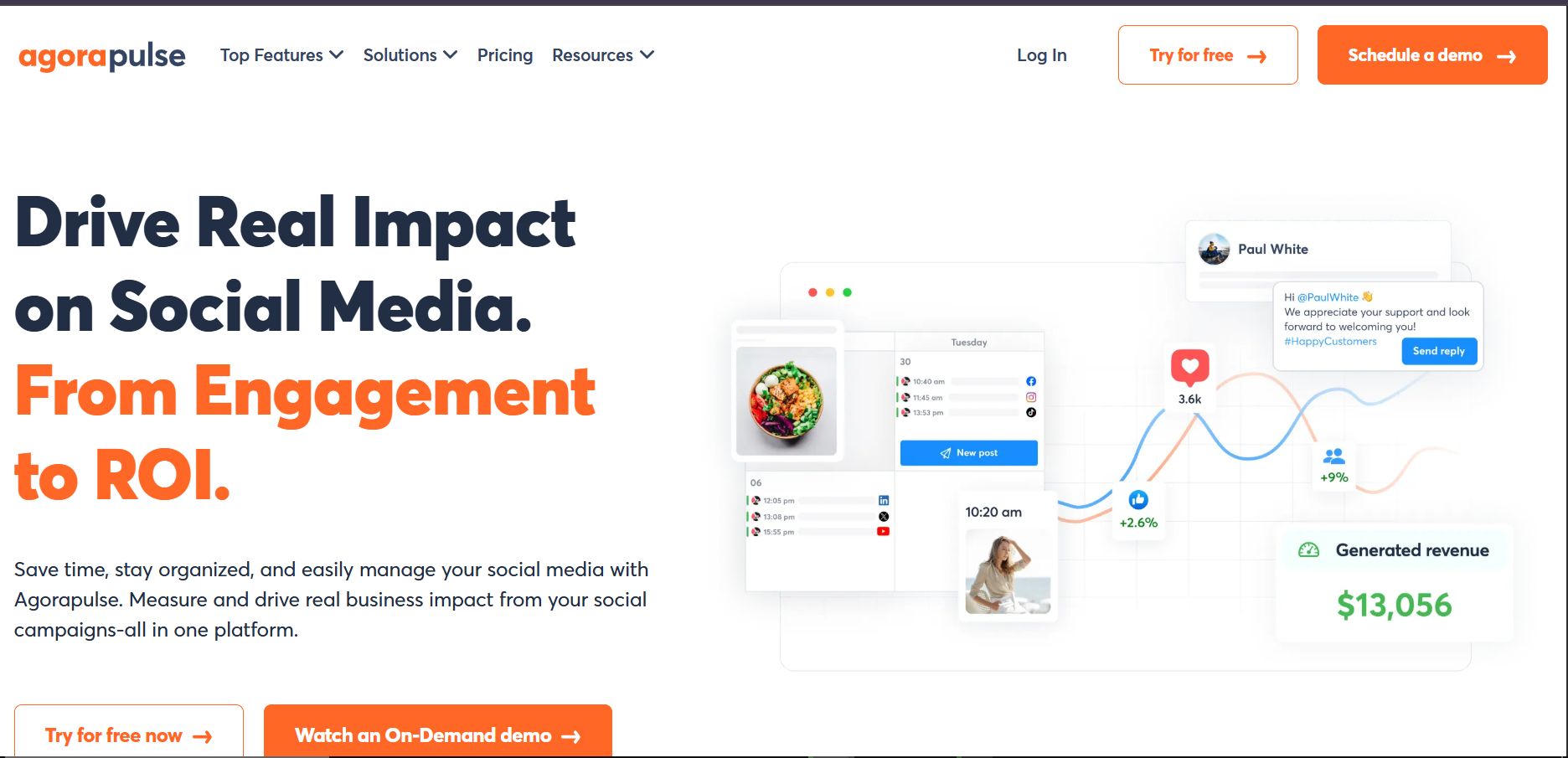
Agorapulse occupies a specific niche that few platforms serve well: agencies managing social customer service across multiple client accounts simultaneously. Multi-profile management, client reporting, and team collaboration features are built into the core product rather than added as enterprise afterthoughts.
The unified inbox covers Facebook, Instagram, X, LinkedIn, and YouTube. The Inbox Assistant handles automatic moderation and tagging, routing incoming messages to the right team member based on configurable rules. For agencies billing clients on social media management that includes community management and customer response, Agorapulse's per-profile pricing model often works out more cost-effectively than per-seat alternatives.
For in-house teams at single businesses, the agency-oriented features add overhead without adding value. The tool is excellent for its intended audience and awkward for everyone else.
Best for: Social media agencies managing customer service across multiple client accounts with the need for client-level reporting and team separation.
Pricing: Starts at $99/month for 1 user, 10 social profiles. Scales with profiles and users.
Pros:
- Purpose-built for multi-account management with clean client separation
- Inbox Assistant handles automatic routing and moderation
- Client reporting included without additional configuration
- Competitive pricing for agencies relative to per-seat alternatives
Cons:
- Not optimized for in-house single-brand teams
- WhatsApp coverage limited compared to WhatsApp-native platforms
- Analytics strong for social engagement, less deep for service-specific metrics
10. LiveAgent — Best for Teams Wanting Phone, Social, and Chat Unified at a Low Per-Agent Price
LiveAgent takes the broadest channel scope at the lowest per-agent price. At $15 per agent per month, it covers Facebook, Instagram, X, WhatsApp, email, live chat, and phone from one platform. For teams that handle customer service across voice and digital channels simultaneously, the unification value is significant.
The social inbox converts messages into tickets that flow through the same queue as phone and email contacts. Canned responses, workflow automation, and routing rules apply across all channels. An AI chatbot handles initial responses for common inquiries before escalating to human agents. LiveAgent customers report 25% improvement in customer satisfaction scores within the first 60 days, per their published case study data.
The trade-off is social depth. LiveAgent handles social channels competently but not with the analytics granularity or AI sophistication of platforms that specialize in social. For teams where phone is still a primary channel and social is one of several, the all-in-one value proposition justifies the trade.
Best for: Small to mid-sized teams handling phone, social, and chat support where unified agent workflow matters more than deep social-specific analytics.
Pricing: Free plan available. Paid plans from $15/agent/month. WhatsApp and some social channels require higher-tier plans.
Pros:
- Lowest per-agent price among platforms that include phone, social, and chat
- AI chatbot included on all paid plans
- Strong ticketing and routing across all channels
- Free plan available for small teams starting out
Cons:
- Social analytics less granular than specialist platforms
- Social features not as polished as platforms built specifically for social service
- WhatsApp and advanced social require Medium plan or higher
How to Choose the Right Social Customer Service Software
By Business Type
The fastest filter. Different business models have different channel priorities.
E-commerce and consumer brands where WhatsApp and Instagram drive customer contact: Heyy is the direct answer. Both channels are first-class, not integrated afterthoughts. The AI handles the routine volume automatically so your team handles the exceptions.
Mid-to-large teams where social publishing and customer service share the same personnel: Sprout Social or Hootsuite. Both combine publishing and service in one platform. Sprout Social is the stronger service tool. Hootsuite is the stronger publishing tool. Your team's primary function should determine the choice.
Enterprise brands managing social customer service across many channels at scale: Sprinklr. The 43-channel coverage and enterprise AI capability justify the investment for organizations with the volume to demand it.
SMBs needing affordable omnichannel capability across social and email: Freshdesk or Zoho Desk. Both deliver genuine omnichannel customer service platforms capability at accessible per-agent pricing. The distinction between the two comes down to AI quality: Freshdesk's Freddy AI outperforms Zoho Desk's Zia at complex inquiry types, but Zoho Desk's pricing undercuts Freshdesk at the entry tier.
Agencies managing multiple client social accounts: Agorapulse. The multi-account management features are purpose-built for this use case.
By Primary Business Objective
If your goal is reducing response time across social channels: Any platform with a unified inbox delivers this. The specific time improvement depends on the AI deflection quality. Heyy, Freshdesk, and Sprinklr all have meaningful AI deflection rates.
If your goal is turning social into a revenue channel: Heyy's AI qualification and sales conversation handling makes it the most direct tool for converting social inquiries into booked appointments or completed purchases.
If your goal is protecting brand reputation at enterprise scale: Sprinklr's social listening, sentiment analysis, and escalation management are the deepest available.
If your goal is simply stopping missed messages: Any tool on this list solves the missed message problem. The selection criteria after that are price, channel coverage, and AI quality.
By Budget
Model your cost at 3x current volume. Per-seat pricing at Zendesk ($55/seat) and Sprout Social ($249/month base) scales aggressively. Usage-based pricing at Heyy and per-agent pricing at Zoho Desk ($7/agent) and LiveAgent ($15/agent) scale more predictably. The platform that looks affordable at 5 agents often looks very different at 25.
The Metrics That Tell You Whether It Is Working
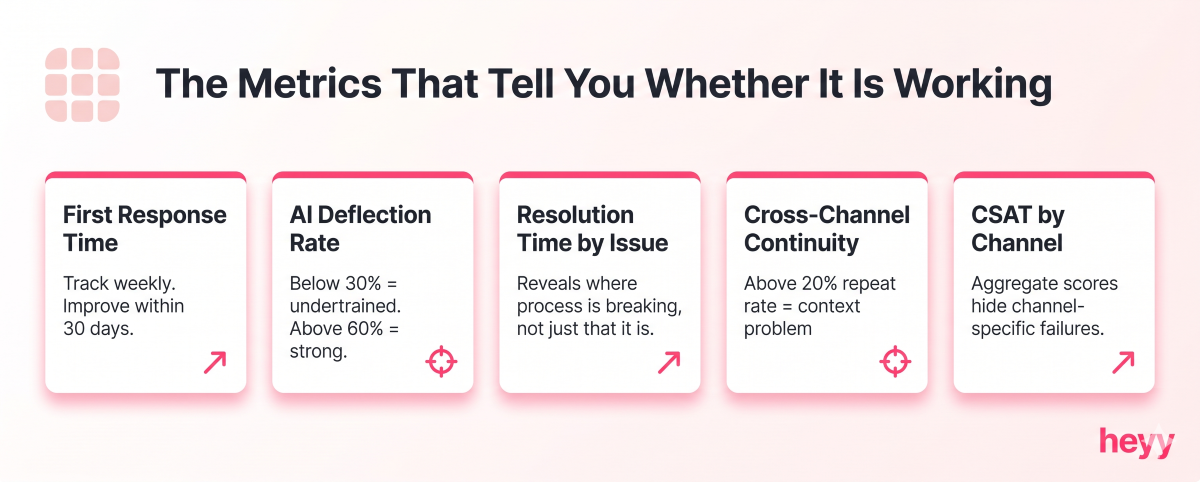
These are the five numbers to track monthly after implementation. Omnichannel customer service platforms that do not surface these metrics natively require workarounds that most teams will not maintain consistently.
First response time by channel. How quickly your team responds to the first message on each social channel. This is the metric that most directly affects customer satisfaction and brand perception. Track weekly. Improvement should be visible within the first 30 days.
AI deflection rate. What percentage of incoming messages does the AI resolve without human involvement? Below 30% suggests the AI is not properly trained on your product. Above 60% is strong performance. Above 80% is excellent and means your team is handling primarily the complex and high-value interactions.
Resolution time by issue type. How long from first contact to closed conversation for different categories of issue? This tells you where your process is breaking down, not just that it is breaking down.
Cross-channel conversation continuity. How often does a customer have to repeat their issue when moving between channels? Ideally zero. If this number is above 20%, your platform is not maintaining context properly.
CSAT by channel. Customer satisfaction scores segmented by channel tell you which social platforms your team handles well and which ones need attention. An aggregate CSAT score hides channel-specific problems.
Finally, if your customers are on WhatsApp and Instagram and your current setup is a phone checking notifications across three different apps, Heyy closes that gap immediately. One inbox, every channel, AI handling the routine volume before your team needs to touch it. No per-seat pricing that makes growth expensive. Start free and handle your first social customer service conversation with AI today.
FAQs
What is social customer service software?
Social customer service software is a platform that centralizes and manages customer interactions across social media channels, including WhatsApp, Instagram, Facebook, X, and others — into a unified inbox. It enables support teams to respond, route, track, and report on social customer interactions from one interface rather than managing each channel separately. The best customer engagement platforms in this category go further: they use AI to deflect routine volume, maintain cross-channel context, and give managers the analytics to measure performance by channel. The customer messaging evolution from email-first to social-first is what makes this category now essential rather than optional.
What is the difference between social media management software and social customer service software?
Social media management software focuses on content publishing, scheduling, and analytics. Social customer service software focuses on incoming message management, response, and resolution. Many platforms now offer both. Sprout Social and Hootsuite are examples of platforms that started as management tools and added service. Zendesk and Freshdesk started as service tools and added social channels. The distinction matters because a platform optimized for publishing is rarely optimized for service, and vice versa.
Which social channels are most important to cover?
In most consumer-facing markets, Facebook, Instagram, and WhatsApp generate the highest volume of customer service interactions. X (Twitter) remains important for brand monitoring and complaint escalation. LinkedIn is relevant for B2B brands. TikTok is emerging as a significant customer interaction surface for younger demographics. Prioritize the channels your specific customers use, not the channels that appear most frequently in industry articles.
How much should a business expect to spend on social customer service software?
The range is wide. Free plans exist for basic needs (Freshdesk, Zoho Desk, LiveAgent). Per-agent pricing starts at $7 to $22 per agent per month for capable platforms. Mid-range platforms like Hootsuite and Agorapulse start at $79 to $99 per month. Enterprise platforms like Sprout Social and Sprinklr start at $249 per month and scale significantly. The right spend depends on inquiry volume, channel requirements, and the revenue value of improved social response performance. Customer communication tools comparisons are a useful starting point for mapping features to budget.
Can AI actually handle social customer service without a human agent?
Yes, for a meaningful portion of interactions. AI can autonomously resolve FAQs, provide order status, answer pricing questions, handle appointment booking, and respond to common complaints with appropriate empathy and a resolution path. The interactions AI should not handle autonomously include billing disputes above a defined threshold, complaints from customers who have already been failed, and anything requiring clinical, legal, or highly contextual human judgment. The platforms with the highest AI deflection rates — Sprinklr, Heyy, and Freshdesk — configure these boundaries as part of the setup process.
How long does it take to implement social customer service software?
Basic deployment covering two or three social channels with standard routing can be live within a day on platforms like Heyy and Freshdesk. Full enterprise implementations covering multiple channels, CRM integration, custom workflows, and trained AI models typically take two to four weeks. The variable that extends timelines most consistently is AI training. The quality of the AI's responses depends on the quality of the knowledge base you give it. Building that knowledge base before deploying is the step most businesses skip and then regret.
More blog posts to read

Ready to Automate Support
Across Every Channel?
.svg)
.avif)