.svg)
Free Website Chat Widget for Your Business (2026 Guide)

Firstly, What Is a Free Website Chat Widget?
Let’s talk about it.
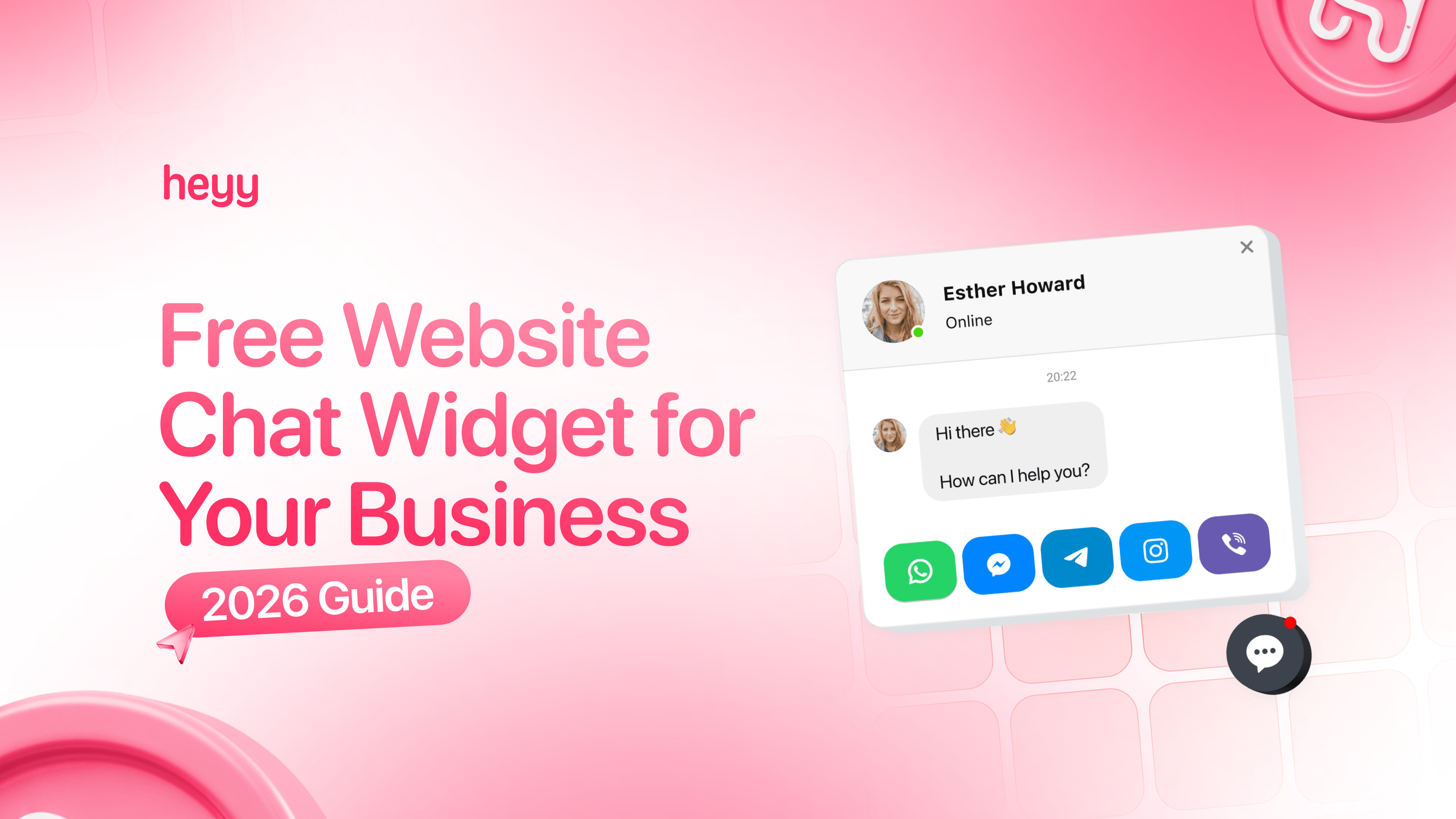
A website chat widget is that little chat bubble you see in the bottom corner of websites. Usually says something like "Need help?" or shows a message icon. Click it and you're chatting with the business.
The free ones give you the basic setup. Stick a widget on your site, customers can message you, you reply from a dashboard or app. No monthly fee.
Sounds pretty easy and straightforward.
Here's the thing most people don't tell you: free chat widgets are designed to get you started, not to run your business long-term. They work when your volume is low and your needs are simple. Once you start growing, you’ll need more help.
What You Really Get with "Free" Chat Widgets
Most free chat widgets give you the basics:
- A widget you can add to your website
- A dashboard where you see incoming messages
- Mobile apps so you can reply on the go
- Basic customization (colors, position, greeting message)
That's usually enough to get started. And for some businesses, that's genuinely all they need.
But here's where free starts costing you money:
1. You're Limited to Your Website Only
Your customers aren't just on your website. They're messaging you on Instagram. They're texting you on WhatsApp. They're DMing you on Facebook Messenger.
Free chat widgets only cover your website. So now you're juggling four different apps to keep track of conversations. You miss messages. Customers get frustrated. You lose sales.
2. Zero Automation
Every single message needs a human to respond. That "Where's my order?" question you get 20 times a day? You're typing out the same response manually every time.
No AI to help. No automatic replies. No chatbot to handle the easy stuff while you focus on real problems.
3. The Free Version Is... Obvious
Most free chat widgets slap their branding all over your widget. "Powered by [Tool Name]" sitting right there on your site.
Some businesses don't care. Others feel like it makes them look unprofessional or cheap. Removing the branding usually costs $10-20 per month, which defeats the point of "free."
4. Features Locked Behind Paywalls
Here's the route most free tools take:
Give you just enough to get started. Then, once you're hooked and your customers are used to the chat widget, they lock the features you need behind paid plans.
Want to see chat history past 30 days? Pay up. Want to add a second team member? Pay up. Want analytics to see what's working? Pay up.
It's not a scam. It's their business model. But it means "free" becomes "pay or lose functionality you now depend on."
5. You Outgrow It Fast
This is the big one.
If your business stays tiny forever, free works. But most businesses I know don't want to stay tiny. They want to grow.
And the moment you start growing, free chat widgets become a bottleneck. You can't handle the volume. You can't automate the repetitive stuff. You can't manage multiple channels. And you're spending more time fighting with your tools than helping customers.
The Cost of "Free"
Let me put some numbers on this.
Let's say you're getting 100 messages a week across your website, Instagram, and WhatsApp. You're using a free website chat widget, so you're switching between three different apps to manage everything.
Each context switch costs you about 2-3 minutes. That's the time it takes to open the app, remember where you left off, find the conversation, and respond.
100 messages x 2.5 minutes = 250 minutes per week = 4+ hours
That's four hours every single week just switching between apps.
Now, what if 40% of those messages are repetitive questions you could automate?
That's another 100 minutes (1.5 hours) you're wasting typing the same responses.
So you're spending 5.5 hours per week on stuff that could be automated or consolidated.
If your time is worth $50/hour (and it probably should be), that's $275 per week. Over $1,000 per month.
Suddenly, "free" is costing you way more than a paid tool would.
When Free Makes Sense
Look, I'm not saying free chat widgets are bad. They're perfect for specific situations:
Use a free chat widget if:
- You're just testing whether live chat helps your business
- You get fewer than 20 messages per week
- You only need website chat (no Instagram, WhatsApp, or other channels)
- You have tons of time to manually respond to everything
- You're okay with basic features and limitations
For a brand new business or a side project, free can work. You're not drowning in messages yet. You don't need fancy automation. And you're willing to trade time for money.
But the second you start growing, you need a different approach.
When You Need to Upgrade (And What to Look For)
These are the signs you've outgrown free chat widgets:
You're struggling with messages from multiple platforms If you're constantly switching between apps to check Instagram DMs, WhatsApp messages, and website chat, you need a multi-channel solution.
You're answering the same questions over and over If you're typing "Yes, we ship to Canada" for the 30th time this week, you need automation.
You're missing messages If customers are saying "I messaged you three days ago and never heard back," you need better notification and inbox management.
Your team is growing If you're adding people to help with customer support, you need proper assignment, routing, and collaboration tools.
You want to be available 24/7 without working 24/7 If customers are messaging you at midnight and you're losing sales because no one's awake to respond, you need AI that can handle conversations when you're asleep.
The Better Alternative: Start Free, Scale Smart
Here's what I told my colleague, Jake after his free chat widget fell apart.
"You don't need another free tool. You need something that grows with you."
He switched to Heyy and it worked:
What Makes Heyy Different
1. Multi-Channel from Day One
Heyy handles your website chat, WhatsApp, Instagram DMs, and Facebook Messenger from one inbox. No more switching between five different apps. Everything in one place.
Jake went from juggling three apps to managing everything from a single dashboard. He stopped missing messages immediately.
2. AI That Handles Repetitive Questions
Heyy's AI Employee answers common questions automatically. "Do you ship to Canada?" "What are your hours?" "Is this in stock?"
The AI handles it. Instantly. 24/7.
Jake set it up in about 30 minutes. Uploaded his product catalog, added his FAQs, and the AI started responding. It handled about 60% of his messages without him lifting a finger.
3. Scales Without Punishing You
A lot of tools hit you with massive price jumps when you grow. Heyy doesn't do that.
You start with what you need. As you grow, you can add paid features.
4. Setup Takes Less Than an Hour
This was huge for Jake. He didn't have time to spend three days configuring a complicated system.
With Heyy, he signed up, connected his channels (website, WhatsApp, Instagram), uploaded his business info, and he was live in a few minutes.
5. You Don't Lose Your Personal Touch
The AI handles the repetitive stuff. But when a customer needs a human, the conversation gets handed off seamlessly with full context.
Your team sees the entire conversation history. They know what the customer asked. They can pick up exactly where the AI left off. No "let me check on that" or making customers repeat themselves.
How Jake's Business Changed
Three months after switching to Heyy:
- Response time dropped from hours to seconds
- He reclaimed 15+ hours per week (no more app-switching hell)
- Customer satisfaction went up because no one was waiting around anymore
- He could finally take a weekend off without panicking about missed messages
And here's the best part: his conversion rate went up 28%.
Turns out, when you respond to customers instantly and don't make them repeat their questions, they're way more likely to buy.
How to Add a Chat Widget to Your Website
If you want to get started with a website chat widget, the process is simple. I wrote a full step-by-step guide here: How to Add a Chat Widget to Your Website
But here's the quick version:
- Sign up for your chosen platform
- Customize your widget (colors, greeting, position)
- Copy the code snippet
- Paste it into your website (usually in the header or footer)
- Test it to make sure it works
With Heyy, this takes about 15 minutes. With most platforms, it's roughly the same.
The difference isn't in how you install it. The difference is in what happens after someone clicks that chat button.
Free vs Paid
Let me break this down in a way that makes the decision obvious.
The Free Chat Widget Reality:
- Website only (no Instagram, WhatsApp, Messenger)
- Manual responses for every message
- No automation
- You're switching between multiple apps for different channels
- You're spending 5+ hours per week on repetitive tasks
- You're missing messages and losing sales
Cost: $0 per month Realistic cost: 5+ hours per week + lost sales from missed messages
Your Reality With Heyy:
- Website + Instagram + WhatsApp + Messenger in one inbox
- AI handles 60-80% of repetitive questions automatically
- 24/7 availability without working 24/7
- One platform for everything
- Your time back to focus on growing your business
Cost: Starts free, scales with your business
Real savings: 15+ hours per week + increased sales from faster responses
When you break it down like that, the choice is pretty clear.
Common Questions About Free Chat Widgets
Can I start with a free option and upgrade later?
Yes, but be prepared for some headaches.
Most businesses start free, outgrow it in 30-60 days, then spend time migrating to a better platform. You lose chat history, have to reconnect everything, and retrain your team.
It works, but you're doing the work twice.
Smarter move? Start with something that can grow with you so you don't have to migrate later.
Will customers know I'm using a free tool?
Usually, yes. Free versions typically show branding like "Powered by [Tool Name]" or some branded on your widget.
Some businesses don't care. Others feel like it hurts their credibility. If you're running a professional business, the branding can make you look like you're cutting corners.
How long does setup take?
For most free chat widgets, setup takes less than 15-30 minutes if you're just adding it to your website.
For something like Heyy that handles multiple channels, setup takes roughly a couple of hours because you're connecting Instagram, WhatsApp, and your website all at once.
One hour upfront saves you hundreds of hours later.
What happens when I hit the limits of free?
Most free tools either stop working (you can't send more messages) or force you to upgrade to a paid plan.
Some tools grandfather you in with limited features. Others lock you out entirely until you pay.
Read the fine print before you commit.
Do I need coding skills to install a chat widget?
Nope. Every modern chat widget gives you a simple code snippet you copy and paste into your website.
If you're on WordPress, Shopify, Wix, or Squarespace, there's usually a plugin or integration that makes it even easier. Literally just click a button.
If you can copy and paste, you can install a chat widget.
That same copy-paste ease applies to fundraising on Squarespace, where adding Squarespace donations takes just a few clicks and no developer.
Here's What to Do Next
If you're reading this, you're probably in one of three situations:
Situation 1: You Don't Have a Chat Widget Yet
Don't start with a free option that you'll outgrow in a month.
Go with something that scales with you from day one. Try Heyy free and connect your website, Instagram, and WhatsApp in a few minutes.
You'll thank yourself later when you don't have to migrate platforms six weeks from now.
Situation 2: You're Using a Free Tool and It's Working Fine
Great! Keep using it.
But bookmark this page. Because the second you start feeling overwhelmed, missing messages, or wishing you could automate the repetitive stuff, you'll know exactly what to do.
Situation 3: You're Using a Free Tool and It's Killing You
You already know you need to upgrade. You're just putting it off because switching platforms feels like a pain.
I get it. But every day you wait is another day you're wasting hours on work and losing sales from missed messages.
Set up Heyy, connect your channels, and you'll be up and running in less than a few minutes.
Jake learned this the hard way. He spent three weeks wrestling with a free tool before finally switching to something built for growth.
You don't have to make the same mistake.
If you want a chat widget that handles your website, Instagram, WhatsApp, and Messenger from one place, automates the repetitive stuff, and gives you your time back, try Heyy free for 14 days.
Just sign up, connect your channels, and see what it's like to have a system that grows with your business instead of holding it back.
Want to learn more about chat widgets? Check out these guides:
And if you end up trying Heyy, let me know how it goes. I'm genuinely curious which features click for you first.
More blog posts to read

Ready to Automate Support
Across Every Channel?
.svg)
.avif)