.svg)
Why Every Customer Support Team Needs Two-Factor Authentication

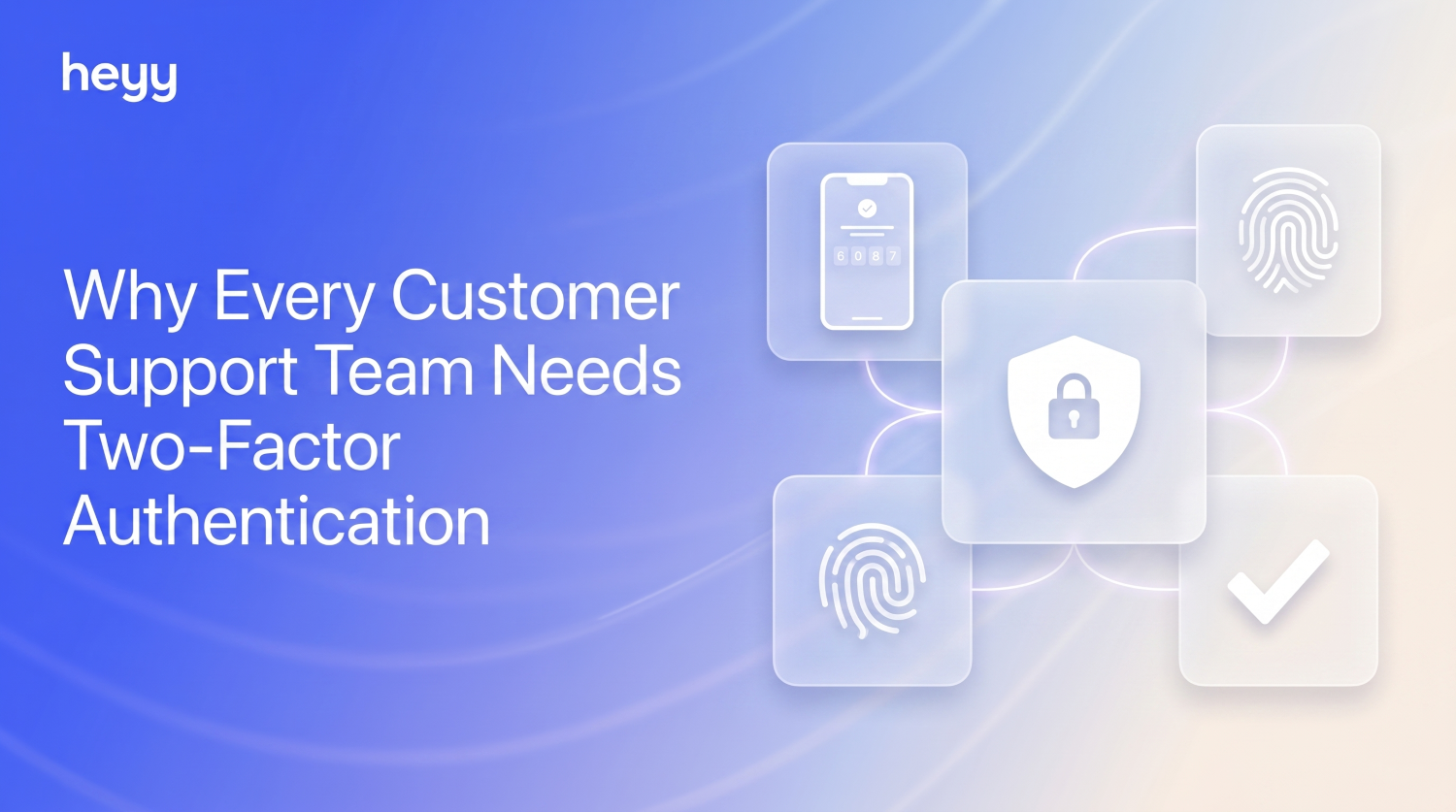
Every day, your support team logs into an inbox that holds more about your customers than almost any other system in your business. Names, phone numbers, email addresses, order histories, and sometimes payment details or copies of ID documents shared during a dispute. All of that sits behind a single login. If that login is weak, reused, or shared around the team on a sticky note, you are one phishing email away from a very bad day. That is exactly why Heyy now supports two factor authentication for customer support teams, secured through an authenticator app for every user.
What Is Two-Factor Authentication (2FA)?
Two factor authentication adds a second step to logging in. After entering a password, the person also has to provide a short, time based code generated by an authenticator app on their phone, such as Google Authenticator, Authy, or 1Password. Even if someone gets hold of the password, they still cannot get in without that second code, which changes every 30 seconds and only exists on the account owner’s device.
It is a small extra step at login that closes one of the biggest doors attackers use to get into business accounts, and it is now available across Heyy for every member of your team.
Why 2FA Matters for Customer Support Teams Specifically
Security advice often gets aimed at “the business” in general, but customer support teams carry a particular kind of risk. Multiple agents need access to the same conversations. Teams grow, shrink, and bring on freelancers or contractors. People log in from home, from cafes, from shared laptops. Every one of those access points is a potential door, and the more people who have a key, the more likely one of those keys ends up somewhere it shouldn’t.
The numbers back this up. Across corporate breaches, the vast majority trace back to weak or reused passwords and other credential issues, not sophisticated exploits. Attackers do not need to break in when someone has reused their email password for their work account, or when an old team member’s login was never deactivated. Two factor authentication for customer support closes that gap, because a stolen or guessed password alone is no longer enough to get in.
The Real Risk: Why Support Inboxes Are a Target
Think about what actually lives inside a support inbox after a year or two of conversations. Customer names and numbers. Email addresses. Delivery addresses. Order histories. Screenshots of payment confirmations. Sometimes, copies of ID cards sent during a verification request. On its own, each message looks harmless. Together, it is a detailed profile of your entire customer base.
If someone gets into that account, the damage goes beyond data theft. They can also message your customers directly, from a channel those customers already trust, like WhatsApp or Instagram, and use that trust to run scams in your brand’s name. That is a support problem, a security problem, and a reputation problem all at once, which is exactly why protecting customer data with 2FA belongs at the top of any support team’s security checklist, not as an afterthought handled by IT once a year.
How 2FA With an Authenticator App Works in Heyy
Setting up 2FA in Heyy follows the same pattern as most apps you already use for banking or work email, so there is nothing unfamiliar to learn:
- Open your account security settings in Heyy and choose to enable two factor authentication.
- Scan the QR code with an authenticator app on your phone, such as Google Authenticator, Authy, or 1Password.
- Enter the 6 digit code the app generates to confirm the connection.
- From then on, every login asks for that code in addition to your password, generated fresh on your device every 30 seconds.
That is it. No new app for your team to manage day to day, just one extra step at login that takes a few seconds.
Setting Up 2FA for Your Whole Team
Account security should not depend on every individual agent remembering to turn it on. As a workspace admin, you can encourage or require two factor authentication for every member of your team, so account security for support teams becomes a standard, not a suggestion. This matters most for the people with the broadest access: admins, team leads, and anyone who can view conversations across every channel.
A good rollout looks like this: turn it on for admins and team leads first, then roll it out to the rest of the team during onboarding for new hires and as a one time setup task for existing agents. Most people can complete the setup in under two minutes once they have an authenticator app installed.
Authenticator Apps vs. SMS Codes: Why the Difference Matters
Some services still offer two factor authentication by text message, where a code is sent to your phone number. It is better than nothing, but it has a well known weakness: SIM swapping. If an attacker convinces your phone carrier to move your number to a new SIM card, they can receive those codes themselves, no access to your actual phone required.
Authenticator apps avoid that problem entirely. The code is generated locally on your device using a shared secret set up during the QR code scan, with no signal or network connection needed. Nobody can intercept a code that never travels over a phone network in the first place. That is why Heyy’s 2FA authenticator app approach is the stronger choice for any team handling sensitive customer data.
2FA Is One Piece of a Bigger Security Picture
Two factor authentication protects who can get into your support inbox in the first place. Once your team is in, the same principles that make a support inbox secure also make it faster to work in. A secure customer support inbox with clear ownership, visible status, and the right people seeing the right conversations is also a well organized one. If your team hasn’t set up a shared inbox with saved views yet, that is the natural next step alongside turning on 2FA.
The Bottom Line
Your support team handles some of the most sensitive information in your business, every single day, often without thinking about it that way. Two factor authentication for customer support is a small change with an outsized payoff: it takes a few seconds at login and closes one of the most common doors attackers use to get in. With Heyy’s authenticator app based 2FA now available to every user, there is no reason to leave that door open.
FAQs
What is two factor authentication and why do I need it for customer support?
Two factor authentication adds a second login step, a time based code from an authenticator app, on top of your password. For support teams, it protects the customer data and conversation history stored in your inbox even if a password is stolen or guessed.
Which authenticator apps work with Heyy’s 2FA?
Any standard authenticator app works, including Google Authenticator, Authy, Microsoft Authenticator, and 1Password, since they all use the same time based code standard.
Can I require 2FA for my whole team?
Yes. Workspace admins can encourage or require two factor authentication across all users, which is especially important for admins and team leads with broad access to conversations.
What happens if I lose access to my authenticator app?
You can use your account recovery options to regain access and set up 2FA again on a new device, so a lost phone does not mean a lost account.
Is an authenticator app safer than getting a code by text message?
Yes. SMS codes can be intercepted through SIM swapping, while authenticator app codes are generated locally on your device and never travel over a phone network, making them harder to intercept.
More blog posts to read


Ready to Automate Support
Across Every Channel?
.svg)
.avif)