.svg)
Best AI Tools That Turn Audio Content Into Engaging Videos

Not every audio recording deserves to stay an audio recording. Podcasters, musicians, and content teams are increasingly turning to AI to transform spoken content into video, and the category of AI audio-to-video generator tools has grown fast enough that picking the right one takes some evaluation.
Descript suits creators who want fine editorial control over their video output, while Synthesia is built around avatar-led presentations that work well for corporate and training content. Pictory excels at repurposing long-form recordings into short highlight clips, and VEED offers a browser-based audio-to-video converter with a quick turnaround for social content. Steve AI sits closer to the automated end, generating videos from audio with minimal manual input.
The right AI video generator depends less on feature lists and more on how a creator actually works, how much editing they want to do, and what the final output needs to look like.
Best AI Audio-to-Video Tools at a Glance
Here is a quick snapshot of the strongest tools and the type of user each one suits best:
- Freebeat: Best for creators who want to turn audio into visual-first video outputs quickly, without a steep learning curve
- Descript: Best for podcast producers who need transcript-based editing and repeatable long-form workflows
- Synthesia: Best for corporate and training teams that need avatar-led, presenter-style video without a camera setup
- Pictory: Best for marketers turning long recordings into short, social-ready highlight clips automatically
- VEED: Best for creators who need fast, browser-based captioning and social media video exports
- Steve AI: Best for high-volume publishers who want automated video generation from audio with minimal input
The right tool depends on workflow, editing depth, and output style. The sections below break each one down by use case.
What Actually Matters When Choosing a Tool
Features That Change the Workflow
Not all audio-to-video tools are built around the same use case, and that gap shows up quickly once someone starts using them. Source input flexibility matters first: whether a tool accepts direct audio uploads, supports a podcast-to-video workflow, or handles voiceover-driven content shapes everything downstream.
From there, features like auto-caption generation, subtitles, waveform visualization, and video template libraries separate tools built for speed from those designed for deeper video editing control. The AI video market is expanding rapidly, with tools diverging between quick social media video outputs and full-production environments.
Reach is a real factor, too. Converting audio into a watchable format opens distribution on YouTube and social platforms that would otherwise ignore an audio file entirely. Buyers often separate tools into three broad categories: fast audio-driven visualizers, full editors, and avatar platforms. Understanding which category fits a given workflow is the most useful first step, and it connects directly to the modern content marketing automation tools that treat content repurposing as a workflow rather than an afterthought.
Top Picks by Use Case
The best tool changes depending on the workflow. A podcast producer editing long-form episodes has different needs than a marketer generating daily social clips, so the picks below are grouped by the use case they serve most reliably.
Freebeat
Freebeat is a strong pick if your goal is to turn audio into a visual-first video quickly, without getting pulled into a heavy editing workflow. It is built for fast transformation from audio to shareable video, which makes it a practical option for creators who want output speed and an easy setup.
If you want to see what the workflow looks like, start with Freebeat Audio to Video AI.
Descript
Descript remains the strongest option for creators who want real editorial control over the podcast-to-video process. Its transcript-based editing model lets you cut audio by deleting words from a text document, which removes the friction that makes traditional video editing slow for audio-first creators.
It also handles screen recordings, multicam footage, and waveform layouts, making it versatile rather than narrowly specialized. The main trade-off is the learning curve: getting a polished result usually takes more setup than drag-and-drop alternatives.
Descript suits podcast producers who publish regularly and need a repeatable editing workflow, not creators looking for a one-click output.
Synthesia
Synthesia takes a different approach entirely. Rather than visualizing existing audio, it generates AI avatar video from a script, pairing spoken output with a digital presenter. That distinction matters: Synthesia is not an audio-to-video converter in the traditional sense, but it fills a real gap for teams that need professional-looking video without camera access or a production crew.
Corporate training content, internal communications, and product walkthroughs are where Synthesia performs most consistently. The range of avatar options and language support also makes it practical for global teams.
The limitation is flexibility. The output style is anchored to the presenter format, so if you need dynamic cuts, b-roll, or visual storytelling, it can feel restrictive.
Pictory
Pictory is built for repurposing, especially when you have long recordings and want short, social-ready highlights. It does a solid job identifying key moments, generating subtitles, and exporting in formats that work well for Instagram, TikTok, or LinkedIn with minimal manual work.
It is a good fit for marketers and content teams who care more about speed and consistency than frame-by-frame editing control.
VEED
VEED is browser-based and prioritizes quick turnaround. It is a good option if you want fast captioning, simple editing, and social exports without moving projects between multiple tools.
It fits social-first workflows well, especially for creators who want a usable result fast and prefer working in a clean, web-based interface.
Lumen5
Lumen5 is best when you want template-driven, branded video outputs. It is often used to convert written or audio content into polished, on-brand videos using pre-built layouts.
The trade-off is customization depth. It looks professional quickly, but you can feel the boundaries of the template structure if you need more original visual direction.
Steve AI
Steve AI sits at the most automated end of the group. It generates video from audio with minimal required input, which can be helpful for high-volume publishing where speed matters more than precision.
The trade-off is control. If you have specific visual requirements or a tighter creative standard, the automation can feel limiting.
For more context on this faster, template-driven tier, the roundup of AI-powered video creation platforms covers additional tools in the same category.
Which Tool Fits Your Content Workflow
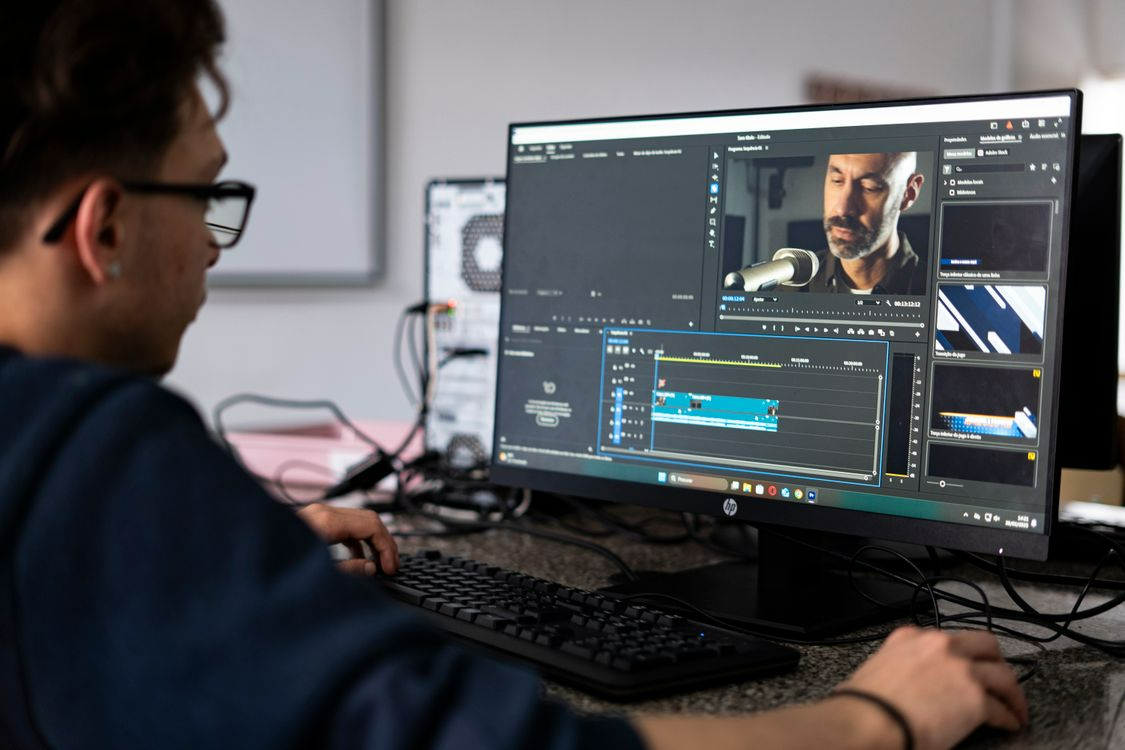
The clearest way to choose between these tools is to start with the type of creator, not the feature list.
Solo podcasters who want editorial precision will find Descript the most capable option. Its transcript-driven workflow supports repeatable production without requiring video editing experience. For creators who need avatar-led output without a camera setup, Synthesia fills that gap more reliably than any audio-to-video converter in this group.
Agencies and marketing teams publishing social media video at volume will lean toward Pictory, VEED, or Lumen5. These tools prioritize speed, video template variety, and export convenience over granular control, which suits workflows where consistency and output rate matter more than custom production.
The broader decision comes down to three real trade-offs:
- Speed versus control: Automated tools like Steve AI and VEED produce results faster, but Descript gives creators more authority over the final cut.
- Captions versus branding: Most tools auto-generate subtitles well, but template-based branding is more developed in Lumen5 and VEED than in voiceover-first platforms.
- Automation versus flexibility: A dedicated AI audio-to-video generator handles the heavy lifting, but content repurposing at a professional level often requires more editing flexibility than fully automated tools allow.
For teams that need to treat content repurposing as a repeatable system rather than a one-off task, investing in a broader AI video generator with image to video capabilities makes more sense than relying on a single-use converter.
Final Thoughts
Choosing the right AI audio-to-video generator comes down to content format and publishing goal, not the length of a tool's feature list. A podcaster editing long-form episodes has different requirements than a marketing team producing social media video at volume, and the tools covered here reflect that range clearly.
The more practical filter is workflow fit. Creators who need editorial precision land in a different category than those prioritizing speed and template output. Shortlisting based on how a tool handles a typical podcast-to-video project will surface the right answer faster than comparing dashboards.
No single tool leads across every use case. The right one is the one that fits the work that already needs doing.
More blog posts to read

Ready to Automate Support
Across Every Channel?
.svg)
.avif)