.svg)
7 Types of Chatbots in 2026: Which One Does Your Business Need?

.png)
Here's the thing about chatbots: you might think they're all the same.
They're not.
A simple menu-based chatbot that shows button options is completely different from a generative AI chatbot that understands natural language and holds nuanced conversations.
Choosing the wrong type of chatbot is like buying a bicycle when you need a truck. Sure, they both move you from point A to point B, but one is wildly inappropriate and inconvenient for the job.
So I’ll teach you. This guide breaks down the 7 main types of chatbots in 2026, how they work, what they're good at, what they suck at, and which type your business actually needs.
Let's make sure you pick the right one.
The 7 Types of Chatbots (Overview)
Here's the quick reference table. We'll dive deep into each type below.
Already know you need an AI-powered chatbot?
Heyy is the easiest way to deploy one across WhatsApp, Instagram, and your website, go live in 15 minutes, no developer needed.
Try Heyy For Free →
Now let's explore each type in detail.
1. Menu-Based (Button) Chatbots
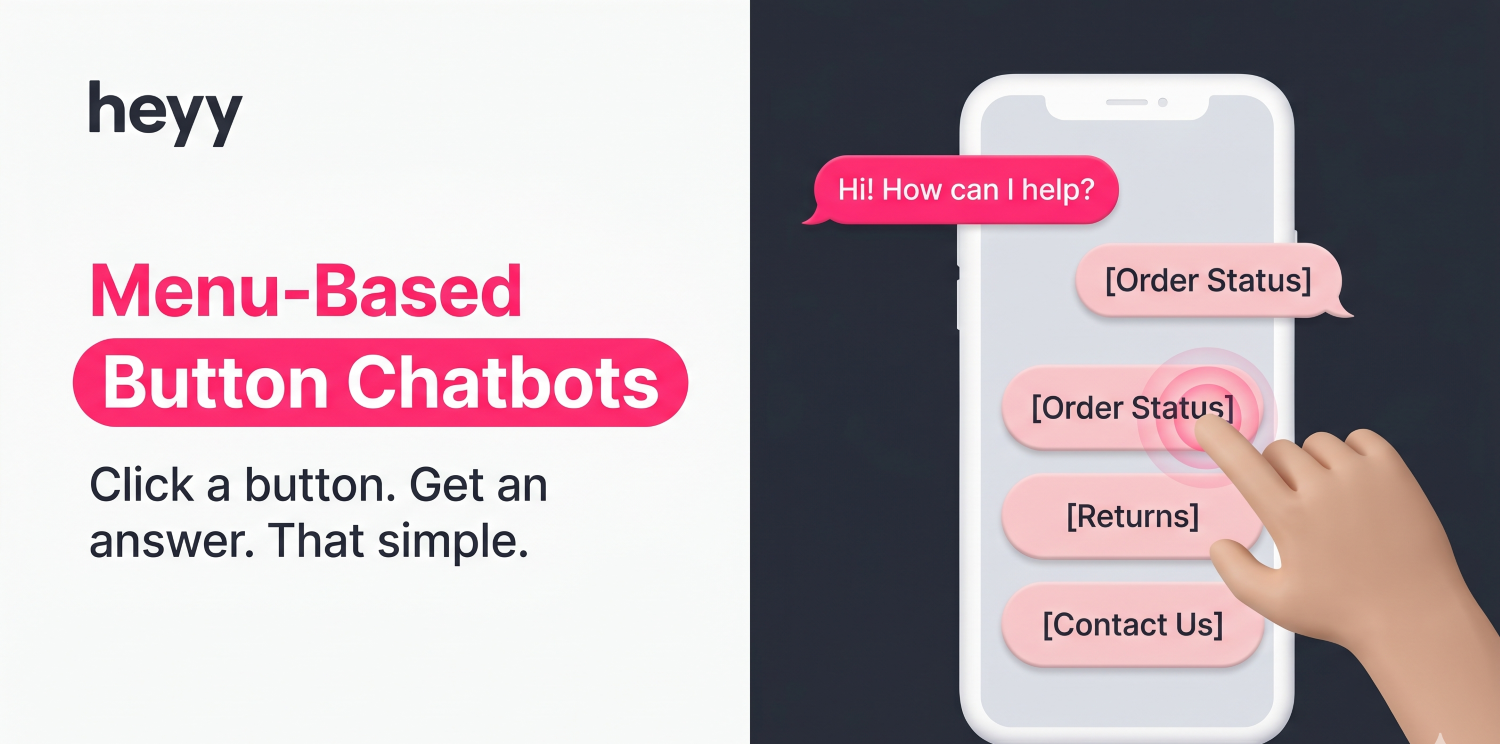
Menu-based chatbots present users with pre-defined button choices.
Click a button → see more options → click again → eventually get an answer.
Think of it like an interactive FAQ where you click through categories instead of searching.
Example conversation:
Bot: "Hi! How can I help you today?"
[Order Status] [Returns] [Shipping Info] [Contact Support]
User: clicks "Order Status"
Bot: "To check your order, what do you need?"
[Track Package] [Change Address] [Cancel Order]
User: clicks "Track Package"
Bot: "Please enter your order number."
Pros
- Extremely simple to build — No AI or complex programming needed
- Predictable and consistent — Users always get the same answers
- Good for simple navigation — Helps users find information quickly
- Low cost — Can build for free or very cheap
Cons
- Frustrating for complex questions — Users must click through multiple menus
- No natural language — Can't type "Where's my order?"—must click buttons
- Linear and rigid — One path, no flexibility
- Poor user experience — Feels robotic and impersonal
Best Use Cases
- Website navigation (Help Center categories)
- Simple FAQs with limited options
- Appointment booking with clear steps
- Product catalogs with categories
When NOT to Use
Don't use menu-based chatbots if:
- Your users have diverse and unpredictable questions
- You need personalized responses
- The conversation requires context or memory
Example: Domino's Pizza uses a menu-based chatbot flow for order placement, customers click through pizza size, crust, toppings, and delivery options in a structured sequence.
Summary: Menu-based chatbots are the simplest type. They work for very basic navigation but frustrate users with anything complex.
2. Rule-Based Chatbots
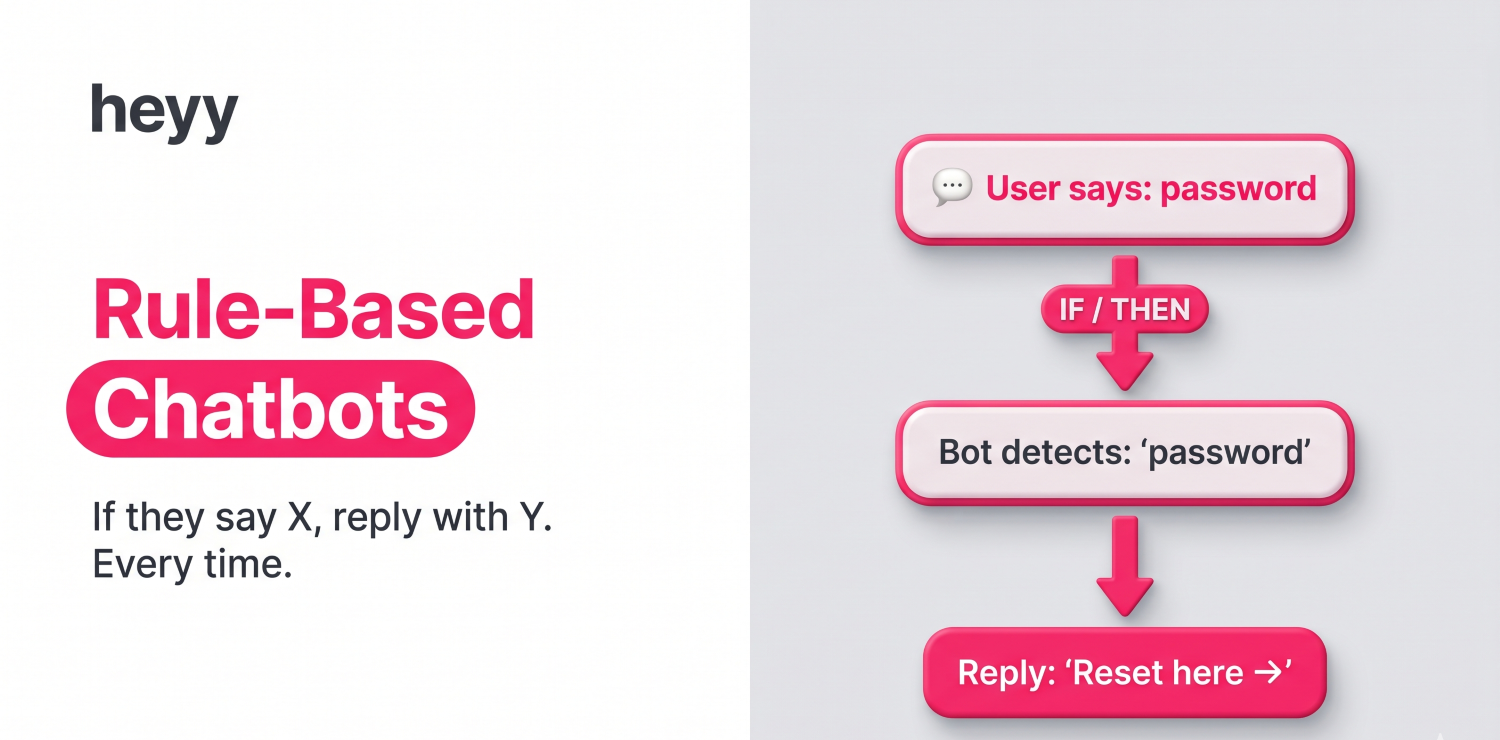
Rule-based chatbots use "if-then" logic. If the user says X, respond with Y. If they say Z, respond with A.
You program specific rules: "If user mentions 'password reset,' provide password reset link."
Example:
User: "I forgot my password"
Bot: detects keyword "password" → "You can reset your password here: [link]"
User: "How do I change my email?"
Bot: detects "change email" → "To update your email, go to Settings > Account > Email"
Pros
- Predictable and reliable — Always responds the same way to the same input
- Easy to build — Basic programming, no AI needed
- Good for structured queries — Works well for known questions
- Inexpensive — Low cost to develop and maintain
Cons
- Limited understanding — Only recognizes exact phrases you programmed
- Can't handle variations — "Reset password" works, but "I can't log in" might not
- Requires extensive programming — You must anticipate every possible question
- Breaks easily — Slight variations in phrasing confuse it
Best Use Cases
- HR chatbots answering policy questions ("What's the vacation policy?")
- IT helpdesk for common issues ("How do I reset my password?")
- Banking FAQs ("What's my account balance?")
- Internal employee support with predictable queries
When NOT to Use
Don't use rule-based chatbots if:
- Users ask questions in unpredictable ways
- You need conversational, nuanced responses
- The chatbot needs to understand context or remember past interactions
Example: Bank of America's Erica chatbot started as a rule-based system for balance queries, transfers, and bill payments, questions that are always phrased predictably.
Rule-based chatbots work for structured, repetitive questions where users phrase things predictably. They fail for open-ended or conversational scenarios.
3. Keyword Recognition Chatbots
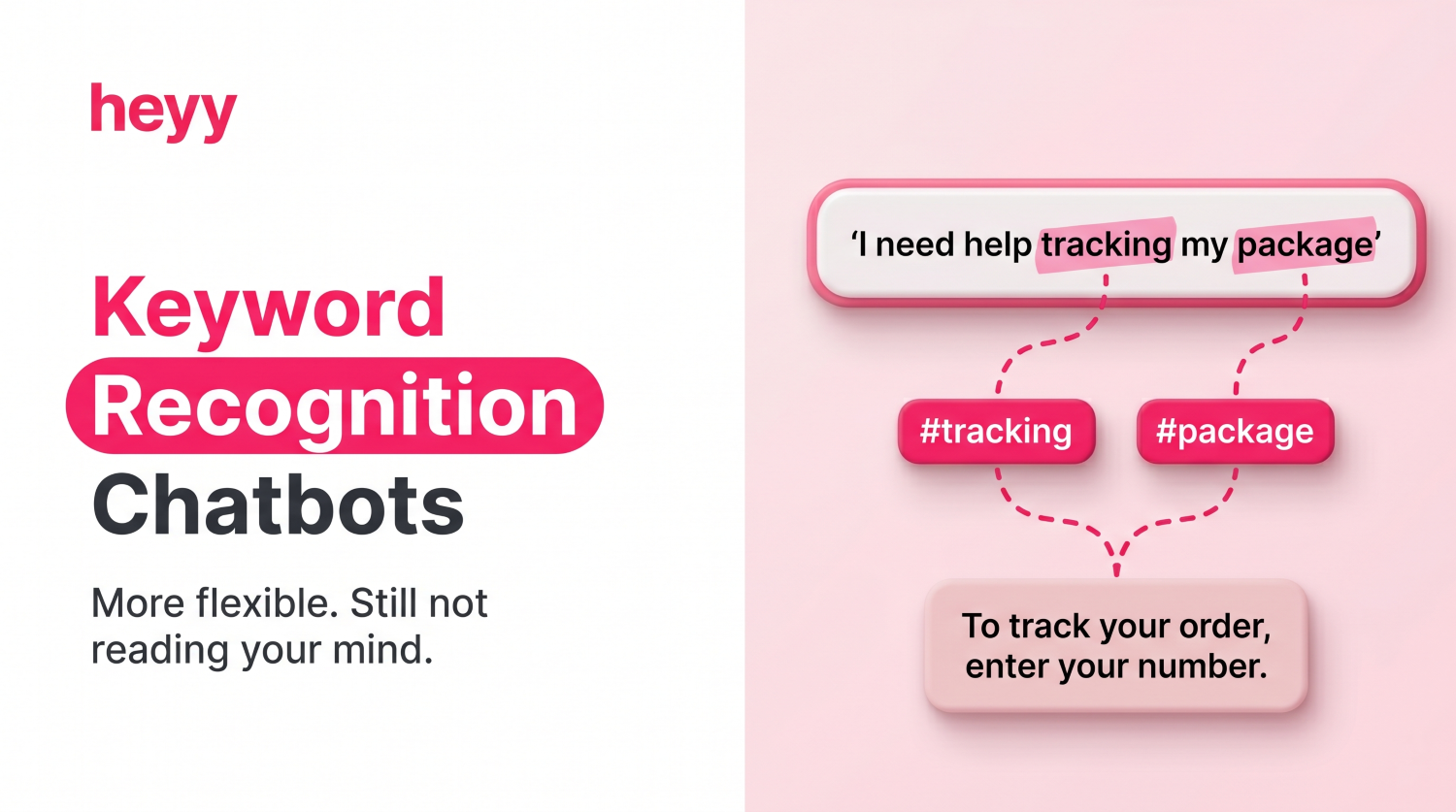
Keyword recognition chatbots scan user messages for specific keywords or phrases, then respond based on matches.
More flexible than rule-based chatbots because they don't require exact phrasing—just the presence of key terms.
Example:
User: "I need help tracking my package"
Bot: detects keywords "tracking" and "package" → "To track your order, enter your order number."
User: "Where is my shipment?"
Bot: detects "shipment" → "To track your order, enter your order number."
Both variations trigger the same response because the bot recognizes related keywords.
Pros
- More flexible than rule-based — Handles variations in phrasing
- Easier to train — Just define keywords, not exact sentences
- Good for FAQs — Covers common questions with keyword patterns
- Moderate cost — More expensive than rule-based, cheaper than AI
Cons
- Still limited understanding — Can misinterpret if keywords are ambiguous
- No context awareness — Doesn't remember previous messages
- Can trigger wrong responses — "I don't want to cancel my order" might trigger "cancel" keyword
- Requires keyword maintenance — Need to constantly update keyword lists
Best Use Cases
- E-commerce support (returns, shipping, order status)
- University chatbots answering admissions questions
- Healthcare appointment scheduling
- Basic customer service FAQs
When NOT to Use
Don't use keyword recognition if:
- Questions require nuanced understanding
- Context matters ("I don't want to cancel" vs "I want to cancel")
- You need personalized, dynamic responses
Example: Many airline customer service bots (including earlier versions of KLM's BlueBot) use keyword recognition to route queries about flight status, baggage, and check-in based on trigger words.
Keyword recognition chatbots bridge the gap between rigid rule-based bots and intelligent AI chatbots. They work for FAQ automation but struggle with complex or context-dependent conversations.
4. NLP Chatbots (AI-Powered with Natural Language Processing)
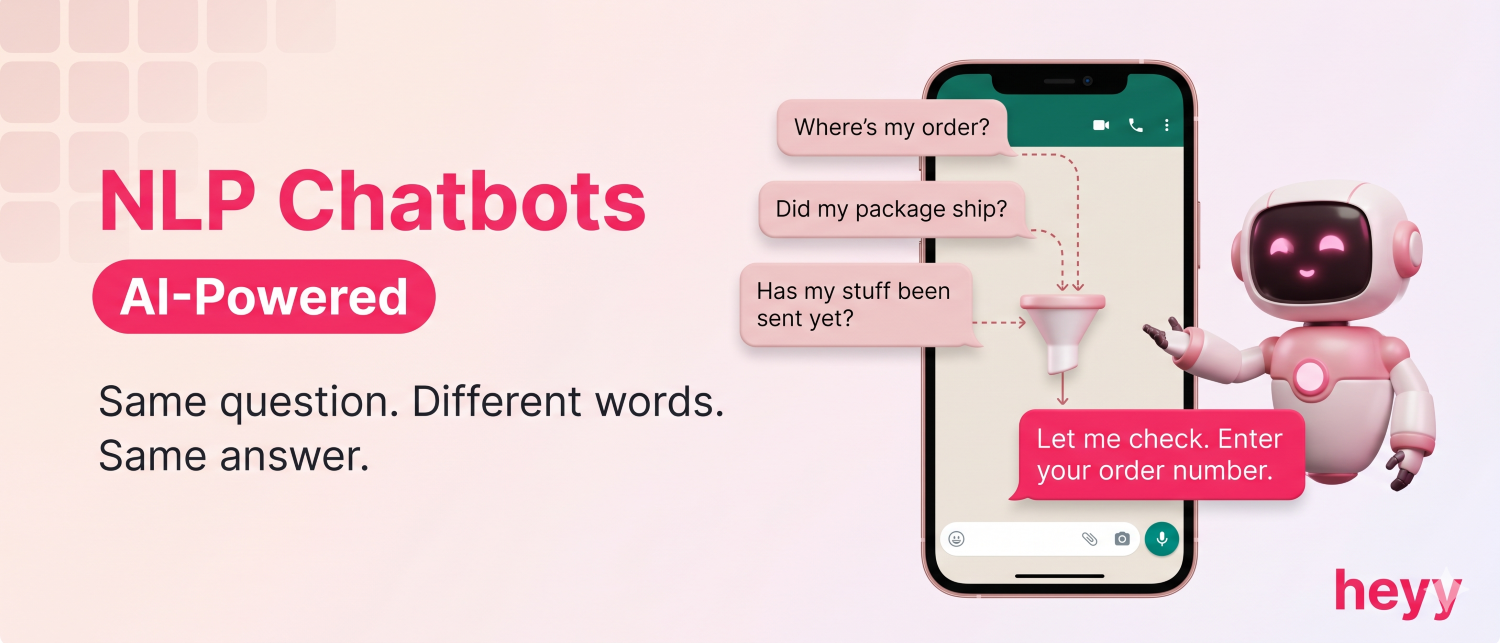
NLP (Natural Language Processing) chatbots use machine learning and AI to understand user intent, even when phrasing varies.
Instead of matching keywords, NLP chatbots analyse sentence structure, meaning, and context to figure out what the user is asking.
Example:
User: "Where's my order?"
Bot: understands intent: order tracking → "Let me check. Please provide your order number."
User: "I want to know if my package shipped"
Bot: understands same intent: order tracking → "Let me check. Please provide your order number."
User: "Did you send my stuff yet?"
Bot: understands same intent: order tracking → "Let me check. Please provide your order number."
All three questions are phrased differently, but the NLP chatbot recognizes the same intent.
Pros
- Understands natural language — Users can ask questions however they want
- Handles variations — Recognizes intent despite different phrasing
- Learns over time — Improves with more interactions
- Better user experience — Feels more conversational and human-like
- Scalable — Can handle thousands of conversations simultaneously
Cons
- More expensive — Requires AI and machine learning infrastructure
- Requires training data — Needs examples to learn from
- Can misunderstand — Not perfect, especially with complex or ambiguous questions
- Setup takes longer — More complex than simple rule-based bots
Best Use Cases
- Customer support chatbots (Heyy.io, Intercom, Zendesk)
- SaaS product support (helping users navigate features)
- E-commerce (product questions, order support)
- Healthcare (symptom checking, appointment scheduling)
When NOT to Use
NLP chatbots aren't necessary if:
- Your users ask very structured, predictable questions (rule-based is cheaper)
- You only need simple menu navigation (menu-based is simpler)
- Budget is extremely limited (NLP requires investment)
Example: Spotify's customer support bot uses NLP to interpret queries about account access, subscription billing, and playlist issues, handling varied phrasing without requiring exact commands.
NLP chatbots are the standard for customer-facing automation in 2026. They understand natural language, handle variations, and deliver good user experiences, perfect for customer support.
5. Contextual (Memory-Powered) Chatbots
.png)
Contextual chatbots remember previous interactions and use that context to personalize responses.
Instead of treating every message as isolated, they maintain conversation history and user preferences across sessions.
Example:
Session 1:
User: "I'm looking for running shoes"
Bot: "Great! What size do you wear?"
User: "Size 10"
Bot: *remembers: user = size 10* → Shows size 10 running shoes
Session 2 (next week):
User: "Do you have those shoes in blue?"
Bot: *remembers previous search: running shoes, size 10* → "Yes, we have the Nike Air Zoom in size 10 in blue. Want to add to cart?"
The bot remembered size preference and previous search without the user repeating information.
Pros
- Personalized experiences — Remembers user preferences and history
- More efficient conversations — Users don't repeat themselves
- Better recommendations — Uses past behavior to suggest relevant options
- Higher customer satisfaction — Feels like talking to someone who knows you
Cons
- More complex to build — Requires database to store user information
- Privacy concerns — Storing conversation history requires careful data handling
- Depends on past data — Less useful for first-time users
Best Use Cases
- E-commerce (personalized product recommendations)
- Subscription services (remembering user preferences)
- Healthcare (tracking symptoms over time)
- Banking (understanding account history and patterns)
When NOT to Use
Contextual chatbots aren't necessary if:
- Most interactions are one-off (no repeat customers)
- Privacy regulations prevent storing conversation history
- Personalization doesn't add value to your use case
Example: Amazon's shopping assistant uses contextual memory to remember your size preferences, past purchases, and browsing history, so 'show me more like this' works without explaining your preferences from scratch.
Contextual chatbots excel at personalized experiences for returning customers. They require more infrastructure but deliver significantly better UX for relationship-based businesses.
6. Voice-Based Chatbots
.png)
Voice chatbots use speech recognition and text-to-speech to interact via voice instead of text.
Users speak their questions, the chatbot processes speech → converts to text → understands intent → generates response → converts to speech → speaks answer.
Examples:
- Amazon Alexa
- Google Assistant
- Apple Siri
- Call center AI voice assistants
Pros
- Hands-free interaction — Perfect for driving, cooking, accessibility
- Natural for some users — Many people prefer speaking over typing
- Accessibility — Helps users with visual impairments or typing difficulties
- Multi-tasking friendly — Use while doing other things
Cons
- Accuracy issues — Struggles with accents, background noise, unclear speech
- Privacy concerns — Always-listening devices raise security questions
- Limited in noisy environments — Doesn't work well in loud places
- Harder to skim information — Voice responses are linear (can't quickly scan like text)
Best Use Cases
- Smart home control (lights, temperature, music)
- Hands-free customer service (calling support lines)
- Accessibility features for visually impaired users
- Voice commerce (ordering via Alexa, Google Assistant)
- In-car assistants (navigation, calls while driving)
When NOT to Use
Voice chatbots aren't suitable if:
- Users are in public/private spaces where speaking isn't appropriate
- Accuracy is critical (medical prescriptions, legal info)
- Visual information is important (charts, images, forms)
Example: Amazon Alexa and Google Assistant are the most prominent voice chatbots, handling smart home control, music playback, shopping reminders, and Q&A entirely through spoken interaction.
Voice chatbots are essential for hands-free scenarios and accessibility but aren't a replacement for text chatbots in most business contexts.
7. Generative AI Chatbots (The Newest Type)
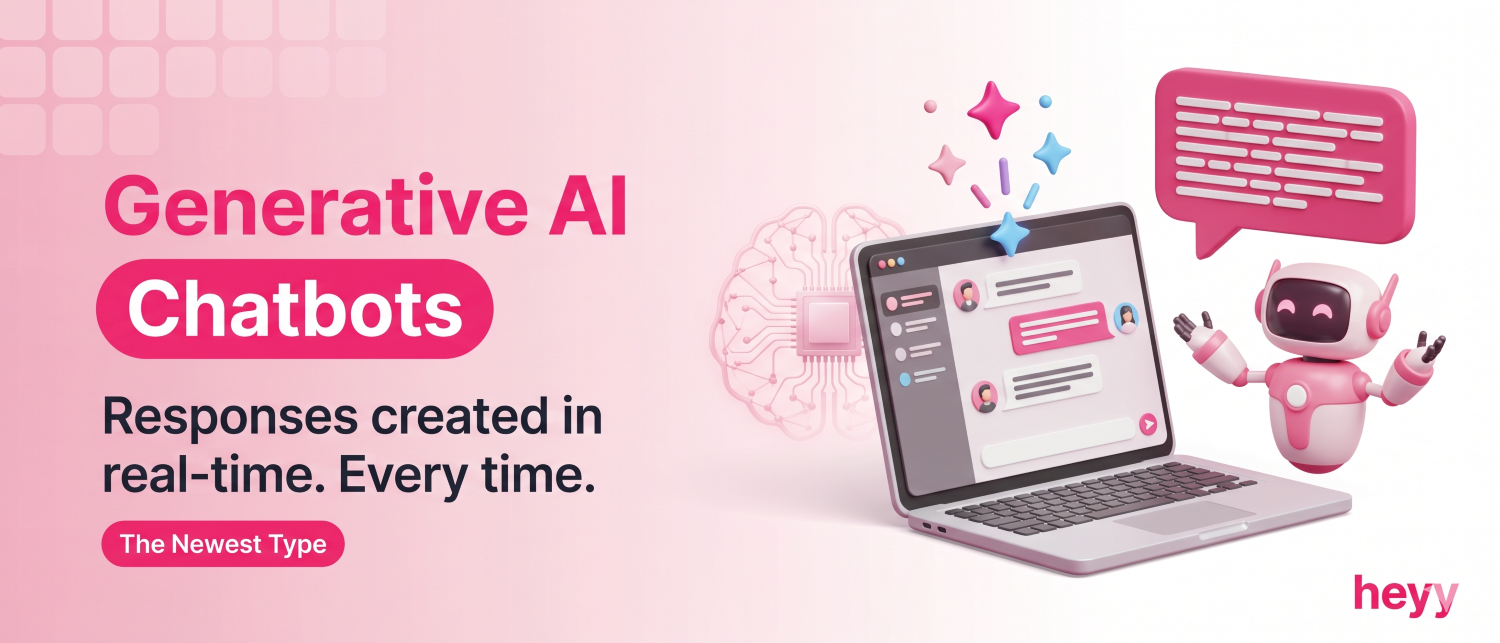
Generative AI chatbots use large language models (LLMs) like GPT-4, Claude, or Gemini to generate original responses in real-time.
Instead of selecting from predefined answers or following rules, they create unique responses based on understanding, context, and training data.
Example:
User: "I bought shoes from you last week but they don't fit. What are my options?"
Generative AI Bot: "I'm sorry to hear the shoes don't fit! You have a few options:
1. Exchange for a different size — We offer free size exchanges within 30 days
2. Return for a full refund — Returns are free, and you'll get your money back within 5-7 days
3. Store credit — Get an extra 10% if you choose store credit instead
Which would you prefer? I can help you start the process right now."
The response was generated on-the-fly, not pulled from a script. It's personalized, conversational, and contextual.
Pros
- Most human-like conversations — Feels natural and personalized
- Handles complex queries — Can understand nuanced, multi-part questions
- Creates original content — Doesn't just regurgitate pre-written answers
- Learns continuously — Improves with more training data
- Extremely versatile — Can handle almost any topic or question
Cons
- Risk of "hallucinations" — May confidently provide incorrect information
- Expensive — LLMs require significant computing power
- Unpredictable — Responses can vary even for the same question
- Requires careful oversight — Needs monitoring to prevent inappropriate responses
- Data privacy concerns — Sending customer data to third-party AI providers
Best Use Cases
- Advanced customer support (Heyy.io, Intercom Fin)
- Content creation (ChatGPT, Claude)
- Personalized product recommendations
- Complex technical support
- Research and information retrieval (Perplexity)
When NOT to Use
Generative AI chatbots aren't appropriate if:
- Accuracy is critical and hallucinations are unacceptable (medical diagnoses, legal advice)
- Highly regulated industry with strict compliance (use rule-based with human verification)
- Very simple use case where menu-based or rule-based is sufficient
Example: Intercom's Fin AI uses a generative LLM to handle open-ended support queries for thousands of SaaS companies, generating original responses from each company's specific help documentation rather than pulling from pre-written scripts.
Generative AI chatbots represent the advancement in 2026. They deliver the most natural, helpful conversations but require careful
implementation and oversight. You can enhance these capabilities of chatbots with Generative AI Development Services.
Types of Chatbots: Visual Decision Tree
Here's a simple framework to choose the right type:
Start Here:
Q: Do users need to speak to the chatbot (not type)? → Yes:
Voice-Based Chatbot (Alexa, Google Assistant) → No: Continue
Q: Are questions extremely simple and structured? → Yes:
Menu-Based Chatbot (button choices, decision trees) → No: Continue
Q: Do users ask questions in very predictable ways? → Yes:
Rule-Based Chatbot (if-then logic) → No: Continue
Q: Do users ask FAQs with slight variations in phrasing? → Yes:
Keyword Recognition Chatbot (matches keywords) → No: Continue
Q: Do you need conversational, natural language interaction? → Yes: Continue → No: Reconsider use case
Q: Is personalization based on past interactions important? → Yes:
Contextual Chatbot (remembers user history) → No: Continue
Q: Do you need the chatbot to create original, nuanced responses? →
Yes: Generative AI Chatbot (GPT-4, Claude, custom LLMs) → No: NLP Chatbot (understands intent, provides pre-defined answers)
Common Mistakes When Choosing Chatbot Types
Mistake 1: Choosing Based on "Coolness" Not Need
Problem: Building a generative AI chatbot when a simple rule-based bot would work fine.
Solution: Start with the simplest type that solves your problem. Upgrade if needed.
Mistake 2: Expecting Rule-Based Bots to Understand Natural Language
Problem: Users get frustrated when rule-based bots don't understand variations.
Solution: If users ask questions unpredictably, you need NLP or generative AI.
Mistake 3: Not Considering Hybrid Approaches
Problem: Forcing one chatbot type to handle everything.
Solution: Combine types—menu-based for simple navigation, generative AI for complex questions.
Mistake 4: Ignoring Voice for Accessibility
Problem: Only offering text chatbots, excluding users who need voice.
Solution: Consider voice options for accessibility and hands-free scenarios.
Frequently Asked Questions (FAQs)
Q: Which type of chatbot is best for customer service?
A: NLP chatbots or Generative AI chatbots are best for customer service. They understand natural language, handle variations in phrasing, and provide conversational experiences. Platforms like Heyy.io (Generative AI) and Intercom (Fin AI) are purpose-built for this. Avoid menu-based or rule-based chatbots for customer service, they frustrate users.
Q: What's the difference between NLP and Generative AI chatbots?
A: NLP chatbots understand intent and select appropriate pre-written responses. Generative AI chatbots create original responses in real-time using large language models. Generative AI is more flexible and conversational but can occasionally "hallucinate" incorrect information. NLP is more controlled and predictable.
Q: Are rule-based chatbots obsolete in 2026?
A: No. Rule-based chatbots still work well for internal use cases (HR policies, IT support) where questions are predictable and answers must be exact. They're also cheaper than AI chatbots. But for customer-facing support, NLP or generative AI chatbots deliver better experiences.
Q: Can I combine different types of chatbots?
A: Yes! Hybrid chatbots are the most common approach in 2026. Use menu-based for initial navigation, NLP for understanding questions, rule-based for critical workflows (returns, refunds), and generative AI for personalized responses. Most modern platforms (Heyy.io, Intercom, Tidio) use hybrid approaches.
Q: Which chatbot type is cheapest?
A: Menu-based and rule-based chatbots are cheapest because they don't require AI. However, they provide poor user experiences for complex scenarios. NLP and generative AI chatbots cost more but deliver significantly better customer satisfaction and deflection rates—often making them more cost-effective long-term.
Q: Do voice chatbots work well for customer service?
A: Voice chatbots work well for call center automation and hands-free scenarios (driving, accessibility). However, most customers prefer text chatbots for speed and convenience, they can skim answers and multitask. Use voice as a complement to text, not a replacement.
Q: How do I know if I need a contextual chatbot?
A: You need contextual chatbots if: (1) customers interact multiple times (e-commerce, subscriptions), (2) personalization improves experience (product recommendations), (3) remembering preferences adds value (sizes, dietary restrictions, preferences). If most interactions are one-off, contextual features won't add much value.
Q: What is the most common type of chatbot?
A: In terms of raw deployment volume, rule-based and menu-based chatbots are still the most common globally, they are cheaper and faster to build, and millions of businesses use them for simple FAQ automation and website navigation. But in terms of what businesses are actively investing in for new deployments in 2026, NLP and generative AI chatbots are the dominant choice for customer-facing support.
Q: What type of chatbot is best for e-commerce?
A: A hybrid generative AI + contextual chatbot is best for most e-commerce use cases. Generative AI handles the variety of questions shoppers ask, product details, return policies, order issues without needing a pre-written script for every scenario. The contextual layer personalises responses for returning customers based on their purchase history and preferences. For Shopify and WooCommerce stores specifically, platforms like Heyy (multi-channel AI) and Tidio (Shopify-native) combine these capabilities out of the box, including order tracking directly from your store data.
Choose Based on Your Actual Needs
There is no "best" chatbot type.
The right type depends entirely on your use case. Use this table to match your business type to the right starting point:
Don't overcomplicate it. Start with the simplest type that solves your problem. You can always upgrade later.
Ready to build a modern chatbot for customer support?
Try Heyy.io, hybrid chatbot combining generative AI, NLP, and contextual memory for WhatsApp, Instagram, and website support.
More chatbot resources:
More blog posts to read

Ready to Automate Support
Across Every Channel?
.svg)
.avif)