
It’s the 21st of the month, and a customer asks your Crisp chat a simple question about delivery and nothing happens. Hugo, Crisp’s AI, has used up this month’s credits, so the question sits waiting for a person, who’s out until tomorrow.
That’s the moment many teams start looking for an alternative. Crisp is good value, but its lower plans include only a small AI allowance. Once AI becomes the main way you answer customers, the allowance runs out, and a low price stops being of much use.
Most lists of Crisp alternatives only compare starting prices. We went further: we priced the same small team on Crisp and 10 alternatives, AI included, and we’ll tell you honestly where Crisp still wins.
The best Crisp alternatives at a glance
Quick answer: For a small team that wants AI to handle most conversations across website chat, WhatsApp, and Instagram, Heyy gives you the most AI and tools for the money. Chatwoot is the cheapest paid option with AI, Help Scout suits email-first support, and Crisp itself is still hard to beat if you only need light AI use.
The monthly cost below is for the same example team on every tool: 5 people answering chats, about 300 conversations a month handled by AI, on website chat, WhatsApp, and Instagram. Meta’s WhatsApp message fees apply on every tool, so they’re left out.
Why teams look for Crisp alternatives
Crisp charges a flat price per workspace, and each plan includes a set number of seats, from 4 on Mini to 20 on Plus. Adding teammates doesn’t push up your bill until you reach that limit, which is why many small teams start with it.
The catch is in the last two columns: how much AI each plan includes, and which plans let customers reach you on WhatsApp and Instagram.
As AI takes over more of your conversations, the last two columns, the number of AI-handled chats and WhatsApp and Instagram access, are where teams usually hit a wall:
- The AI allowance runs out. $5 or $25 in credits doesn’t go far if AI answers most of your chats. When it’s gone, Hugo, Crisp’s AI, stops replying unless you’ve switched on pay-as-you-go, and unused credits don’t roll over.
- Getting more AI means a big jump. The next step up from Essentials is Plus, which triples your bill from $95 to $295 a month.
- WhatsApp and Instagram sit behind the same upgrade. If your customers message you on those apps, Mini won’t cover them, and you’ll need Essentials or above.
- AI becomes more than a bot. Once it’s central to your support, you’ll want it to qualify leads, collect details, hand chats to the right person, and send follow-up campaigns, all without adding more tools.
None of this makes Crisp a bad choice. It just means the right tool depends on how much of your support you want AI to handle.
How we scored the Crisp alternatives
Each tool is scored out of 5 on the same five criteria, and the overall score is the average.
The 10 best Crisp alternatives in 2026
1. Heyy
Score: 4.7/5 (AI 5 · Channels 5 · Team inbox 4.5 · Pricing 4.5 · Setup 4.5)
Best for: teams that want the most AI and customer messaging tools for the money.
Heyy gives you an AI Employee that answers customers on website chat, WhatsApp, Instagram, Facebook Messenger, and SMS, and passes conversations to your team in a shared inbox when a person is needed.
Its plans include a much larger AI allowance than Crisp’s lower tiers, so AI can handle most of your chats without running dry mid-month. Campaigns, automations, and a mini-CRM are part of the same plan.
- Pricing: Hobby $49/month (1 user, 1,000 credits), Pro $149/month (5 users, 2 AI Employees, 6,000 credits), Ultra $499/month (10 users). Extra credits are $20 per 1,000. 7-day free trial.
- Example team: $149/month on Pro. 300 AI-handled chats use about 1,200 credits, a fifth of the allowance.
- Strengths: a large AI allowance included; every major messaging channel; tools beyond the inbox in one plan.
- Watch out for: no free plan, only a 7-day trial.
2. Help Scout
Score: 4.0/5 (AI 3.5 · Channels 4 · Team inbox 4.5 · Pricing 3.5 · Setup 4.5)
Best for: teams whose support is mostly email
Help Scout pairs a clean shared inbox with a help center and live chat, and it’s one of the easiest tools here to set up. AI is charged only when it resolves a conversation, and new accounts get three months of unlimited AI resolutions free.
- Pricing: Standard $25, Plus $45, and Pro $75 per user a month. AI resolutions are $0.75 each. Free plan for up to 5 users and 100 contacts a month.
- Example team: about $300/month ($75 for 3 users plus $225 for 300 AI resolutions).
- Strengths: very easy to use; WhatsApp, Instagram, Messenger, and SMS listed on paid plans.
- Watch out for: per-user pricing plus per-resolution AI adds up faster than Crisp’s flat price.
3. respond.io
Score: 4.0/5 (AI 4 · Channels 5 · Team inbox 4.5 · Pricing 3.5 · Setup 3)
Best for: teams handling a lot of contacts across many messaging apps
respond.io connects WhatsApp, Instagram, Messenger, website chat, and more in one workspace, with workflows and AI Agents. It’s more powerful than Crisp for complex routing, but it also takes more time to set up.
- Pricing: Starter $79/month billed yearly (5 users, 5,000 AI credits). Growth $159/month yearly (10 users, 10,000 AI credits, AI Agents), for up to 1,000 monthly active contacts.
- Example team: $159/month on Growth, the first plan with AI Agents.
- Strengths: wide channel coverage; strong workflows.
- Watch out for: pricing rises with monthly active contacts, which is harder to predict than Crisp’s flat plans.
4. Chatwoot
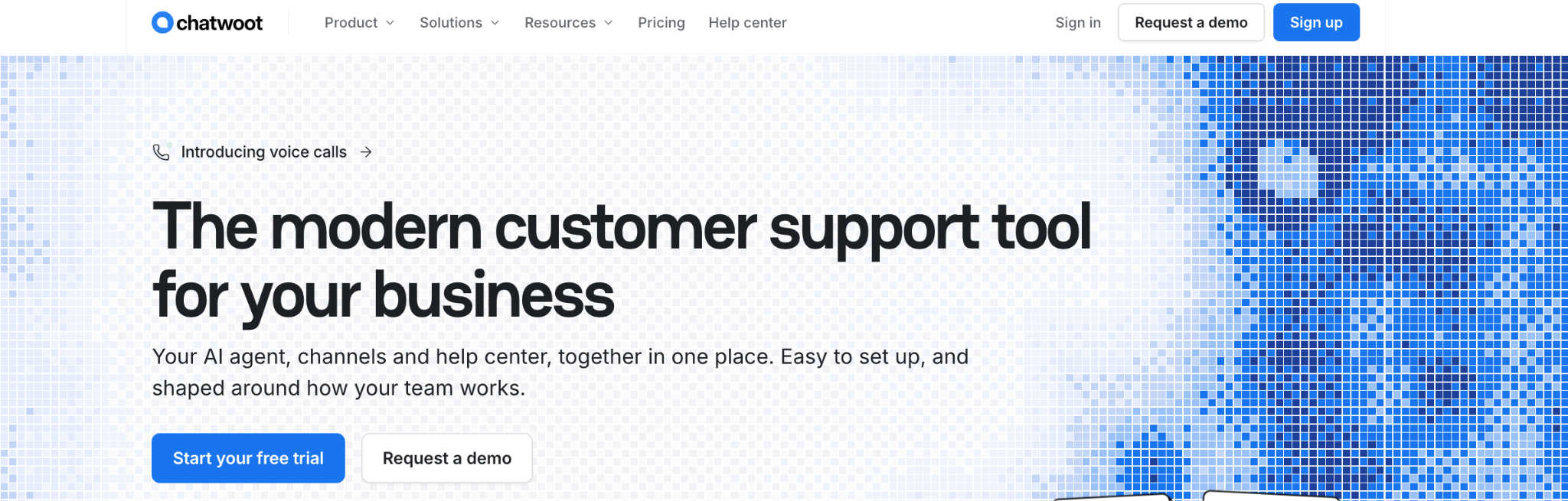
Score: 3.9/5 (AI 3.5 · Channels 4.5 · Team inbox 4.5 · Pricing 4 · Setup 3)
Best for: budget-conscious teams that like open-source flexibility
Chatwoot is an open-source support inbox that brings website chat, WhatsApp, Instagram, and Messenger together, with a cloud version if you don’t want to host it yourself. Its AI uses a small credit allowance, and extra credits are cheap.
- Pricing: Hacker free (2 agents), Startups $19, Business $39, and Enterprise $99 per agent a month. Startups includes 300 AI credits a month, at 1 credit per AI reply; extras are $20 per 1,000.
- Example team: about $77/month ($57 for 3 agents plus one $20 credit pack, assuming about 3 AI replies per chat).
- Strengths: the cheapest paid option here with AI; all three messaging apps on paid plans.
- Watch out for: setup and fine-tuning take more effort than Crisp, especially if you self-host.
5. Chatbase
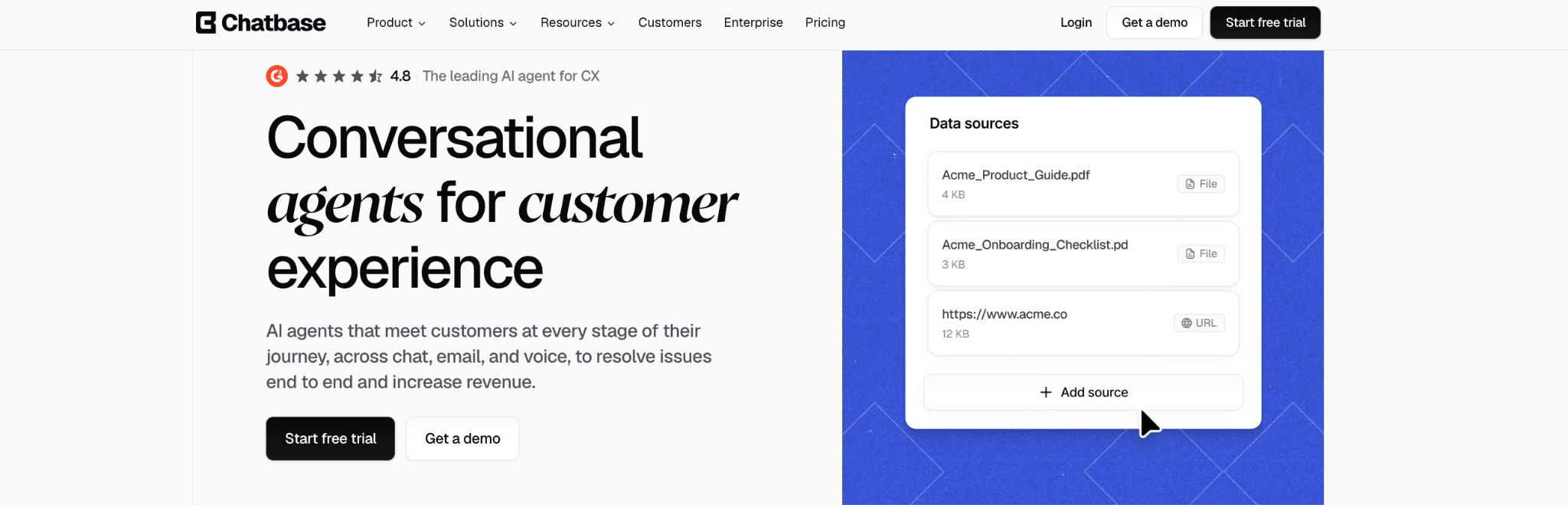
Score: 3.9/5 (AI 5 · Channels 3.5 · Team inbox 3 · Pricing 3.5 · Setup 4.5)
Best for: teams that care most about the AI agent itself
Chatbase lets you train an AI agent on your content and put it on your website and messaging channels quickly. Its team inbox starts on the Standard plan and is less mature than Crisp’s.
- Pricing: Hobby $32/month (2 members, 700 credits), Standard $120/month (3 members, 4,000 credits, helpdesk inbox), Pro $400/month (5 members), billed yearly. Extra credits are $40 per 1,000.
- Example team: $120/month on Standard.
- Strengths: a strong AI agent; quick to launch.
- Watch out for: campaigns and some integrations are on higher plans, so the full setup can cost more than it first appears. See our Chatbase alternatives.
6. Tidio
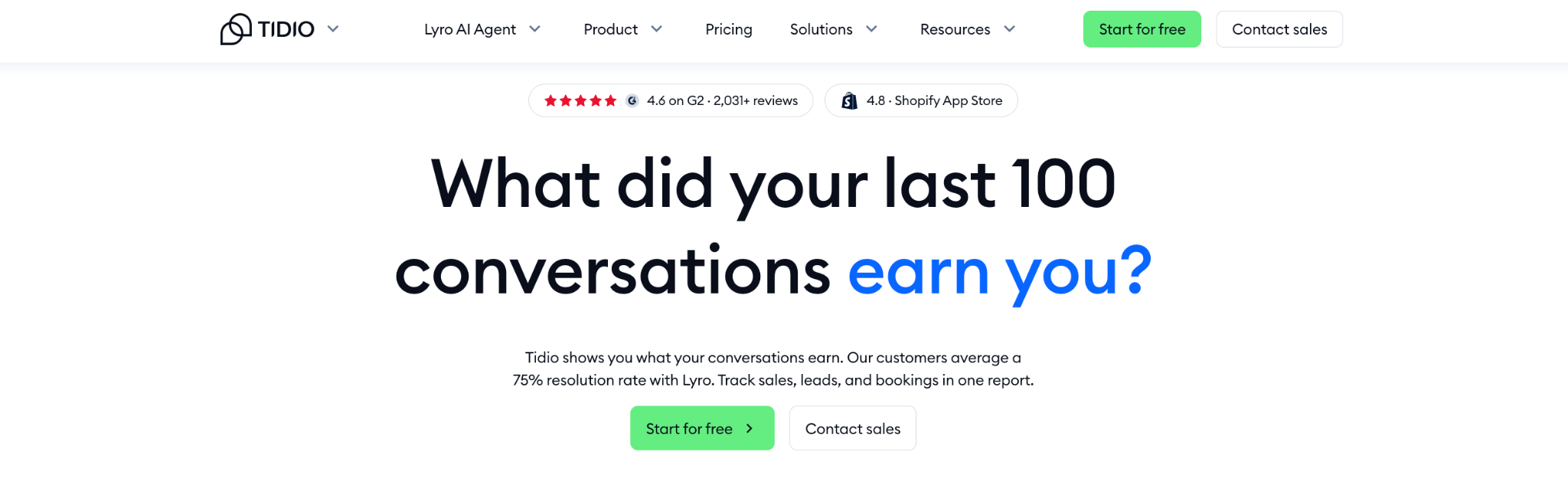
Score: 3.6/5 (AI 3 · Channels 4 · Team inbox 3.5 · Pricing 3 · Setup 4.5)
Best for: small online stores
Tidio is quick to install and includes Instagram, Messenger, and WhatsApp on every plan, which Crisp doesn’t. Its AI agent, Lyro, is a separate cost based on how many conversations it handles.
- Pricing: Free plan (50 conversations), Starter $24.17/month, Growth from $49.17/month, billed annually. Lyro from $32.50/month for 50 AI conversations.
- Example team: from $49.17/month plus Lyro. Tidio doesn’t publish the Lyro price for 300 conversations.
- Strengths: messaging apps on every plan; easy setup.
- Watch out for: conversation caps on plans, and AI costs that grow separately.
7. Intercom
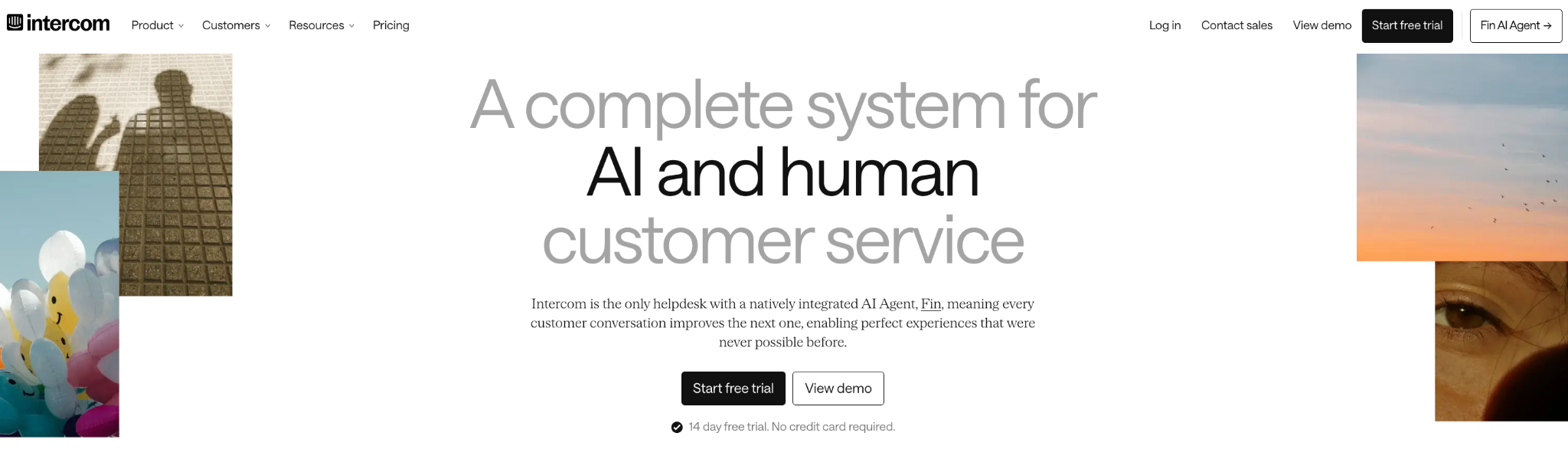
Score: 3.6/5 (AI 3 · Channels 4.5 · Team inbox 5 · Pricing 2 · Setup 3.5)
Best for: software companies that onboard users inside their product
Intercom is the most polished tool here, with in-app messaging and product tours that Crisp and most others don’t offer. That comes at a price: per-seat plans, and its AI, Fin, charged for every conversation it resolves.
- Pricing: Essential $29, Advanced $85, and Expert $132 per seat a month, billed annually. Fin is $0.99 per outcome. WhatsApp and SMS are charged separately.
- Example team: about $384/month ($87 for 3 seats plus $297 for 300 Fin outcomes).
- Strengths: best-in-class in-app messaging; a strong inbox.
- Watch out for: costs about four times as much as Crisp Essentials for this team. See our Intercom alternatives for more.
8. Zendesk
Score: 3.6/5 (AI 3 · Channels 4.5 · Team inbox 5 · Pricing 2.5 · Setup 3)
Best for: teams that need full ticketing, routing, and reporting
Zendesk is a complete helpdesk covering every major channel, with far deeper ticketing than Crisp. For a small team, it’s a lot of money.
- Pricing: Suite Team $55 per agent a month annually. 5 automated resolutions per agent included; extras $1.50 to $2 each.
- Example team: about $593 to $735/month ($165 for 3 agents, plus 285 extra resolutions).
- Strengths: enterprise-grade ticketing and reporting.
- Watch out for: the most expensive option here, and more setup than a small team usually needs.
9. Tawk.to
Score: 3.5/5 (AI 2.5 · Channels 2.5 · Team inbox 3.5 · Pricing 4.5 · Setup 4.5)
Best for: a free website chat widget with no AI or WhatsApp needs
Tawk.to is free to use for unlimited agents, which makes it the natural alternative if you mainly use Crisp’s free plan. AI and branding removal are paid add-ons.
- Pricing: Free. Removing the Tawk.to branding costs $29/month, and AI Assist starts at $29/month.
- Example team: not a match, because WhatsApp isn’t listed on its pricing page (its messaging channels are still in beta).
- Strengths: genuinely free; very quick to install.
- Watch out for: limited AI and messaging channels. Our Tawk.to alternatives cover what to use when you outgrow it.
10. LiveChat
Score: 3.4/5 (AI 2.5 · Channels 3 · Team inbox 4 · Pricing 3 · Setup 4.5)
Best for: teams that mainly want a polished website chat window
LiveChat does website chat very well and includes Messenger on every plan. AI resolutions are limited on the base plan, with extras sold in packs.
- Pricing: From $19 per agent a month, billed annually. 10 AI resolutions included; extras are $49.50 per 50.
- Example team: about $354/month ($57 for 3 agents plus about 290 extra resolutions).
- Strengths: a refined chat experience; fast setup.
- Watch out for: WhatsApp and Instagram aren’t clearly listed on the pricing page.
How to choose: stay on Crisp or switch?
Crisp is still the right choice for a lot of small teams. Stay if:
- AI handles only a small share of your chats. If most conversations are answered by your team, Crisp’s AI allowance is enough, and its flat price is hard to beat.
- You mainly use website chat. If WhatsApp and Instagram aren’t important to you, Mini covers you for $45 a month.
- You’re happy on the free plan. For one or two people answering a few chats a day, Crisp Free is genuinely good.
If AI is becoming the main way you answer customers, or your bill is about to jump from Essentials to Plus, match what you need to the right tool:
Crisp alternatives FAQs
1. What’s the best alternative to Crisp?
It depends on what’s pushing you to switch. If you want AI to handle most conversations across website chat, WhatsApp, and Instagram, Heyy scored highest in our comparison. For email-first support, Help Scout is a strong pick, and Chatwoot is the cheapest paid option with AI.
2. Is there a cheaper alternative to Crisp?
For a small team, very few. In our example, only Chatwoot came in under Crisp Essentials, at about $77 a month against $95. Tawk.to is free, but it doesn’t offer WhatsApp and charges extra for AI.
3. Is Crisp better than Tidio?
They suit different needs. Crisp charges a flat price per workspace with AI credits included, while Tidio includes WhatsApp, Instagram, and Messenger on every plan but charges separately for its AI, Lyro. If you need messaging apps on a small budget, Tidio is cheaper to start. If you want AI included, Crisp is easier to predict.
4. What happens when Crisp’s AI credits run out?
Hugo stops answering until your credits reset, unless you’ve turned on pay-as-you-go. Unused credits don’t roll over to the next month.
5. Does Crisp include WhatsApp?
Yes, from the Essentials plan at $95 a month. The Free and Mini plans don’t include WhatsApp or Instagram.
Choose the tool that fits how much AI does
Crisp is one of the best-value chat tools around, and for many small teams it’s still the right choice. The time to look elsewhere is when AI stops being an extra and becomes the main way you answer customers. That’s when a small AI allowance and steep plan jumps start to cost you, in replies that don’t happen or in a much bigger bill.
With Heyy, your plan includes your team, your messaging channels, and an AI Employee with room to handle most of your chats, plus campaigns and automations. Try Heyy free for 7 days and see how much of your inbox it can take on.
More blog posts to read

Ready to Automate Support
Across Every Channel?