.svg)


Wati is a solid WhatsApp Business platform.
For a lot of teams, it does exactly what they need. One shared inbox, campaigns, template messages, and automations that keeps the WhatsApp channel from turning into chaos.
But then the business grows and that's the point where looking at alternatives starts to make sense.
Instagram DMs start filling up. Customers are messaging through your website. Messenger is still alive and kicking. And suddenly your team is jumping between tools just to figure out who said what and where.
Or maybe AI is the reason you're looking around. You want it inside the workflow answering questions and qualifying leads without feeling like another plan you have to pay for.
And sometimes, you've simply outgrown what a WhatsApp-first setup was meant to do. You now need social DM automation, abandoned-cart recovery, lead qualification, sales follow-ups, customer support across multiple channels. Maybe all of them at once.
In this guide, I'll share eight Wati's alternatives for growing businesses that want more AI, or a broader customer messaging platform without
How we chose the alternatives
Every platform in this guide is rated across areas that reflect the needs of growing business.
- AI and Automation Depth — An AI agent that can talk but can't act only solves half the problem. Can the AI close tickets, do sales follow-ups, qualify leads, order lookups CRM updates without losing context?
- Channel Coverage and Messaging — WhatsApp is the starting point. What happens when your customers also show up on Instagram, Messenger, or your website? Can the tool support multiple channels from the same place
- Operator Experience and Human Handoff — Can someone on your team build automations, update the AI, manage conversations, and step in when needed without calling engineering?
- Pricing and Platform Value — What do you actually get for the advertised price? We looked beyond the cheapest plan at AI add-ons, user limits, channels, campaigns, API access, automation limits, and the extra costs that show up once you build the setup you really need.
8 Wati alternatives at a glance
Each of these tools has a different sweet spot. And if you're currently shortlisting, here's what separates them at a glance.
- Heyy — Best for teams that want multichannel AI support especially across WhatsApp, Messenger, Instagram, and web chat at a more accessible price, without paying for a patchwork of separate tools.
- respond.io — A strong fit for larger teams managing several channels and complex customer journeys, but its more useful AI and workflow features sit on higher-priced plans.
- Interakt — Probably the most affordable and best suited for ecommerce brands, but limited in automation depth, and channel support.
- Manychat — A strong option that delivers on running comment-to-DM funnels, broadcasting messages but is less suited to teams looking for broader customer support.
- Chatbase — A good choice for adding capable AI agents to an existing stack, but requires higher plans for personalized automation and advanced integrations.
- SleekFlow — Built for established sales teams that need AI, campaigns, automation, and customer conversations across several channels, but the higher starting price may be harder to justify for smaller teams.
- AiSensy — A practical option for WhatsApp campaigns, broadcasts, and marketing automation, but its WhatsApp-first approach becomes limiting if your customers are active across several channels.
- DoubleTick — Strong for sales teams that run leads, follow-ups, broadcasts, and customer conversations through WhatsApp, but much less useful if Instagram, Messenger, or web chat are also important to your business.
The 8 best Wati alternatives
1. Heyy — Best for AI Employees, messaging, and automation in one platform
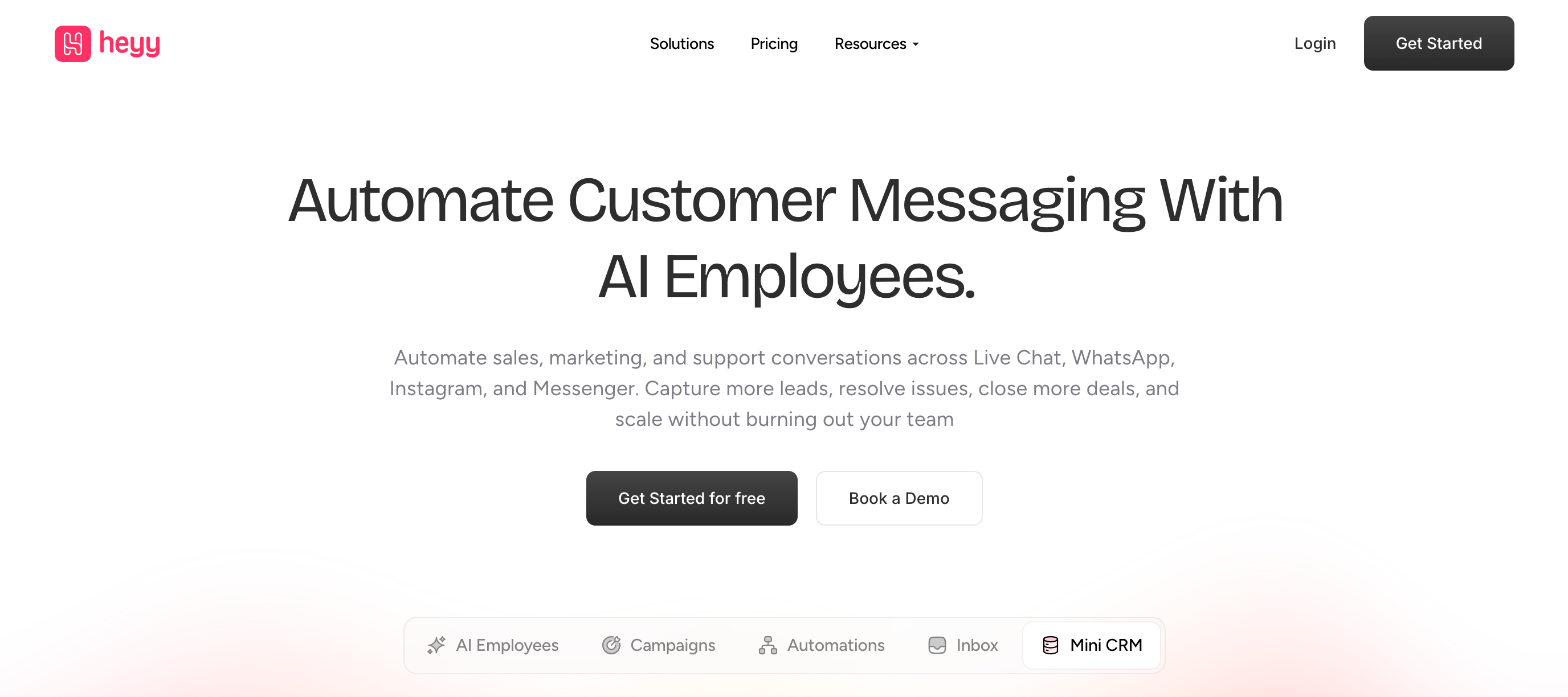
With Heyy, you can get much of the customer messaging stack in one place instead of relying on five different tools to make it work.
Its AI agents, called AI Employees, act like configurable digital team members. They can answer customer questions, qualify leads, pull information from connected systems, trigger workflows, update customer records, and hand a conversation to a human when it becomes too complex — or when a high-value opportunity needs someone from the sales team to close it.
That matters for growing businesses where customer conversations go beyond support. A lead might come through Instagram, ask a product question on WhatsApp, need an order checked, and eventually require a salesperson to step in. Instead of treating each interaction as a separate automation, the AI Employee keeps the conversation moving and only brings a human in when their involvement actually adds value.
AI and Automation
What separates Heyy from WhatsApp-heavy platforms like Wati is how the AI fits into the rest of the product. With Heyy, the AI Employee sits alongside the inbox, campaigns, automations, Mini-CRM, and integrations from the first paid plan. For a growing team, that means fewer tools to stitch together and less time spent moving between them.
That integration also means the AI can do more than answer FAQs. AI Employees can be trained on your business information, use customer data, and take actions like qualifying a lead, checking an order status, updating a CRM record, tagging a contact, or triggering a workflow through an API. They can also keep customer records updated as new information comes in and hand the conversation to a human when needed.
Before anything goes live, you can test conversations in Heyy's Playground using real scenarios. That gives you a chance to spot weak responses, fix gaps, and tighten handoff rules before customers run into them.
Channel Coverage
Heyy supports WhatsApp, Instagram, Messenger, website chat, and SMS. All five run natively in one shared inbox, and the AI Employee you configure is deployed across every channel at once. You set the training, tone, exit points, and actions in one place, and the same AI employee shows up wherever your customers do.
Hey also automatically updates and if a chat gets reopened. It recognises the same contact, sees the previous conversation history, and continues from where things left off rather than treating it like a brand-new interaction. The tradeoff is equally obvious, Heyy isn't optimized for teams that also depend on Telegram, email, or voice channels.
Setup and Ease of Use
A simple setup can go live quickly on Heyy without needing a developer. With the Hire AI Employee feature, you pick a name and role, then refine how it behaves and what actions it can take in under an hour. You can test real scenarios in the Playground before going live.
However, more complex deployments take longer, especially when you're running AI Employees across different brands or building API-driven actions. That's more of a depth trade-off than a setup problem, but it's worth knowing before you start.
Pricing
Hobby starts at $49/month and includes one AI Employee, three channels, campaigns, automations, and a Mini-CRM. Pro at $149/month unlocks more AI Employees, higher usage limits, and unlimited channels. The real advantage is that AI, inbox, campaigns, automation, and customer features are bundled together, so there are no separate tools or add-ons to pay for.
Key features
- AI Employees for support, sales, and lead qualification
- WhatsApp, Instagram, Messenger, web chat, and SMS in one inbox
- Shared customer history across channels
- Campaigns, broadcasts, and workflow automations
- AI actions, Mini-CRM, human handoff, and API integrations
Comparison verdict
A strong fit for businesses that want AI, multichannel messaging, campaigns, automation, and customer management in one affordable platform, especially when moving beyond a WhatsApp-first setup.
2. respond.io — Best for complex omnichannel workflows
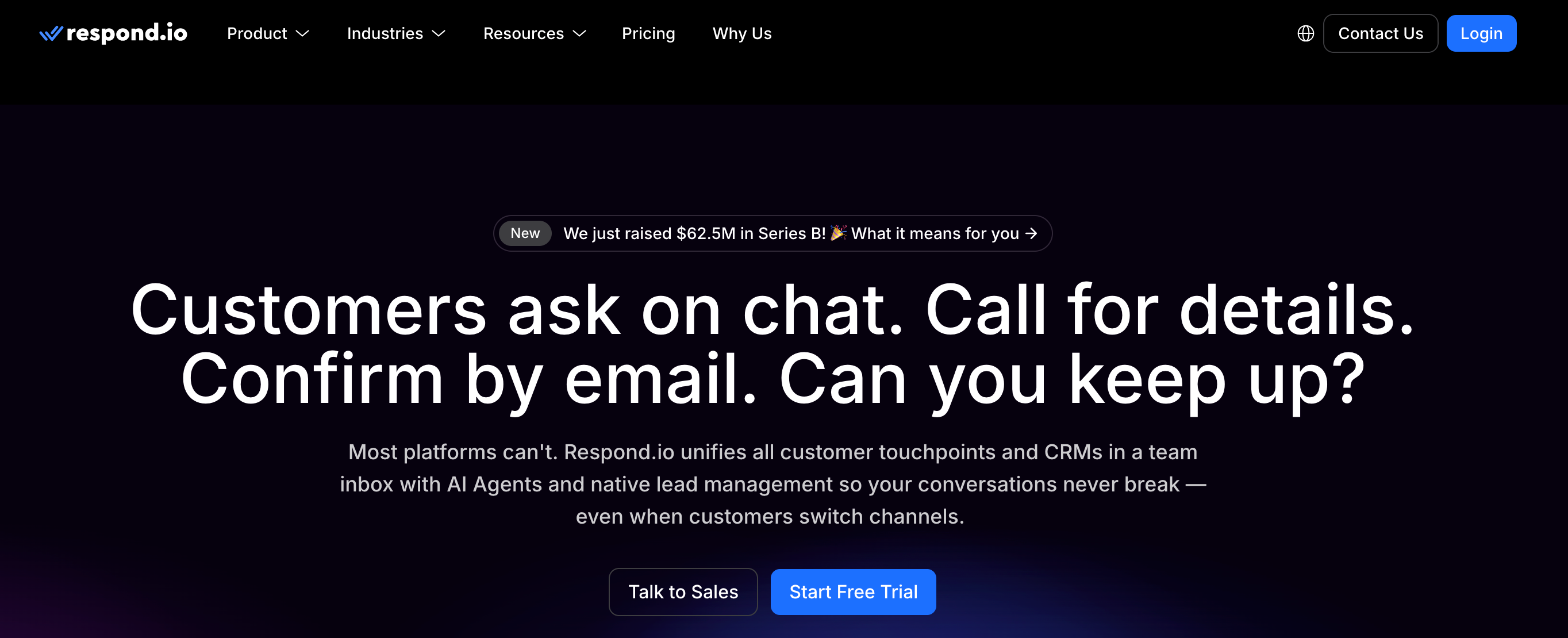
respond.io is built for teams whose customer messaging has outgrown a single channel. WhatsApp, Instagram, email, Telegram, web chat, calls and other channels can sit in the same workspace, with AI Agents and workflows handling what happens between them. While powerful and flexible it's probably more platform than a small WhatsApp-only team needs.
AI and Automation
This is where respond.io shines over Wati. AI Agents can answer conversations, qualify leads, update contact information, route customers and trigger workflows. Behind them sits a visual workflow builder for conditions, assignments, integrations and multi-step processes.
The downside is complexity because once you start combining AI Agents with branching workflows, and external systems, there is more to configure and maintain than a basic WhatsApp automation setup.
Channel Coverage
Respond.io supports WhatsApp, Instagram, Messenger, Telegram, email, website chat, SMS, TikTok, LINE, Viber, WeChat and voice calling from one workspace.
This is a major strength for businesses where customers do not stay neatly inside WhatsApp. A lead can arrive through Instagram, continue on WhatsApp and later need a call without the team managing each channel as a separate operation.
Setup and Ease of Use
Getting a basic inbox or AI Agent running is relatively straightforward, with templates available for common setups. The learning curve appears when you start using the platform for what it is really good at: complex routing, multi-step workflows and integrations. For an operations-heavy team, that depth is useful. For a small business that mainly wants WhatsApp campaigns, support and a few automations, it can be unnecessary overhead.
Pricing
Starter begins at $79/month, but the more relevant comparison is Growth at $159/month, where AI Agents, workflows, broadcasts, integrations and API access become available. Advanced starts at $279/month and there's also a 7-day free trial for all plans.
Pricing can increase with active contacts, additional users and AI usage, so teams with large contact databases or heavy automation should model the full cost rather than stopping at the advertised plan price.
Key features
- AI Agents for conversations, qualification and routing
- Visual multi-step workflow builder
- WhatsApp, Instagram, Messenger, Telegram, email, web chat, SMS and more
- Voice calling inside the same workspace
- Broadcasts, reporting and lifecycle management
- CRM integrations, Zapier, Make, n8n and Developer API
Comparison verdict
One of the best platforms for teams needing automation and broader channel coverage than Wati provides, especially when customer journeys involve multiple departments or systems. Smaller WhatsApp-first teams may find the added complexity and higher starting cost harder to justify.
3. Interakt — Best for WhatsApp ecommerce

Interakt was built mainly for brands selling through WhatsApp. It doesn't try to be a general messaging platform which gives it more depth for e-commerce brands.
It's a Jio Haptik product, heavily weighted toward Indian D2C and Shopify. Catalogs, payments, order updates, cart recovery... all core products, not bolt-ons. If WhatsApp is where your customers buy, this is purpose-fit. Otherwise, most of the advantage disappears.
AI and Automation
AI Agents handle support, lead qualification, product recommendations and commerce workflows, running on Haptik's AI stack. For WhatsApp ecommerce, they do the obvious jobs well: answer product questions, qualify inbound leads, push shoppers toward checkout.
The catch however is that AI Agents are a paid add-on on top of eligible plans. AI isn't part of the basic platform you bought, but comes at an additional cost. Rule-based automation is tiered too, with linear chatbot flows on the mid plan and branching logic only on the higher one.
Channel Coverage
Primarily WhatsApp and Instagram. WhatsApp is the mature, well-built core, and Instagram DMs and comments run natively alongside it. However, there's no web chat or messenger included. The implication is that if your traffic doesn't funnel into WhatsApp only or your business also answers questions through a website widget,you're covering that gap with another subscription. But if it does, the platform works just fine.
Setup and Ease of Use
Setup is genuinely fast. The Shopify integration installs from the app store and syncs your catalog without a developer touching it. Campaigns, templates and basic automations are all no-code. A two-person ecommerce team can be live on WhatsApp marketing and support in an afternoon, which explains Interakt's popularity with teams who have no engineering time to spare.
Pricing
Starter begins at $12/month, but it only includes Instagram. Growth starts at $55/month and Advanced at $69/month, with unlimited agent seats included.
That subscription is only the first layer. WhatsApp message charges still apply, and AI Agents cost another $74.99/month on Growth or Advanced. A Growth + AI setup therefore comes to about $129.99/month before messaging charges and taxes.
The entry price is low, but the better comparison is the full cost once WhatsApp and AI are part of the setup.
Key features
- WhatsApp Business API messaging
- Instagram DMs and comments
- Native Shopify integration with catalog sync
- Broadcasts and bulk campaigns
- WhatsApp catalogs and payments
- AI Agents (paid add-on)
- Shared inbox with unlimited agent seats
Comparison verdict
Hard to beat if WhatsApp ecommerce on Shopify is your entire operation. Harder to justify when AI is central to the plan, because the advertised price isn't the price you end up paying once the add-on is attached.
4. Manychat — Best for Instagram and DM automation
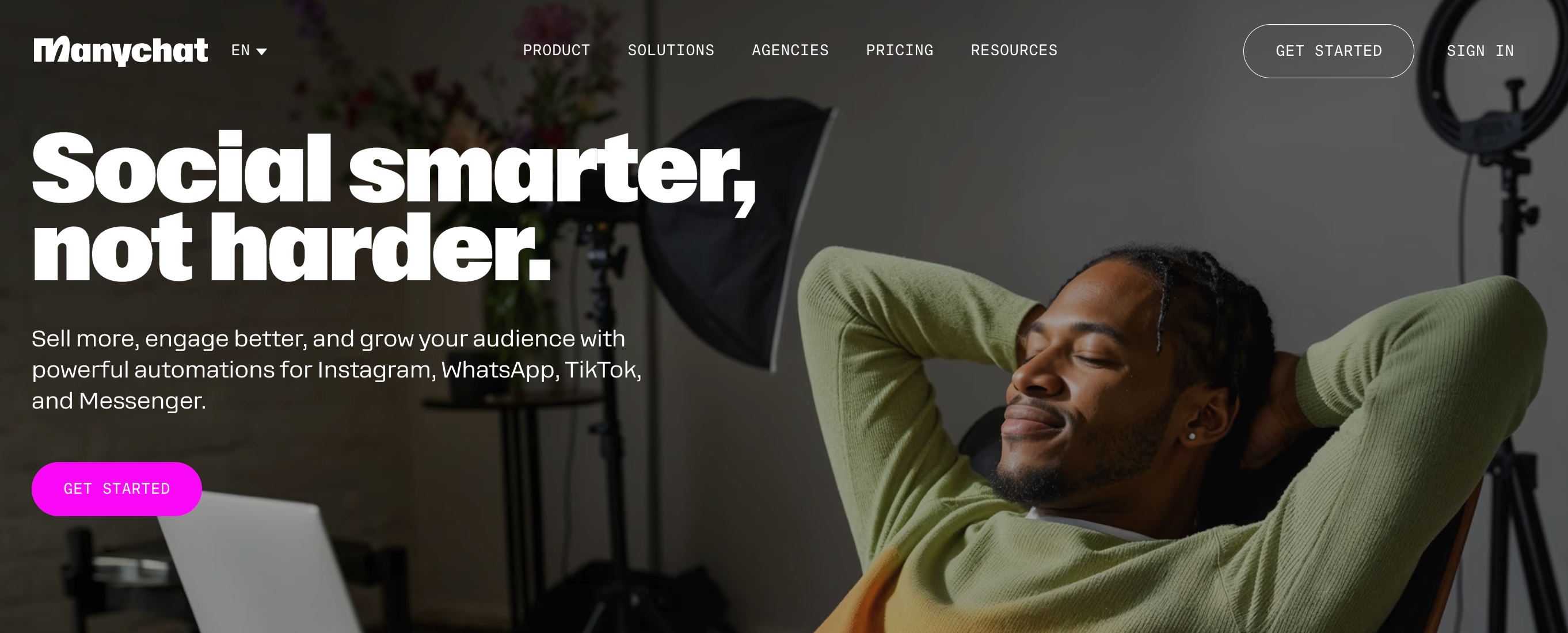
If you've ever commented "link" under a Reel and had a DM waiting for you seconds later, that was probably a tool like Manychat running in the background for the creator. Manychat is one of the best tools to use if you generate leads from Instagram and Facebook. Its chat automation tool lets you build chatbots across Instagram, WhatsApp, Facebook, SMS and Telegram, covering everything from a simple reply flow to a full lead funnel.
AI and Automation
Manychat is built around its visual flow builder. Keyword triggers, comment-to-DM automations, lead capture, sequences and broadcasts all come together as drag-and-drop steps on a canvas, and it's fast to assemble without technical help.
Its AI sits on top of that structure rather than replacing it. Manychat AI answers FAQs from a knowledge base, recognises intent to route people into the right flow, and helps you write the flow. Practitioners who've run it for years tend to describe the AI as useful but shallow compared to the automation layer underneath as you're still the one designing the paths.
Channel Coverage
Manychat covers TikTok, Messenger, WhatsApp, Telegram, SMS, and email and boast of a strong coverage on Instagram.
There are a few catches though. Pro only lets you connect three channels, so you need Business if you want everything in one place. There's also no website chat, which means someone browsing your site with a quick pre-purchase question has to reach you somewhere else.
And adding a new channel is not always plug-and-play. Message blocks are built per channel, so you often end up recreating content instead of simply extending the same flow. That extra work isn't visible up on the pricing page, but you feel it once the setup starts growing.
Setup and Ease of Use
A non-technical marketer can have a comment-to-DM flow live in an afternoon, test it inside the interface before publishing, and lean on a decade of community templates for the common plays. The downside is there's no clean way to maintain one flow in several languages. Comfortable for a solo creator or a small marketing team, but thin for anyone running a support rota.
Pricing
Manychat prices by Active Contacts, so the cost grows with the number of people engaging with your automations. Free is limited to 25 active contacts, while Pro starts at $14/month for 250 contacts and includes AI. However, going over your Active Contact limit, incurs extra $0.05 per extra contact and WhatsApp and other channel fees are separate from the base subscription.
Key features
- Comment-to-DM automation across Instagram, TikTok, and Messenger
- Visual drag-and-drop flow builder
- Manychat AI for replies, intent recognition, and flow assistance
- Broadcasts across WhatsApp, SMS, and email
- Lead capture, custom fields, Google Sheets sync, and API access
Comparison verdict
Unmatched at converting social audiences into DMs. The contact based billing and flow dependent AI are the two variables to weigh against your list size before committing.
5. Chatbase — Best for an AI agent for an existing stack
.png)
Chatbase is the most AI-first product in this comparison, and it behaves like one. Point it at your content, train an agent, and that agent can start answering questions, triggering systems, and escalating when it cannot resolve something.
What Chatbase is not trying to be is the place your team lives all day. Human handoff is not especially seamless and often works better through a connected helpdesk, which reinforces where Chatbase fits best: as the intelligence layer you add to a customer stack you already have.
AI and Automation
AI is the core of Chatbase. Agents train on your website and documents to handle straightforward requests. You can set guardrails, define handoff rules, and test everything in the Playground before launch.
The trade-off is that actions are limited by plan, and human handoff is less seamless because AI and human agents cannot collaborate in the same thread. More complex setups may therefore need extra tooling and push you up a tier faster.
Channel Coverage
Chatbase covers website chat, email, phone, Slack, WhatsApp, and Messenger. The mix is broad, but it is mostly built around support rather than marketing.
You do not get Instagram DMs, comment automation, or a campaign layer. So if most of your customer conversations start on social, Chatbase is unlikely to be the place where those journeys are managed.
Setup and Ease of Use
Getting a competent agent live is genuinely quick — connect your content, let it train, embed the widget, and you can be up and running without much friction.
The pace changes once custom Actions enter the picture as defining what the agent can call, and how responses get handled takes more hands-on configuration. That is manageable for a team with engineering nearby, but slower for someone working alone.
Pricing
Hobby is $40/month, Standard $150/month, and Pro $500/month. While the pricing model rewards simple setups, once usage, additional agents, and premium models stack up, the headline plan price stops being a reliable picture of the final bill.
Key features
- AI agents trained on your content
- AI Actions for lookups, bookings, tickets, and escalation
- Website chat, WhatsApp, Messenger, email, and voice
- Zendesk, HubSpot, Slack, Zapier, and Make integrations
- Human takeover and outbound campaigns on higher plans
Comparison verdict
A strong fit if you want an AI agent added to an existing stack. Less suited to social-first teams, with human handoff often relying on external helpdesk tools and costs rising with usage.
6. SleekFlow — Best for established omnichannel sales teams
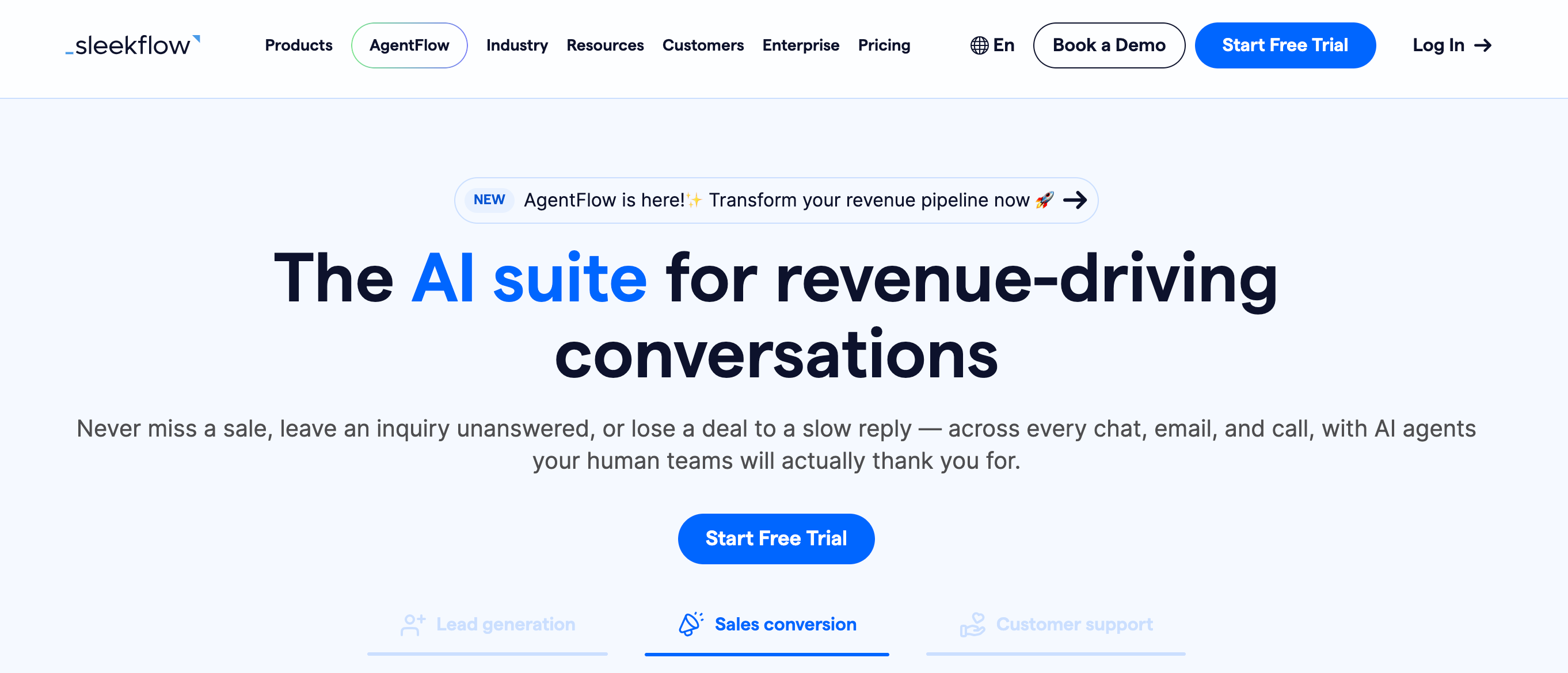
SleekFlow is built for teams running messaging as a revenue operation rather than a support queue. Hong Kong-based and strongest across Asia, it covers more channels than any other platform in this comparison. The AI integration was launched in 2025, where multiple agents handle different jobs in a pipeline and hand off to each other. It's a capable product but pricey for companies already doing volume.
AI and Automation
SleekFlow's AI Agents work from playbook-style instructions. They can score leads, pull Shopify product and order data, update contacts, call APIs, and process payments.
Alongside that is Flow Builder, a no-code tool for structured customer journeys. Most teams will use both: flows for predictable steps, and AI Agents for conversations that do not follow a script.
One useful touch is knowledge-gap tracking. SleekFlow shows where the AI could not answer confidently, so you can improve its knowledge over time instead of guessing where the weak spots are.
Channel Coverage
SleekFlow has one of the broadest channel mixes here: WhatsApp, Instagram, Messenger, Telegram, SMS, TikTok Business Messaging, live chat, email, and voice workflows, all managed from one inbox.
And if your customers are especially active across Asia, that breadth matters even more, with access to WeChat, LINE, and Viber included alongside the usual channels.
Setup and Ease of Use
SleekFlow takes more setup than lighter SMB tools, which makes sense given how much it covers multiple channels, AI playbooks, branching flows, and CRM that need configuring.
Worth it if you have someone owning the system. Excessive if you want a WhatsApp inbox and a few automations running by Friday.
Pricing
Pro starts at $109/month billed yearly, while Premium starts at $279/month. WhatsApp hosting adds another $15/month per number, with messaging charges on top.
Costs can also rise with contact volume, AI activity, broadcasts, flows, and API calls, so the headline price is only the starting point
Key features
- AgentFlow AI agents with playbooks and knowledge-gap reporting
- Omnichannel inbox across 10+ channels, including WeChat, LINE, and Viber
- No-code Flow Builder for branching journeys
- Shopify, Stripe, CRM, Zapier, Make, and API integrations
- Broadcasts and analytics for ROI, workload, resolution, and revenue
Comparison verdict
The right choice for established teams running sales across many channels, particularly in Asian markets. The entry price and the five separate usage meters makes it less suited for smaller teams.
7. AiSensy — Best for WhatsApp campaigns and broadcasts
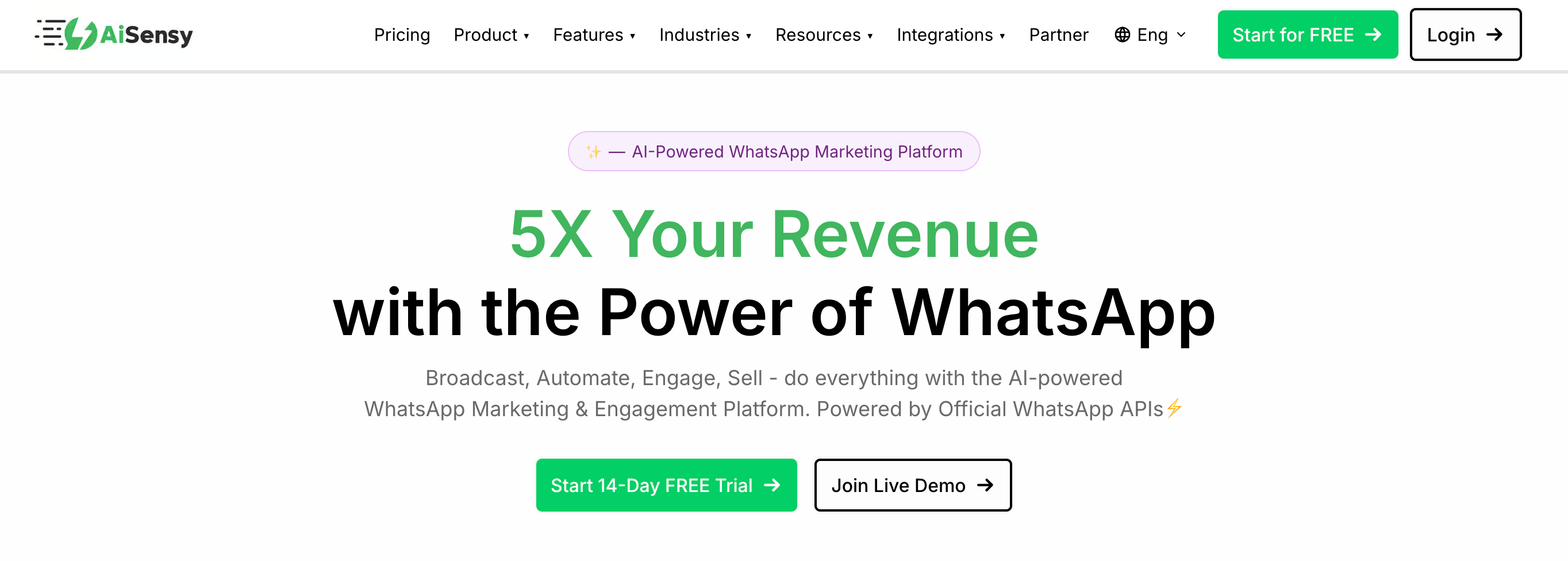
AiSensy is a WhatsApp-first broadcast platform built for sending campaigns to large audiences at scale. Few tools make high-volume WhatsApp marketing this affordable, which is where AiSensy stands out.
The caveat is channel breadth. If your customer journey spans several touchpoints beyond WhatsApp, the platform can start to feel limiting.
AI and Automation
AiSensy separates structured chatbot flows from its AI Agent. The chatbot builder handles keyword and rule-based journeys, while the AI Agent adds knowledge-based answers, generated replies, long-term memory, and tool calling.
The AI itself is capable, but for teams that want conversational AI and automation working as one system, the setup can feel fragmented.
Channel Coverage
Only WhatsApp. No Instagram, no Messenger, no website chat. If WhatsApp is your only channel, the focus is an advantage. If it isn't, nothing here extends to cover the rest.
Setup and Ease of Use
Pretty straightforward to go live. The intuitive interface and pre-built templates mean you don't need a developer for the standard setup.
Pricing
Basic starts at about $16/month, while Pro costs around $34/month. However, the base plan is only the first layer. AI and chatbot flows are sold separately at roughly $14/month and $26/month, which brings a Basic setup with both to about $56/month and more with extra usage charges.
Key features
- WhatsApp broadcasts, click tracking, and campaign analytics
- Click-to-WhatsApp ads and shared team inbox
- Catalogs and payments inside WhatsApp
- Chatbot flows and AI Agent Builder as add-ons
- Shopify and WooCommerce integrations
Comparison verdict
A good fit for teams needing WhatsApp broadcast campaigns at volume. But account for the base plan limits and add-on markup especially if you need AI and automations tools.
8. DoubleTick — Best for WhatsApp-focused sales
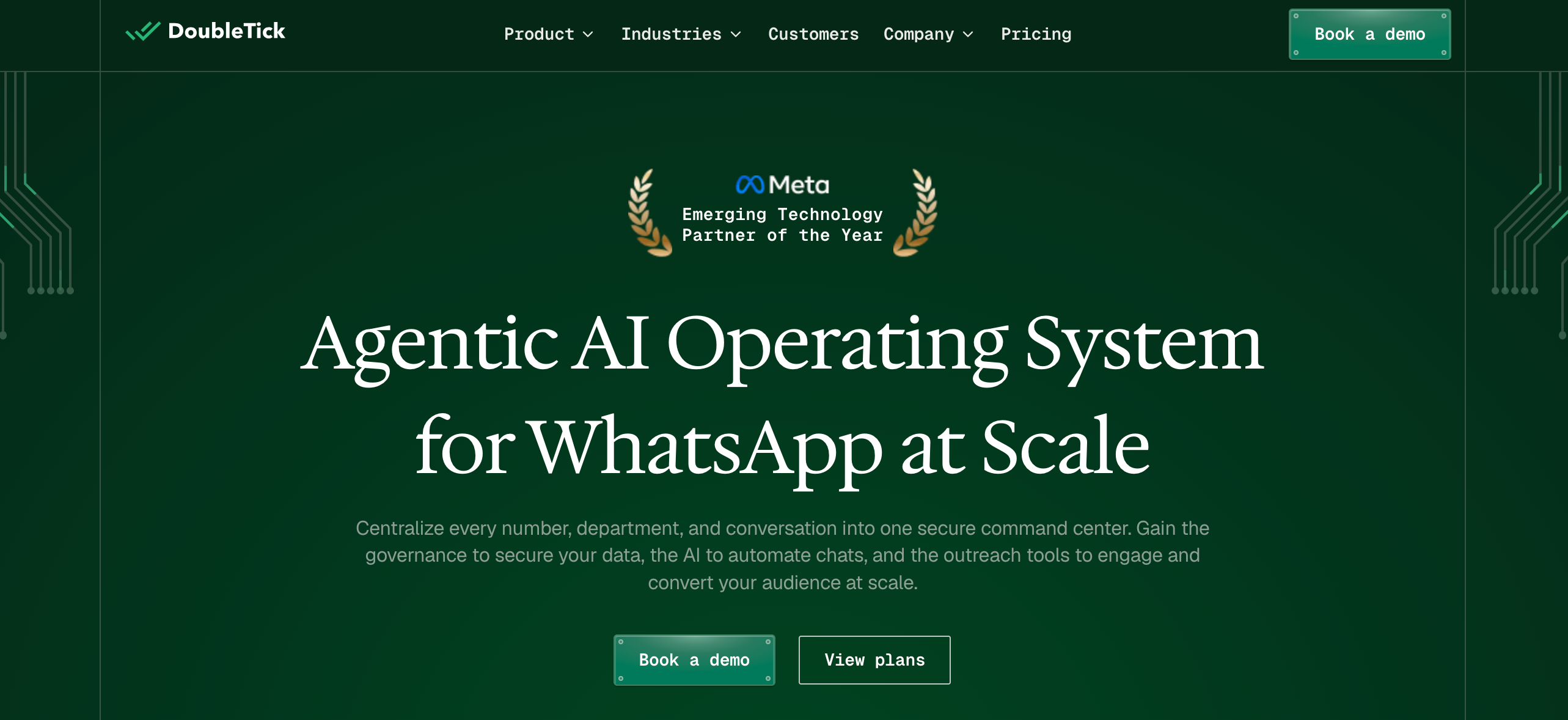
Most WhatsApp platforms treat the channel as a support desk first and a sales tool second. DoubleTick does the opposite. It's built for teams that close deals and take orders inside WhatsApp chats.
Its standout feature is image-based ordering. A customer sends a photo of a product they want, the AI recognizes it, and the item goes into their cart without anyone clicking a link or opening a website. For teams that already sell by swapping product photos with customers, that removes a lot of back-and-forth. No other tool on this list does it.
AI and Automation
While the entry-level plan skips AI, the Pro and Enterprise tiers pack in built-in agents for FAQs, lead qualification, and after-hours chat before handing off to a human.
You also get a solid sales-shaped workflow with contact management and bulk broadcasting. That said, it hits a wall if you need complex automation or deep triggers. And because it's strictly WhatsApp, you'll want broader tools like Heyy if your customers span multiple channels.
Channel Coverage
This is a single-channel product—WhatsApp only. No Instagram, no Messenger, no website chat.
Setup and Ease of Use
Onboarding your team and getting basic chats running is quick, and the interface is simple enough that most people won't need training. The friction shows up with more complex bot flows, which some users find glitchy to build and maintain.
Pricing
Plans start at $170/month for the Starter tier, which leaves out AI agents, while Pro ($308/month) and Enterprise plans unlock built-in AI agents, automation, and advanced workflows.
Key features
- Shared team inbox with chat assignment and role controls
- Bulk WhatsApp broadcasts and dynamic catalogs
- AI image recognition for order booking
- Shopify, WooCommerce, Magento, Tally, and ERP integrations
- API, webhooks, payment gateways, and mobile apps
Comparison verdict
A strong fit for WhatsApp-led sales teams working from their phones, particularly in wholesale and D2C. However, its higher cost and strict single-channel focus make it impractical for small teams with several customer touchpoints.
Frequently Asked Questions (FAQs)
When should you stick with Wati?
If WhatsApp is where almost all of your customer conversations happen, and Wati already covers your campaigns, templates, and inbox, there's no strong reason to switch.
The time to look around is when the gaps start costing you. Maybe Instagram DMs are going unanswered, website visitors can't reach you, or you want AI without another add-on on your bill. If none of that sounds familiar yet, Wati is probably still doing its job.
What is the cheapest Wati alternative?
For WhatsApp, ManyChat has the lowest headline price at about $14/month. However this comes with a limit of 250 contact and adding new contact incurs extra $0.05 per extra contact
So the better question is what you'll pay for the setup you actually need. Several tools on this list sell AI, automation, or extra channels as add-ons, so compare the full cost of your setup rather than the entry plan.
Which Wati alternative is best for ecommerce?
It depends on where your customers buy. If you sell mainly through WhatsApp and run your store on Shopify, Interakt is built for exactly that. If your team sells visually, DoubleTick's image-based ordering is worth a look.
And if your shoppers are spread across Instagram, WhatsApp, Messenger, and your website, Heyy is the better fit. One AI Employee can answer product questions, check order status, and hand high-value conversations to your team, whichever channel the shopper started on.
Which Wati alternative is best for AI agents?
If you already have a helpdesk and just want an AI layer on top, Chatbase is a good choice. It's the most AI-first product here, but it isn't built to be where your team manages conversations all day.
If you want AI working inside your messaging setup rather than alongside it, Heyy is a better fit. AI Employees come with the first paid plan, run across every connected channel, and can take actions like qualifying leads, updating records, and triggering workflows.
For larger teams with complex workflows, respond.io and SleekFlow both offer capable AI agents. The trade-off is higher pricing and more setup.
Can you switch from Wati without changing your WhatsApp number?
Yes. WhatsApp Business API numbers can be moved between providers without getting a new number. You keep your display name, quality rating, messaging limits, Official Business Account status, and previously approved templates.
There are a few things to know before you start. Two-factor verification has to be switched off with your current provider, and you'll need access to the phone number to receive a 6-digit verification code. Meta's rules say your existing provider can't delay or make it difficult to disable 2FA or migrate. It's also worth asking both providers whether your conversation history can be exported, since it may not move with the number.
More blog posts to read

Ready to Automate Support
Across Every Channel?
.svg)
.avif)