
Best Live Chat Software With WhatsApp Integration (2026)

Finding live chat software with WhatsApp integration is harder than it should be. Nearly every tool lists WhatsApp on its features page, but that can mean a shared inbox where the same AI answers both channels, an add-on app you install separately, or a button that sends visitors off to WhatsApp. And the price on the plan page is rarely what you pay once WhatsApp and AI are switched on.
We did the work for you. We went through the pricing pages of 11 live chat tools, checked how each one connects WhatsApp and which plans include it, and worked out what each would cost you.
What “WhatsApp integration” means in a live chat tool
When a live chat tool says it “integrates with WhatsApp,” it can mean one of three things. Your customers won’t notice the difference, because they just message you on WhatsApp, but your team will.
1. WhatsApp built into the inbox. WhatsApp messages arrive in the same inbox as your website chats, under the same customer, and the same AI can answer both. This is real integration, and what most businesses busy on both channels need.
2. WhatsApp through an add-on app. WhatsApp still reaches your inbox, but through a separate app you install from the tool’s marketplace. Expect extra setup, and sometimes an extra cost.
3. A WhatsApp button only. The button opens WhatsApp, and the chat carries on in the WhatsApp app, outside your live chat tool. Your team can’t share it, and your AI can’t answer it. It’s free and fine for a one-person business. Our guide to adding a WhatsApp chat widget explains when that’s enough.
All 11 tools in this guide bring WhatsApp into the inbox, ten directly and one (LiveChat) through an add-on app. What sets them apart is which plans include WhatsApp, whether their AI answers there too, and what you pay on top.
The best live chat software with WhatsApp integration at a glance
Here’s how all 11 tools compare on WhatsApp. Prices are monthly billing, checked in November 2026.
Every tool on this list connects through the official WhatsApp Business Platform, so Meta’s own message fees apply to all of them. We cover those below.
What WhatsApp costs on top of your live chat tool
The plan price is rarely the whole bill. Every tool here connects through the WhatsApp Business Platform, which comes with Meta’s own rules and fees:
- Meta charges per message. Rates depend on your customer’s country. From October 1, 2026, that includes service replies, not just marketing templates. Messages customers send you are free. You pay these fees on any tool, so we’ve left them out of the cost comparison.
- You have 24 hours to reply. After a customer’s last message, you can reply freely for 24 hours. After that, you can only send a pre-approved template. So a message left unanswered overnight can lock you out of a normal reply, which is a strong reason to have an AI employee answer straight away.
- Some tools add their own fees. Intercom charges per WhatsApp conversation, and SleekFlow charges a monthly hosting fee per number. Crisp only includes WhatsApp from its $95 Essentials plan.
Live chat tools with WhatsApp built in on every plan
These tools bring WhatsApp into the same inbox as website chat, and they include it on every plan (or every paid plan). The differences are in how they charge for AI and how many people each plan covers.
1. Heyy
Heyy is built around one idea: your customers shouldn’t have to wait for an answer, whichever channel they use. WhatsApp, website live chat, Instagram, Facebook Messenger, and SMS all land in one shared inbox, and an AI Employee answers on each of them straight away, using your business information.
So a customer gets the same answer whether they ask in your website chat at 9 p.m. or on WhatsApp the next morning. When a chat needs a person, the AI Employee hands it to your team with the full conversation in front of them. You can also send WhatsApp campaigns and build automations from the same place.
How WhatsApp connects: through the official WhatsApp Business Platform, on every plan. With Coexistence, you can keep using the WhatsApp Business app on your phone.
Pricing:
- Hobby, $49: 1 user, 1 AI Employee, 1,000 credits, 3 channels
- Pro, $149: 5 users, 2 AI Employees, 6,000 credits, 5 channels
- Ultra, $499: 10 users
- Extra credits are $20 per 1,000, and there’s a 7-day free trial.
Best for: small and mid-sized businesses that get most of their customer conversations on WhatsApp and their website, and want AI handling the first reply on both.
Worth knowing: Heyy covers the channels most businesses use, but not regional apps like WeChat, LINE, or Telegram. Pro includes 5 users, so larger teams will want Ultra.
2. SleekFlow
SleekFlow is an omnichannel inbox with a long list of channels, including WhatsApp, Instagram, Messenger, SMS, WeChat, LINE, Telegram, Viber, and TikTok. Its website chat widget feeds into the same inbox, and on Pro and above its AI agents can answer website visitors and WhatsApp chats.
How WhatsApp connects: through the WhatsApp API, on every plan, with a monthly hosting fee per number. Its help center mentions Coexistence but doesn’t explain which plans support it.
Pricing:
- Essential, $69: 3 users, 500 active contacts, AI co-pilot for your team but no AI agents
- Pro, $139: 10 users, 500 active contacts, AI agents
- Premium, $349: 10 users, 1,000 active contacts
- Extra active contacts are added automatically, 100 at a time.
Best for: teams in Asia that need WeChat or LINE, or teams that need more seats than channels.
Worth knowing: you’re billed by active contacts, and website chat visitors count. Pro’s 500-contact allowance goes quickly once AI is answering everyone, and AI usage isn’t priced on the pricing page.
3. respond.io
respond.io is a conversation platform built mainly for WhatsApp, with website chat, Instagram, Messenger, and other channels alongside. It’s strong on workflows and routing, which makes it popular with sales teams handling a lot of WhatsApp leads.
How WhatsApp connects: through the WhatsApp API, on every plan. Meta’s fees are billed separately, and you top up WhatsApp credit in the platform.
Pricing:
- Starter, $99: 5 users, 5,000 AI credits, no AI agents
- Growth, $199: 10 users, 1,000 active contacts, 10,000 AI credits, AI agents
- Advanced, $349: 10 users, 20,000 AI credits
- Extra active contacts are $12 per 100 on Growth.
Best for: larger teams running WhatsApp sales at high volume.
Worth knowing: AI agents start on Growth, so the realistic entry price for AI-first chat is $199.
4. Chatwoot
Chatwoot is an open-source customer support inbox. You can host it yourself for free or use its cloud plans, and it brings WhatsApp, website chat, Instagram, Messenger, and email into one place. Its AI assistant, Captain, runs on credits.
How WhatsApp connects: built into the inbox on paid cloud plans.
Pricing:
- Hacker: free, with limited features
- Startups, $19 per agent: includes 300 AI credits
- Business, $39 per agent
- Enterprise, $99 per agent
- Extra AI credits are $20 per 1,000.
Best for: budget-conscious or technical teams, especially those who want to self-host.
Worth knowing: setup and maintenance take more hands-on work than the other tools here, and AI credits beyond the first 300 add up as volume grows.
5. Tidio
Tidio is a live chat tool popular with small online stores. WhatsApp, Instagram, and Messenger come into the same inbox as website chat on every plan. Its AI agent, Lyro, is a separate add-on.
How WhatsApp connects: built into the inbox on every plan.
Pricing:
- Free: 50 conversations
- Starter, $29: 100 conversations
- Growth, from $59: 250 to 2,000 conversations, priced in tiers
- Plus, from $300
- Lyro AI is from $39, for 50 AI conversations.
Best for: small stores with modest chat volume.
Worth knowing: you pay separately for conversations your team handles, for Lyro’s AI conversations, and for automation, so costs climb on three meters at once as you grow.
6. Chatbase
Chatbase started as a tool for building AI chatbots and has grown into an AI customer support platform. Its AI agent answers on your website, WhatsApp, Messenger, and Instagram on every plan.
How WhatsApp connects: built in on every plan.
Pricing:
- Hobby, $40: 2 members, 700 credits
- Basic, $150: 3 members, 4,000 credits, plus its helpdesk and campaigns
- Business, $500: 5 members, 15,000 credits
- Each plan includes one AI agent. Extra agents are $25 a month, and extra credits are $40 per 1,000.
Best for: teams that mainly want an AI agent answering on WhatsApp and their website, with humans stepping in occasionally.
Worth knowing: the helpdesk your team uses to take over chats starts on Basic, and a 5-person team needs Business.
7. Help Scout
Help Scout is a helpdesk known for being simple to use. Its paid plans include live chat, WhatsApp, Instagram, Messenger, and SMS in the same inbox as email, and its AI Answers feature is charged per resolution.
How WhatsApp connects: built in on paid plans.
Pricing:
- Free: 5 users, 100 contacts a month
- Standard, $30 per user
- Plus, $54 per user
- Pro, $90 per user
- AI Answers is $0.75 per resolution.
Best for: support teams that handle a lot of email and want WhatsApp alongside it.
Worth knowing: you pay per user and per AI resolution, so costs grow on both sides as your team and your AI usage grow.
Live chat tools with WhatsApp on higher plans or with extra fees
These tools also bring WhatsApp into the inbox, but you either need a higher plan to get it or pay extra for using it.
8. Crisp
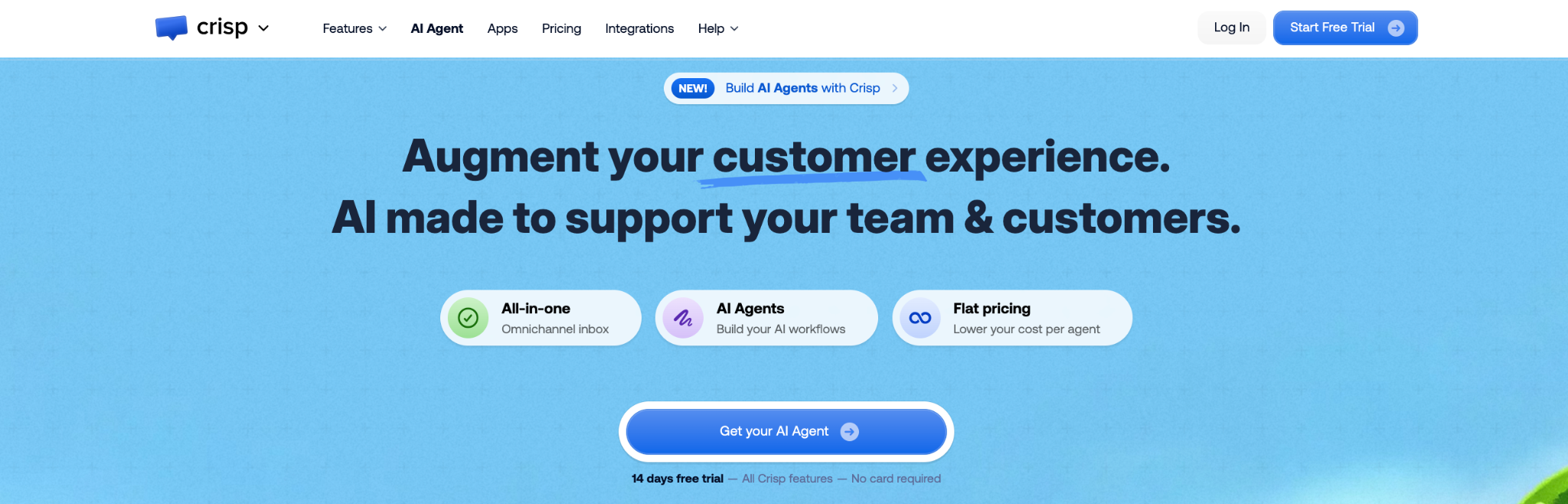
Crisp is a live chat and messaging platform priced per workspace rather than per person, which makes it good value for teams with several people. Its AI agent, Hugo, answers within an AI allowance that comes with each plan.
How WhatsApp connects: built into the inbox, but only from Essentials. Mini doesn’t include WhatsApp or Instagram.
Pricing:
- Free: 2 seats
- Mini, $45: 4 seats, an AI allowance of about 90 chats, no WhatsApp
- Essentials, $95: 10 seats, an AI allowance of about 450 chats, WhatsApp and Instagram
- Plus, $295: 20 seats, an AI allowance of about 1,350 chats
Best for: teams of several people with moderate chat volume.
Worth knowing: when the AI allowance runs out, Hugo stops answering unless you’ve turned on pay-as-you-go. If AI is answering all your WhatsApp chats, plan for that. Our guide to Crisp alternatives goes into more detail.
9. Intercom
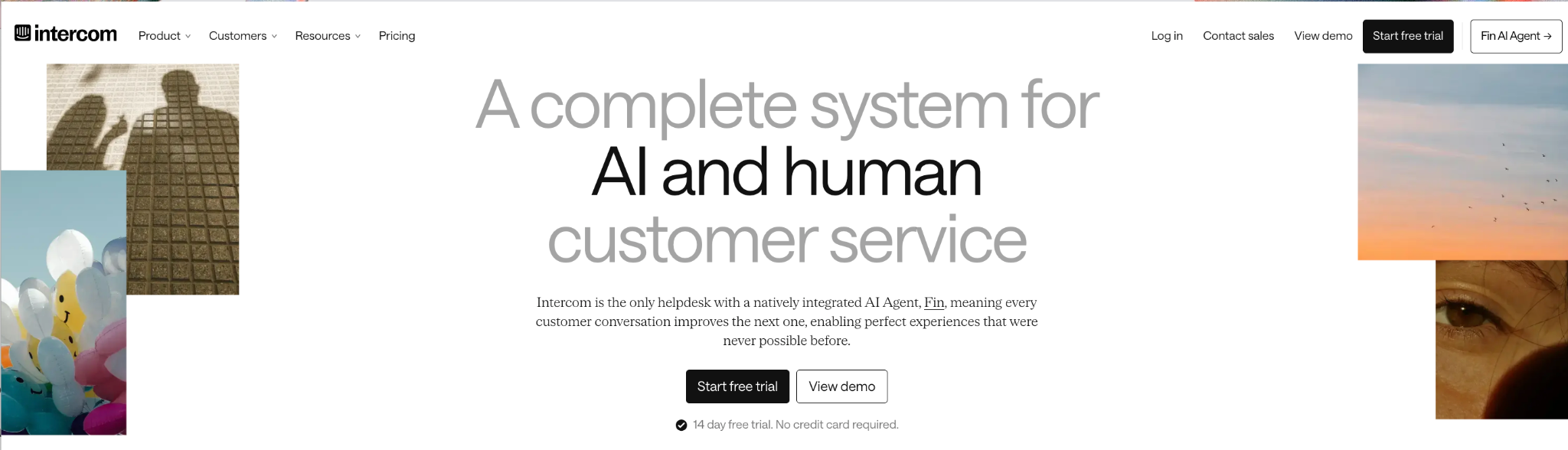
Intercom is a customer service platform with one of the most capable AI agents, Fin. WhatsApp, Instagram, Messenger, and SMS can all come into its inbox, but some are charged on top of your seats.
How WhatsApp connects: built into the inbox, with a per-conversation charge for WhatsApp on top of Meta’s fees.
Pricing:
- Essential, $39 per seat
- Advanced, $99 per seat
- Expert, $139 per seat
- Fin is $0.99 per outcome.
Best for: larger support teams that want a mature helpdesk and can absorb usage-based AI costs.
Worth knowing: you pay per seat, per Fin outcome, and per WhatsApp conversation, which makes the bill hard to predict. Our list of Intercom alternatives compares cheaper options.
10. Zendesk
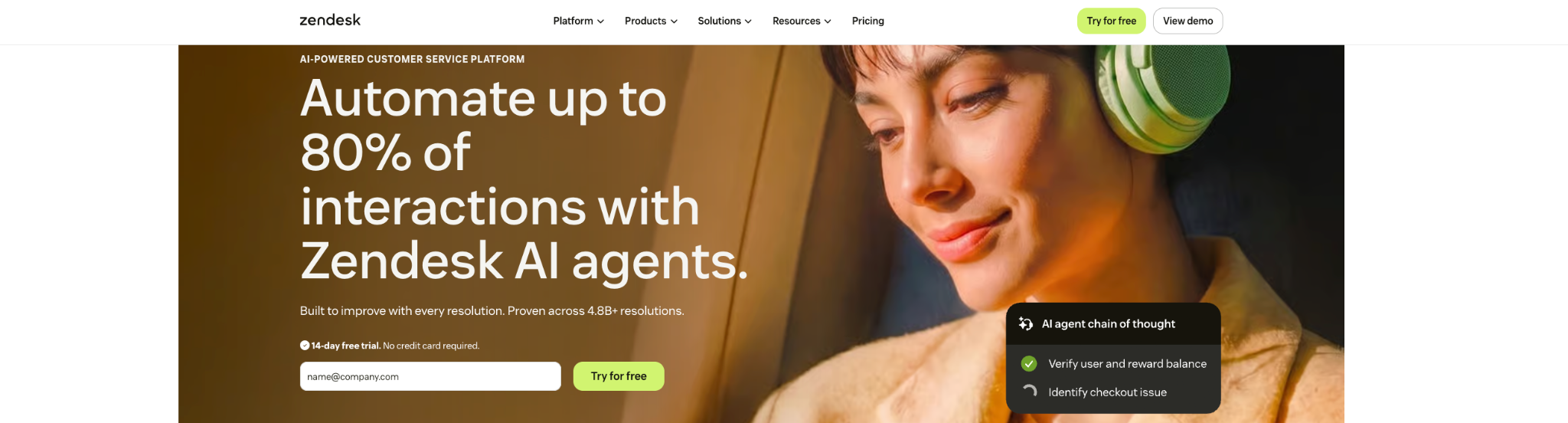
Zendesk is one of the best-known helpdesks. Its Suite plans bring WhatsApp, Instagram, Messenger, and web chat into the same workspace as email and tickets.
How WhatsApp connects: built in on Suite plans.
Pricing:
- Suite Team, $69 per agent: 5 automated AI resolutions per agent each month
- Extra AI resolutions cost $1.50 to $2 each.
Best for: larger companies already using Zendesk for email and tickets.
Worth knowing: only a handful of AI resolutions are included, so AI-first WhatsApp chat becomes the most expensive part of the bill.
Live chat with WhatsApp through an add-on app
11. LiveChat
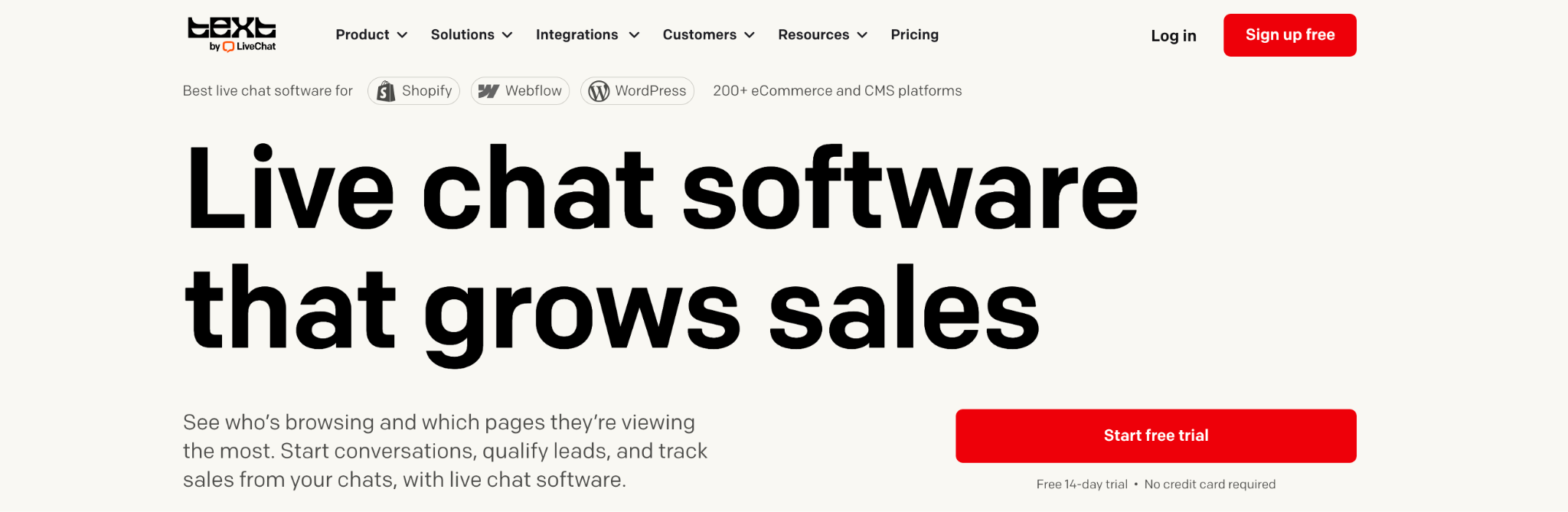
LiveChat is one of the longest-running website chat tools, with a polished chat window and a large marketplace of add-ons. Its own pricing page says website chat, WhatsApp, Messenger, and SMS land in the same inbox, and that its AI agent answers WhatsApp the same way it answers website chats. WhatsApp itself is connected through a Marketplace app that uses the official WhatsApp API.
How WhatsApp connects: through an add-on app. The pricing page doesn’t say which plans include it or whether the app costs extra.
Pricing:
- Essential, $25 per user: 10 AI resolutions
- Growth, $99 per user: 200 AI resolutions
- Extra AI resolutions are $49.50 per 50.
Best for: teams whose main channel is website chat, with WhatsApp as a smaller second channel.
Worth knowing: check the WhatsApp app’s cost and setup before you commit, and remember that AI resolutions beyond your plan’s allowance are billed in packs.
Live chat with WhatsApp integration FAQs
1. Can I use WhatsApp with live chat for free?
You can add a free WhatsApp button to your website, but that sends visitors to WhatsApp rather than bringing chats into your live chat inbox. To get WhatsApp and website chat in one inbox, you’ll need a paid plan on most tools, plus Meta’s message fees.
2. Do I need the WhatsApp API for live chat integration?
Yes, if you want WhatsApp chats in a shared inbox with your team and AI. The tools in this guide connect to the WhatsApp Business Platform for you, so you don’t need to set up the API yourself.
3. Can I keep using the WhatsApp Business app after connecting a live chat tool?
With tools that support Coexistence, such as Heyy, yes. You connect your existing number and keep using the app on your phone while your team works from the shared inbox.
4. Does the AI answer on WhatsApp as well as website chat?
On most tools in this guide, yes, but often only on certain plans. SleekFlow’s AI agents start on Pro, respond.io’s on Growth, and Tidio’s AI is a paid add-on. Heyy’s AI Employee answers on every plan.
5. How much does WhatsApp cost on top of my live chat plan?
Meta charges per message for replies and templates, at rates that depend on your customer’s country. Messages customers send you are free. Some tools add their own fees on top, like Intercom’s per-conversation charge or SleekFlow’s number hosting fee.
6. What’s the 24-hour window?
After a customer messages you, you can reply freely for 24 hours from their last message. After that, you can only message them with a pre-approved template. Fast replies, from your team or your AI, keep you inside it.
7. Can I keep the WhatsApp Business app?
This is often the first worry for small businesses: moving to a shared inbox used to mean giving up the WhatsApp Business app on your phone. With Coexistence, that’s no longer the case. You can connect your existing number to a tool like Heyy and keep using the app, so your team works from the shared inbox while you can still reply from your phone. Not every tool supports it yet, so ask before you connect your number.
One inbox, one answer
The best live chat software with WhatsApp integration does more than put a WhatsApp logo on its features page. It brings WhatsApp and website chat into one inbox, lets the same AI answer both, and keeps the bill predictable as your chats grow.
That’s what we built Heyy to do. Your AI Employee answers on WhatsApp, website chat, Instagram, and Messenger straight away, at any hour, and hands chats to your team when a person needs to step in. So a customer who asks at 9 p.m. gets an answer at 9 p.m., wherever they asked.
More blog posts to read

Ready to Automate Support
Across Every Channel?

