.svg)
WhatsApp Chat Widget for Your Website: How to Add One That Gets Messages

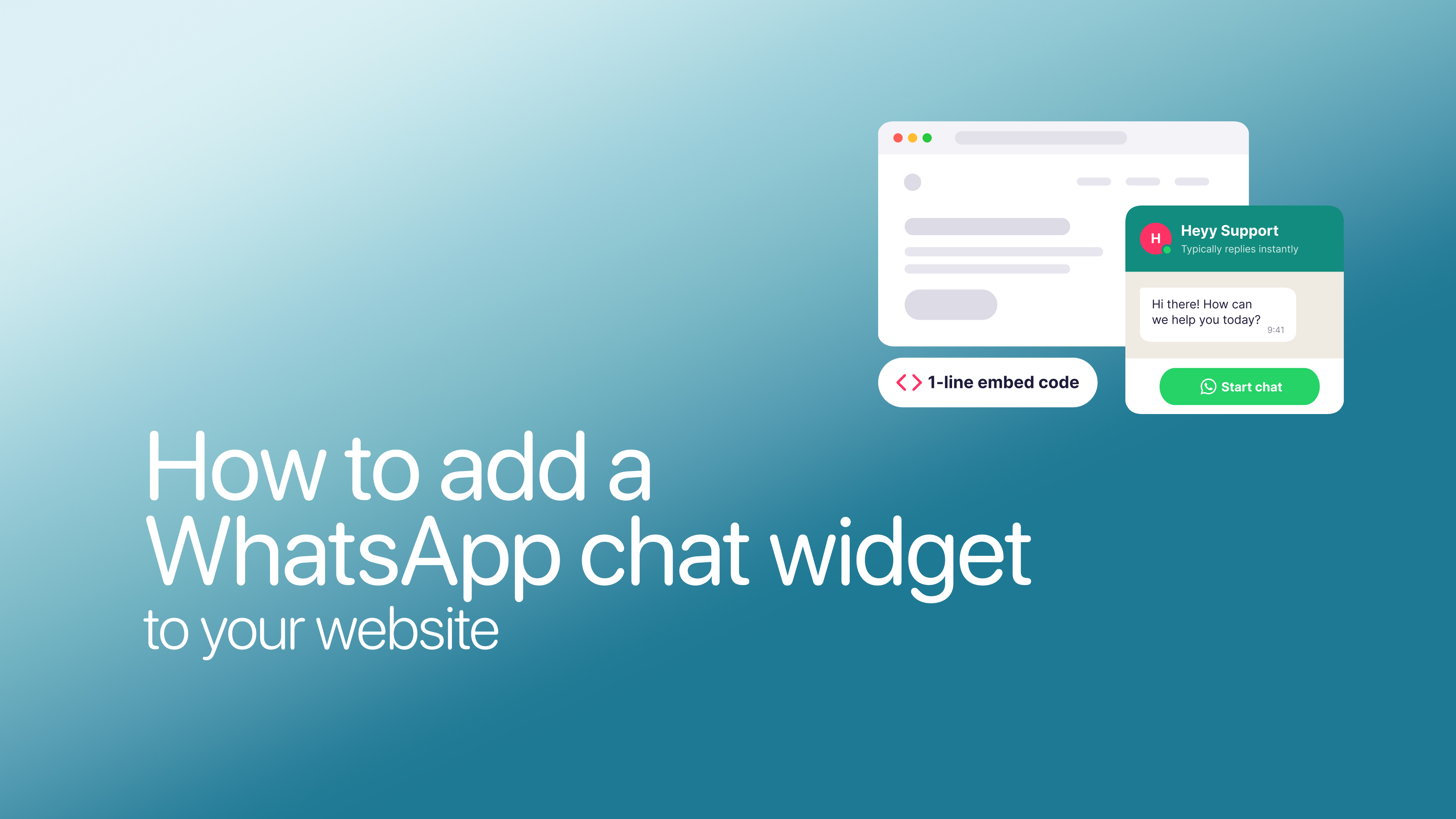
A shopper on your product page has one question: does it come in black? They won’t fill in a contact form to ask, but they’d send you a WhatsApp message in a second.
That’s the case for a WhatsApp chat widget, and adding one takes a few minutes. The trouble is, most guides stop there. A widget nobody taps, or one that opens a chat nobody answers, won’t bring you a single customer. And on a computer, some of your visitors may not be able to use it at all.
This guide shows you how to add a WhatsApp chat widget to your website. Then it covers the part most guides skip: where to put it, what it should say, and how to reach the visitors WhatsApp misses.
How to add a WhatsApp chat widget to your website
You have three ways to put WhatsApp on your website. Which one suits you depends on how much you want your widget to do:
Whichever you choose, you’ll start with your WhatsApp link: wa.me/ followed by your number, plus an optional message your visitors see already typed. Our guide to creating a WhatsApp link shows you how to build yours, with examples.
Getting the widget onto your site is the quick part. The rest of this guide is about getting your visitors to actually use it.
What should your widget say?
Your widget can show two pieces of text. The greeting is what visitors read before they click. The pre-filled message is what’s already typed for them when WhatsApp opens. Most businesses use the same “Hi! How can we help?” on every page, which gives your visitors nothing to reply to.
You’ll get more chats if both match the page your visitor is on. A good greeting speaks to the question visitors on that page are most likely to have, and asks something they can answer in a few words. Be honest about reply times, too. If you usually reply within the hour, don’t promise an instant answer.
Here’s what that looks like on the pages that matter most:
To use a different pre-filled message on each page, create a separate WhatsApp link for each one and add it to that page. There’s a bonus, too: because each message is different, you can tell which pages bring in chats. In Heyy, an automation can watch for those first words in new WhatsApp messages and label each contact with the page they came from.
For more greeting ideas, see our 40 live chat greeting examples. They’re written for website chat, but most work just as well on a WhatsApp widget.
What visitors see when they click
What happens after the click depends on the device your visitor is using. Only some paths get you a message straight away:
On a phone with WhatsApp, it’s one tap: the chat opens with your message already typed, and they just hit send. On a computer, the link opens WhatsApp Web or the desktop app, which works smoothly if they’re already logged in. If they aren’t, or don’t have WhatsApp at all, they have an extra step before they can reach you.
Those extra steps matter more than most guides admit. If a lot of your visitors browse on a computer, a WhatsApp widget on its own will miss some of them. So test yours on a phone and a computer before you rely on it. And if desktop visitors make up a big share of your traffic, that’s where live chat comes in.
WhatsApp vs live chat: what happens after the click
Most comparisons stop at “WhatsApp is personal, live chat is instant.” The differences that actually affect your sales show up after the visitor clicks.
1. The conversation can continue after they leave
This is WhatsApp’s biggest advantage. Once a visitor messages you, the chat lives on their phone. If they close your site, you can still reply an hour later, and they’ll see it. With most live chat, the conversation ends when they close the tab, unless they left an email address.
2. Live chat works for everyone, on any device
Live chat needs nothing but a browser. A WhatsApp button needs the visitor to have WhatsApp, and on a computer, to be logged in to WhatsApp Web or the desktop app. If many of your visitors browse at work on a laptop, live chat will catch questions a WhatsApp button misses.
3. WhatsApp gets you a phone number
Every WhatsApp chat comes with the customer’s number, which makes it easy to follow up. Live chat visitors can ask a question without sharing anything. Some people prefer that, especially early on, before they’re ready to talk to sales.
4. Customers expect a faster reply on live chat
A chat window on your site feels like someone is there right now, so people expect an answer within minutes. WhatsApp feels more like texting, so a reply later in the day is more acceptable. Either way, a message that goes unanswered until tomorrow is a lead you may have lost.
5. WhatsApp has rules and costs, live chat doesn’t
If you answer from the free WhatsApp Business app, there are no message fees. But if you use the WhatsApp Business Platform (the API that tools like Heyy connect to), two rules apply:
- The 24-hour window. You can reply freely within 24 hours of the customer’s last message. After that, you can only reach them with a pre-approved template message.
- Message charges. From October 1, 2026, Meta charges per message for service replies inside that window, at fixed rates that vary by country. Messages customers send you are still free.
Website live chat has neither. There’s no reply window and no per-message fee from Meta, so you can pick up a conversation whenever you like. Live chat has its own costs, though. Here’s what live chat software costs in 2026
WhatsApp widget, live chat, or both?
There’s no single right answer, but there’s usually a clear one for your business. Start with how your visitors browse and what you need from the conversation:
If your customers already message you on WhatsApp, the answer usually ends up being both: WhatsApp for people who’d rather message from their phone, and live chat for everyone else. The worry is that you’ll end up with two inboxes, two sets of notifications, and the same questions answered twice. You don’t have to.
With Heyy, your website chat widget and WhatsApp land in the same inbox, alongside Instagram and Facebook Messenger, so your team sees every conversation in one place. If you already use the WhatsApp Business app, Coexistence lets you connect your number to Heyy and keep using the app on your phone.
The same AI Employee answers on both channels, straight away and at any hour, using your business information. When a question needs a person, it hands the chat to your team with the full conversation in front of them. A visitor who asks about delivery in your website chat at 11 p.m. gets an answer, and so does a customer who asks the same thing on WhatsApp the next morning, without anyone on your team typing it twice.
WhatsApp chat widget FAQs
1. Is a WhatsApp chat widget free?
Yes. WhatsApp links are free to create and use. If you reply from the WhatsApp Business app, there are no message fees. If you use the WhatsApp Business Platform through a tool like Heyy, Meta charges per message for replies from October 1, 2026.
2. Can I add WhatsApp to my website without a plugin?
Yes. Create a WhatsApp link and add it to a button on your site using your website builder’s button or link settings. You only need a plugin if you want a pop-up widget with a greeting.
3. Does a WhatsApp button work on a computer?
Yes. It opens WhatsApp Web or the WhatsApp desktop app. The visitor needs to be logged in to WhatsApp on that computer, or link it to their phone first.
4. Is WhatsApp or live chat better for ecommerce?
It depends on where your shoppers are. Mobile shoppers often prefer WhatsApp, and it lets you follow up on abandoned questions later. Live chat catches desktop shoppers and people who want an answer before they buy. Many stores use both.
5. Can I use WhatsApp and live chat together?
Yes. To avoid managing two inboxes, use a platform that brings both into one, like Heyy. Your team answers every channel in one place, and an AI Employee can reply on both.
More blog posts to read

Ready to Automate Support
Across Every Channel?
.svg)
.avif)