

If you’ve visited LiveChat’s pricing page lately, you’ll have noticed it’s now selling plans under a new name, Text. It’s from the same company, but the pricing has changed: Essential is $25 per user a month, Growth is $99 per user, and there’s nothing in between. For a team of five, that’s the difference between $125 and $495 a month.
The jump isn’t just about seats. Essential includes 10 AI resolutions a month, so if you want AI to handle a real share of your chats, you either buy packs of 50 or move up a plan.
We compared 10 tools that cover LiveChat’s core job, a website chat widget with a shared inbox, and checked every pricing page at monthly prices in November 2026. Heyy is first because it fits small and mid-sized teams best, and we say where it’s lighter than LiveChat. Every entry also says where that tool falls short.
Why teams look for a LiveChat alternative
LiveChat is a polished, long-running tool. It covers website chat, WhatsApp, Messenger, SMS, and email in one inbox, includes tickets, and gives you a 14-day free trial. Most teams that leave aren’t unhappy with the chat itself. They run into one of these:
- The price jump between plans. It’s $25 per user on Essential and $99 per user on Growth. Features many growing teams want, like unlimited chat history, chat supervision, and team reports, sit on Growth.
- A small AI allowance on Essential. Ten AI resolutions a month covers very little. Extra resolutions cost $49.50 per 50, so AI costs rise as your AI does more.
- Limits on the entry plan. Essential tracks 50 live visitors and allows 3 proactive campaigns.
- No Instagram. The channel list covers website chat, WhatsApp, Messenger, SMS, and email, but not Instagram DMs.
Add per-user pricing on every plan, and the bill rises with every person you hire.
LiveChat alternatives at a glance
Short answer: pick Heyy if you want AI answering WhatsApp, Instagram, and website chat on every plan. Pick Crisp for a flat team price, tawk.to if you need free, Chatwoot if you’re technical, and Help Scout, Intercom, or Zendesk if you need a full helpdesk.
How we evaluated these alternatives
Prices come from each vendor’s pricing page, checked at monthly billing in November 2026. Where a pricing page couldn’t be read directly, we used a recent third-party review and say so in our sources. We’re Heyy, so we’ve ranked ourselves first. Every entry, ours included, says where the tool falls short.
We only included tools that can do what LiveChat does day to day: put a chat widget on your website and give your team a shared inbox to answer from. Chatbot-only builders didn’t make the cut.
From there, we asked the questions a team switching from LiveChat would ask:
- What happens to the bill as you add people?
- Is AI included, or does every answer it gives cost extra?
- Can customers reach you on WhatsApp and Instagram as well as your website?
- What’s held back for the more expensive plans?
Every price comes from the tool’s own pricing page, checked at monthly billing in November 2026. We’re Heyy, so we’ve put ourselves first, but every entry, ours included, says where the tool falls short.
The 10 best LiveChat alternatives in 2026
1. Heyy
Best for: small and mid-sized teams whose customers message on WhatsApp, Instagram, and the website, and who want AI answering all of them.
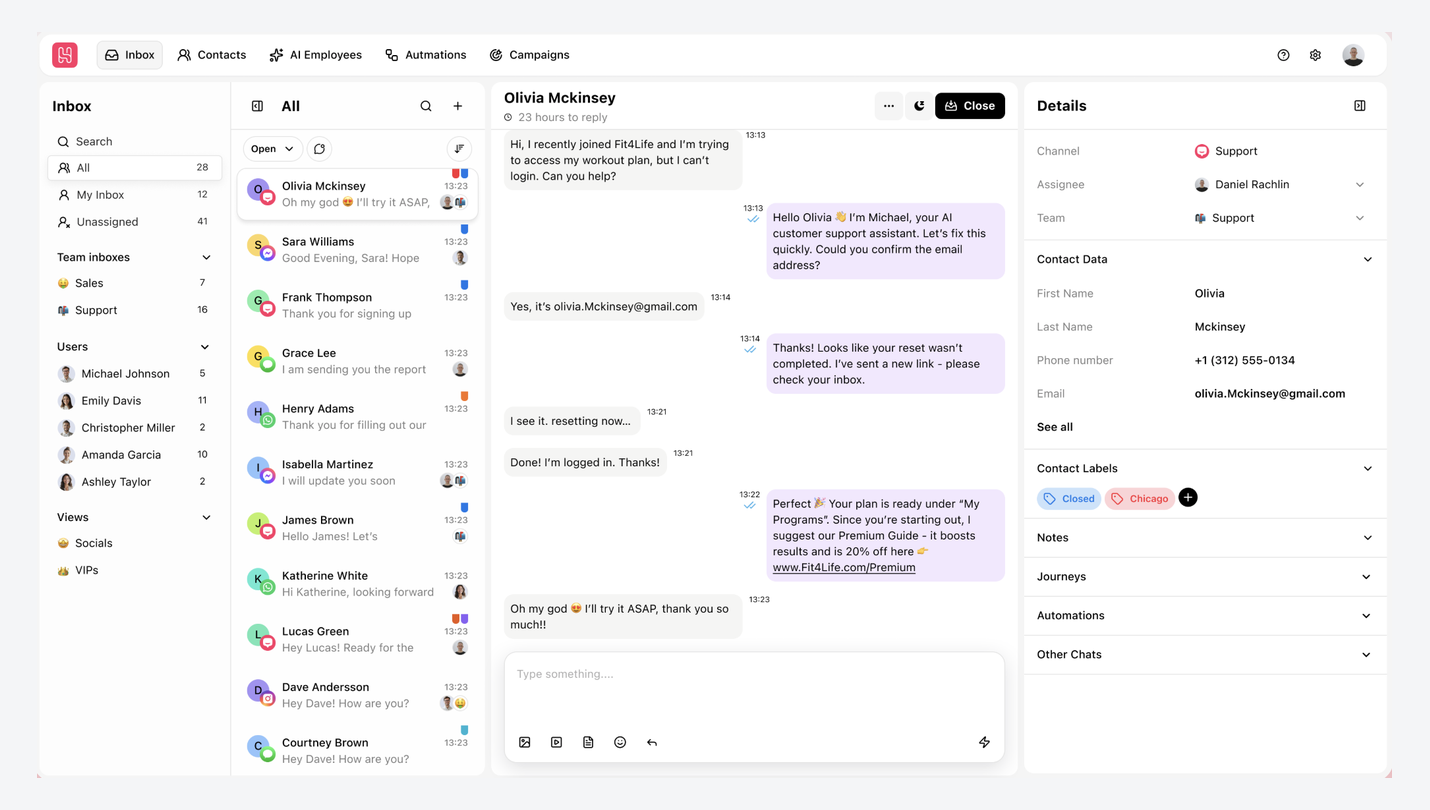
Heyy puts website live chat, WhatsApp, Instagram, Facebook Messenger, and SMS in one shared inbox. An AI Employee answers on every channel straight away, using your business information, and hands the chat to your team when a person is needed.
Pricing is per plan rather than per person, and AI is included through credits on every plan. With Coexistence, you can connect your WhatsApp number and keep using the WhatsApp Business app on your phone.
Pros
- AI Employee included on every plan, from $49 a month
- Instagram, WhatsApp, Messenger, SMS, and website chat in one inbox
- 5 users on Pro for one price, not per seat
- Widget settings for theme, brand color, position, and pages to hide it on
Cons
- No regional apps like WeChat, LINE, or Telegram
- Pro covers 5 users, so bigger teams need Ultra
- Only 7-day free trial
Pricing: Hobby, $49 a month (1 user, 1 AI Employee, 1,000 credits, 3 channels). Pro, $149 (5 users, 2 AI Employees, 6,000 credits, 5 channels). Ultra, $499 (10 users). Extra credits are $20 per 1,000. 7-day free trial.
Versus LiveChat: you gain Instagram, AI on every plan, and one price for your team. You give up LiveChat’s built-in tickets and longer trial.
2. Tidio
Best for: small online stores with modest chat volume.
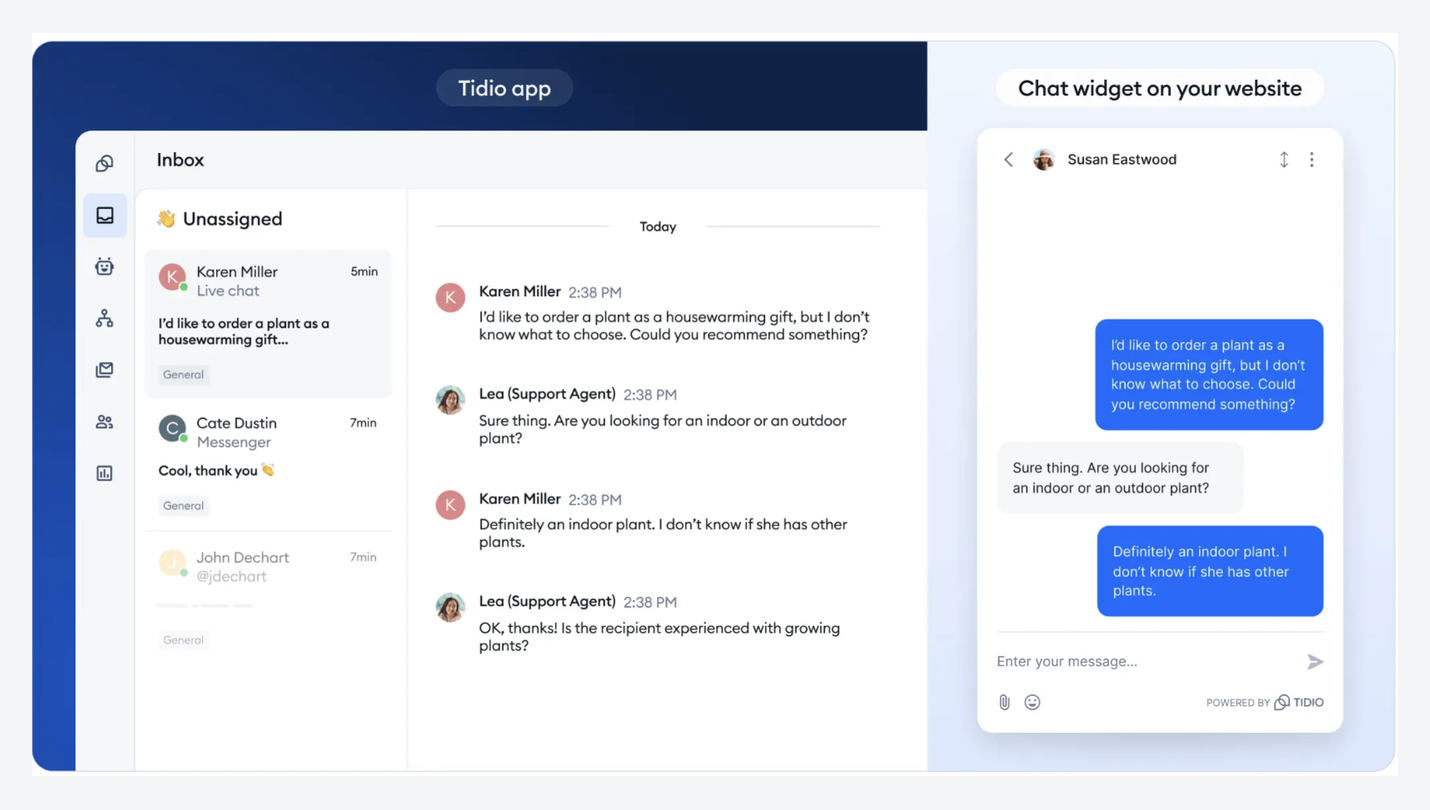
Tidio is a live chat tool built with small ecommerce stores in mind. Website chat, WhatsApp, Instagram, and Messenger share one inbox on every plan, and its AI agent, Lyro, is sold separately.
Pros
- A free plan to start with
- Low entry price for small stores
- WhatsApp, Instagram, and Messenger on every plan
Cons
- Lyro AI is a separate add-on
- Priced by conversations, so busy months cost more
- Automation is metered separately again
Pricing: Free for 50 conversations. Starter, $29 a month (100 conversations). Growth, from $59 (250 to 2,000 conversations). Plus, from $300. Lyro AI from $39 for 50 AI conversations.
Versus LiveChat: you gain a free plan, Instagram, and a lower entry price. You give up predictable costs, since conversations, AI, and automation each have their own meter.
3. Crisp
Best for: teams that want one price for several seats.
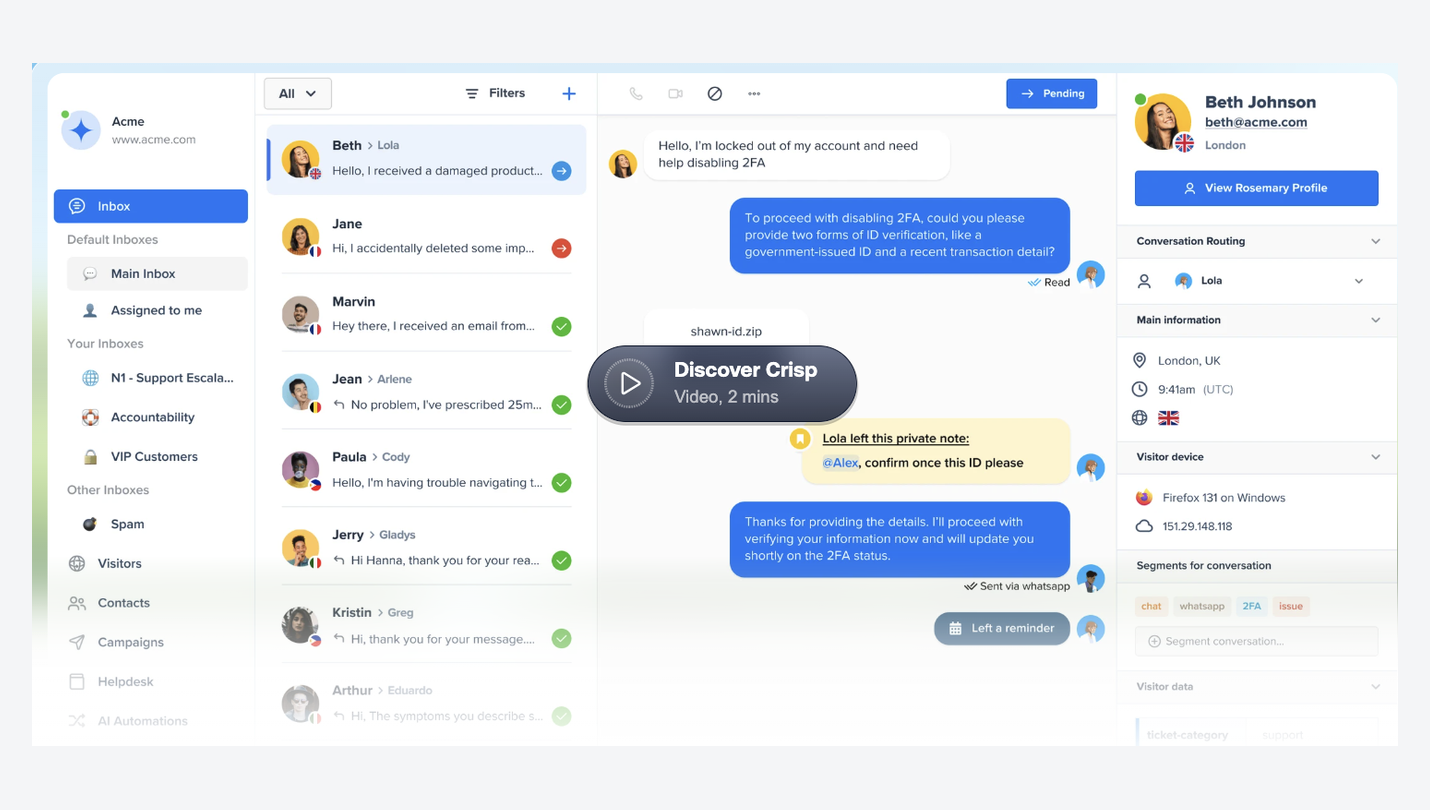
Crisp charges per workspace rather than per person, which makes it one of the cheapest options once several people are answering chats. Its AI agent, Hugo, works within an allowance that comes with each plan. Our guide to Crisp alternatives goes deeper.
Pros
- 10 seats for $95 a month on Essentials
- A free plan for 2 seats
- AI included within each plan’s allowance
Cons
- No WhatsApp or Instagram on Mini
- Hugo stops answering when the allowance runs out, unless you turn on pay-as-you-go
Pricing: Free for 2 seats, with no AI credits. Mini, $45 a month (4 seats, $5 of AI credits, no WhatsApp). Essentials, $95 (10 seats, $25 of AI credits, WhatsApp and Instagram). Plus, $295 (20 or more seats, $75 of AI credits).
Versus LiveChat: you gain a flat team price and Instagram. You give up some of LiveChat’s polish, and you’ll need Essentials before WhatsApp is included.
4. Chatwoot
Best for: technical or budget-conscious teams, especially those who want to self-host.
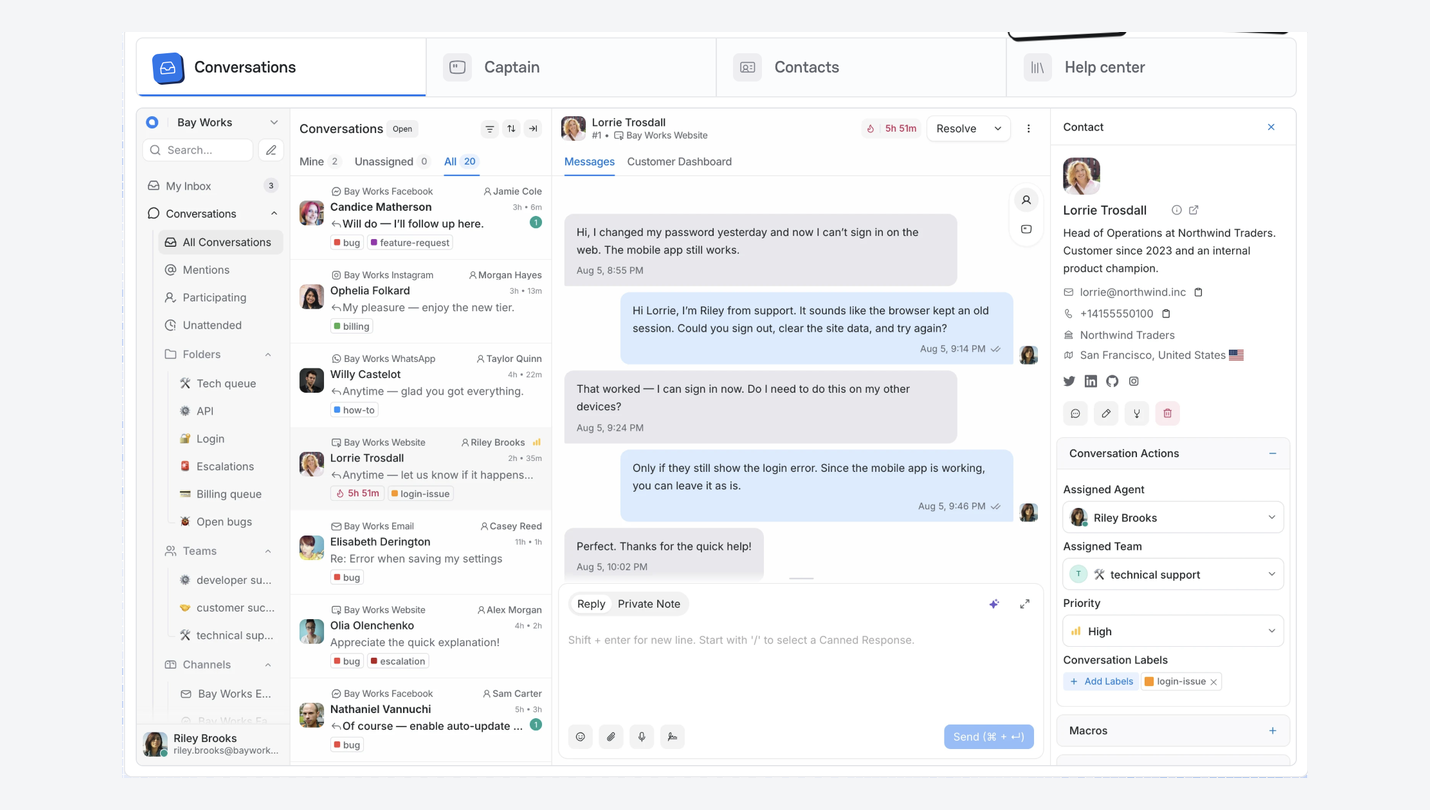
Chatwoot is an open-source support inbox. You can run it on your own servers for free or pay for its cloud plans. It brings website chat, WhatsApp, Instagram, Messenger, and email together, and its AI assistant, Captain, runs on credits.
Pros
- Open source, with a free self-hosted option
- Low per-agent cloud prices
- Email and messaging apps in one inbox
Cons
- More setup and upkeep than the other tools here
- 300 AI credits on Startups, then you pay for more
Pricing: Hacker, free for up to 2 agents, with live chat only and no AI. Startups, $19 per agent a month, with every channel and 300 AI credits. Business, $39 per agent, with 500 credits. Enterprise, $99 per agent, with 800 credits. Extra AI credits are $20 per 1,000.
Versus LiveChat: you gain a much lower price per agent and full control over your data. You give up a tool that works out of the box.
5. tawk.to
Best for: small teams that need live chat for free.
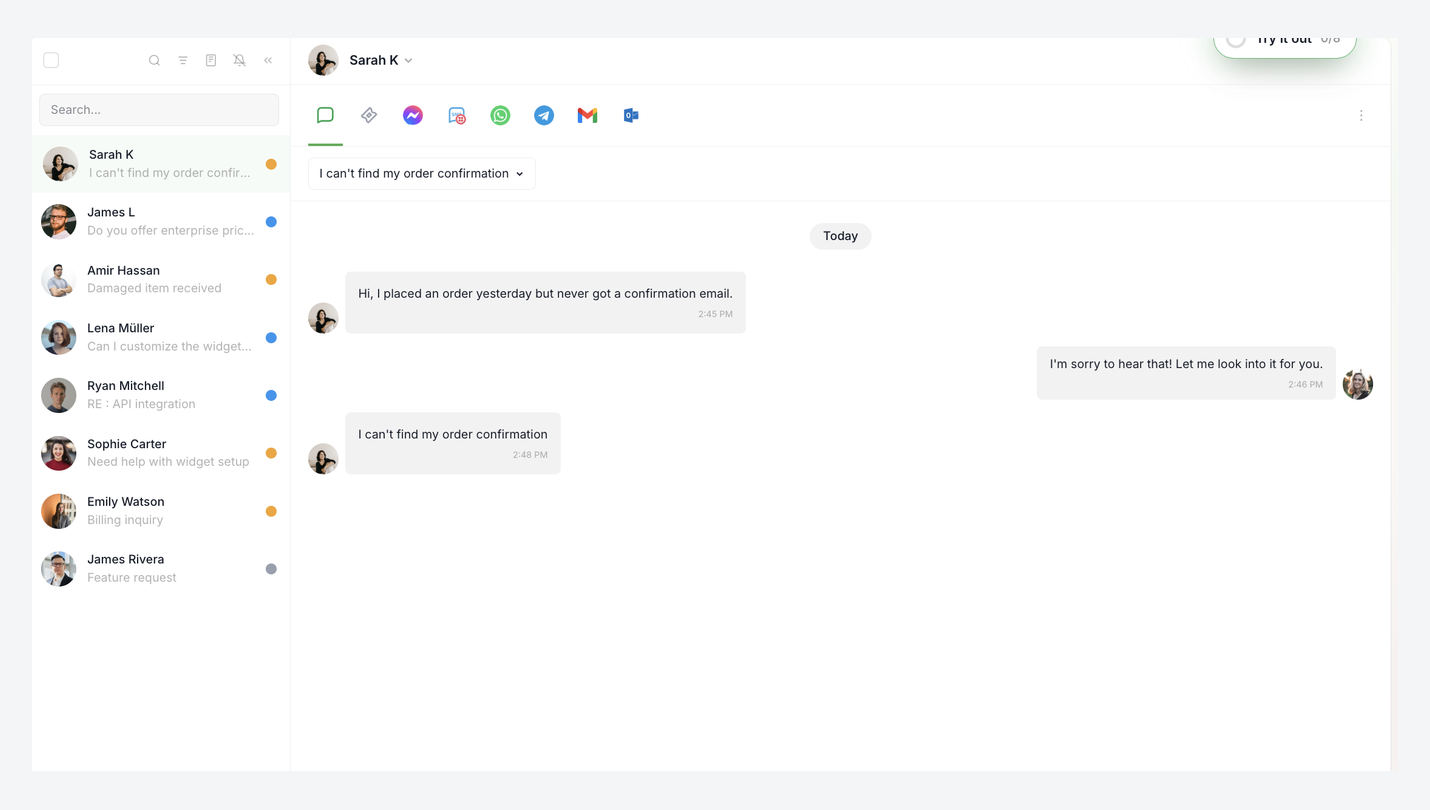
tawk.to gives you live chat, a shared inbox, and unlimited agents at no cost. You pay only for extras, such as removing the “Powered by tawk.to” badge or adding its AI Assist. Our list of tawk.to alternatives covers what teams move to once they outgrow it.
Pros
- Free live chat with unlimited agents
- Quick to set up
- Pay only for the add-ons you need
Cons
- AI and badge removal are separate monthly add-ons
- No WhatsApp or Instagram
- Lighter helpdesk features than LiveChat
Pricing: Free, with unlimited agents. AI Assist starts at $29 a month, with a free plan for low chat volume. Removing the badge is $29 a month.
Versus LiveChat: you gain a free core product. You give up built-in AI and LiveChat’s reporting.
6. respond.io
Best for: sales teams running WhatsApp at high volume.
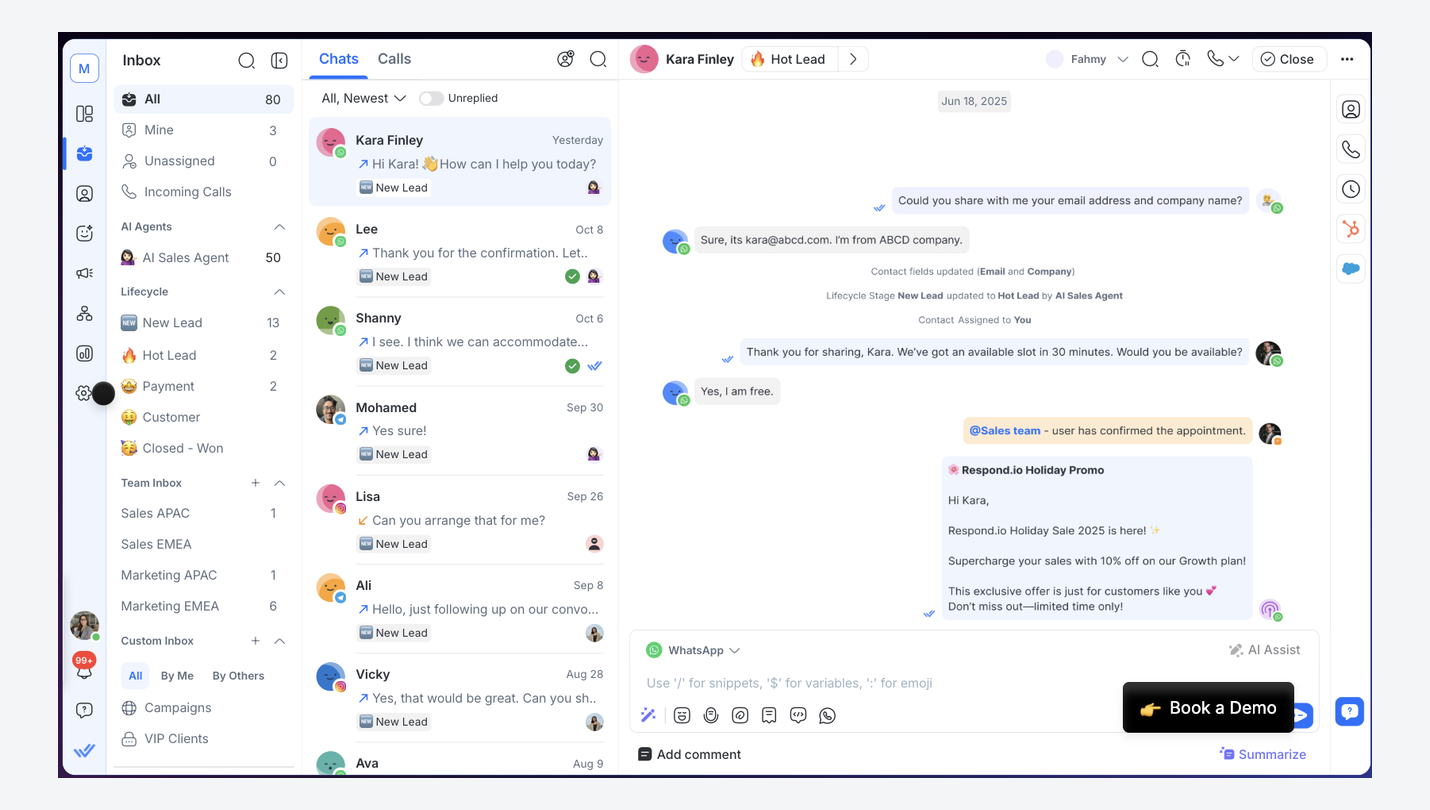
respond.io was built around WhatsApp, with website chat, Instagram, Messenger, and other channels alongside. Its routing and workflows are its strength, which makes it popular with teams handling a lot of WhatsApp leads.
Pros
- Strong routing and workflow automation
- 10 users on Growth for one price
- Built for WhatsApp from the start
Cons
- AI agents only from Growth, at $199 a month
- Billed by monthly active contacts above the allowance
Pricing: Starter, $99 a month (5 users, no AI agents). Growth, $199 (10 users, 1,000 active contacts, 10,000 AI credits, AI agents). Advanced, $349 (10 users, 20,000 AI credits). Extra contacts on Growth are $12 per 100.
Versus LiveChat: you gain Instagram, deeper WhatsApp workflows, and a team price. You give up a low-cost entry plan with AI.
7. SleekFlow
Best for: teams that need regional channels like WeChat, LINE, or Telegram.
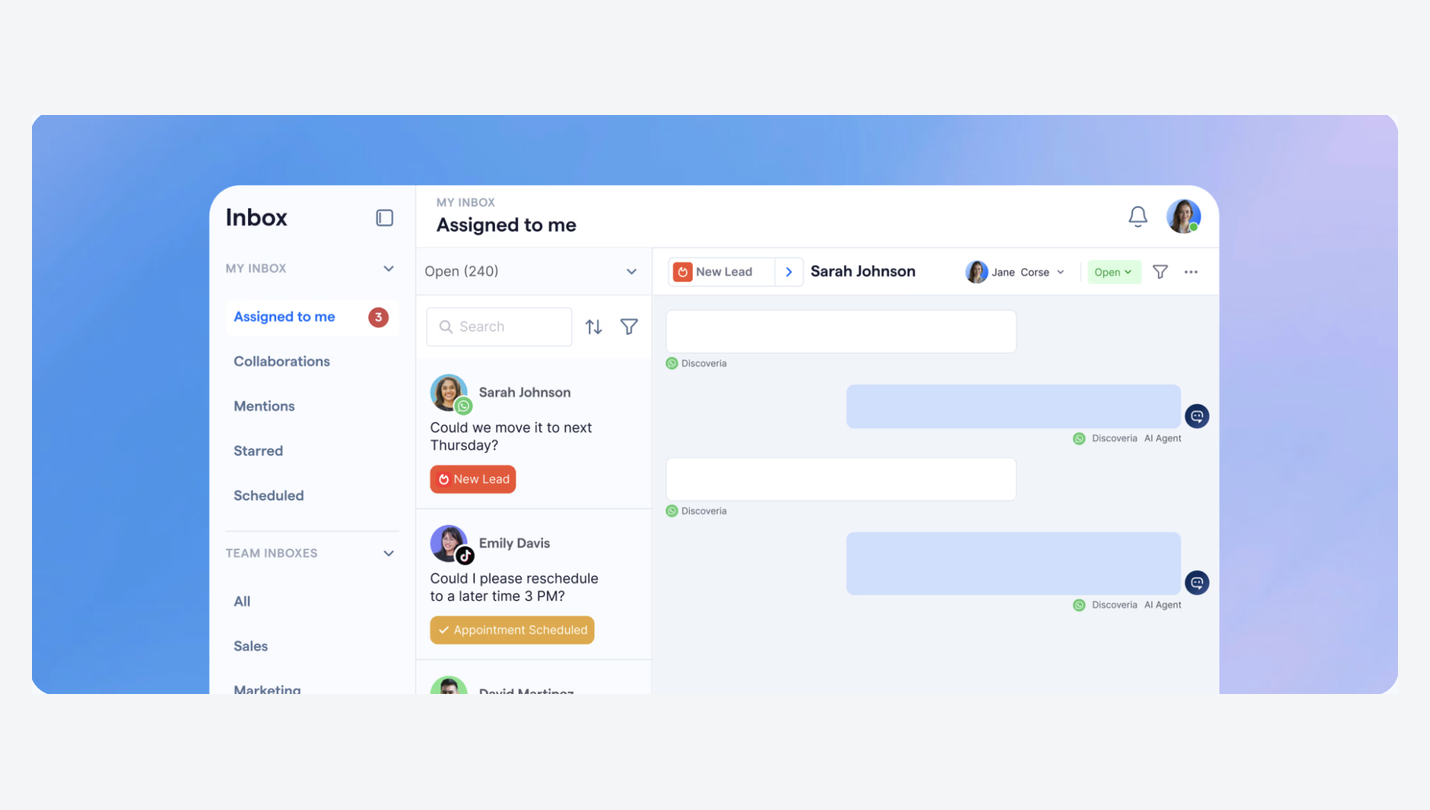
SleekFlow covers more messaging apps than anything else here, including WhatsApp, Instagram, Messenger, SMS, WeChat, LINE, Telegram, Viber, and TikTok. Its website chat widget feeds the same inbox, and its AI agents answer on Pro and above.
Pros
- The longest channel list on this page
- 10 users on Pro
- AI agents for website chat and WhatsApp
Cons
- No AI agents on Essential
- Billed by active contacts, and website chat visitors count
- A monthly hosting fee for each WhatsApp number
Pricing: Essential, $69 a month (3 users, 500 active contacts, no AI agents). Pro, $139 (10 users, 500 active contacts, AI agents). Premium, $349 (10 users, 1,000 active contacts).
Versus LiveChat: you gain Instagram, regional apps, and more seats for the price. You give up a simple bill, since contacts and WhatsApp numbers are charged on top.
8. Help Scout
Best for: support teams that handle a lot of email and want chat alongside it.
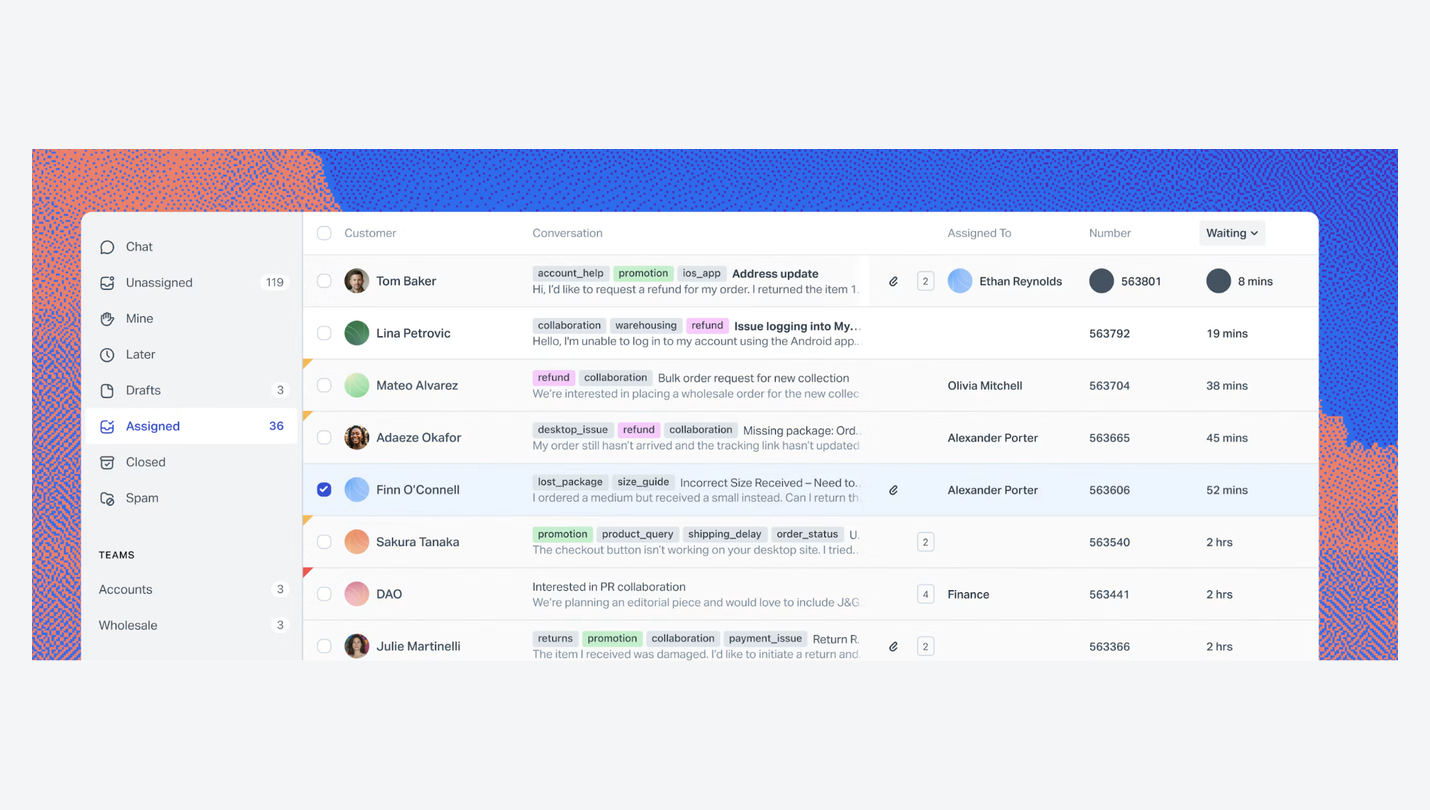
Help Scout is a helpdesk known for being easy to use. Its paid plans put live chat, WhatsApp, Instagram, Messenger, and SMS in the same inbox as email, and its AI assistant, Envoy, is charged per resolution.
Pros
- Simple to learn for new team members
- Messaging apps included on paid plans
- A free plan for very small teams
Cons
- Priced per user and per AI resolution
- Built around email first, chat second
Pricing: Free for 5 users and 100 contacts a month. Standard, $30 per user a month. Plus, $54. Pro, $90. Envoy costs $0.75 per resolution.
Versus LiveChat: you gain Instagram and a stronger email helpdesk. You give up a chat-first tool, and AI costs still rise with use.
9. Intercom
Best for: larger support teams that want a mature helpdesk and a capable AI agent.
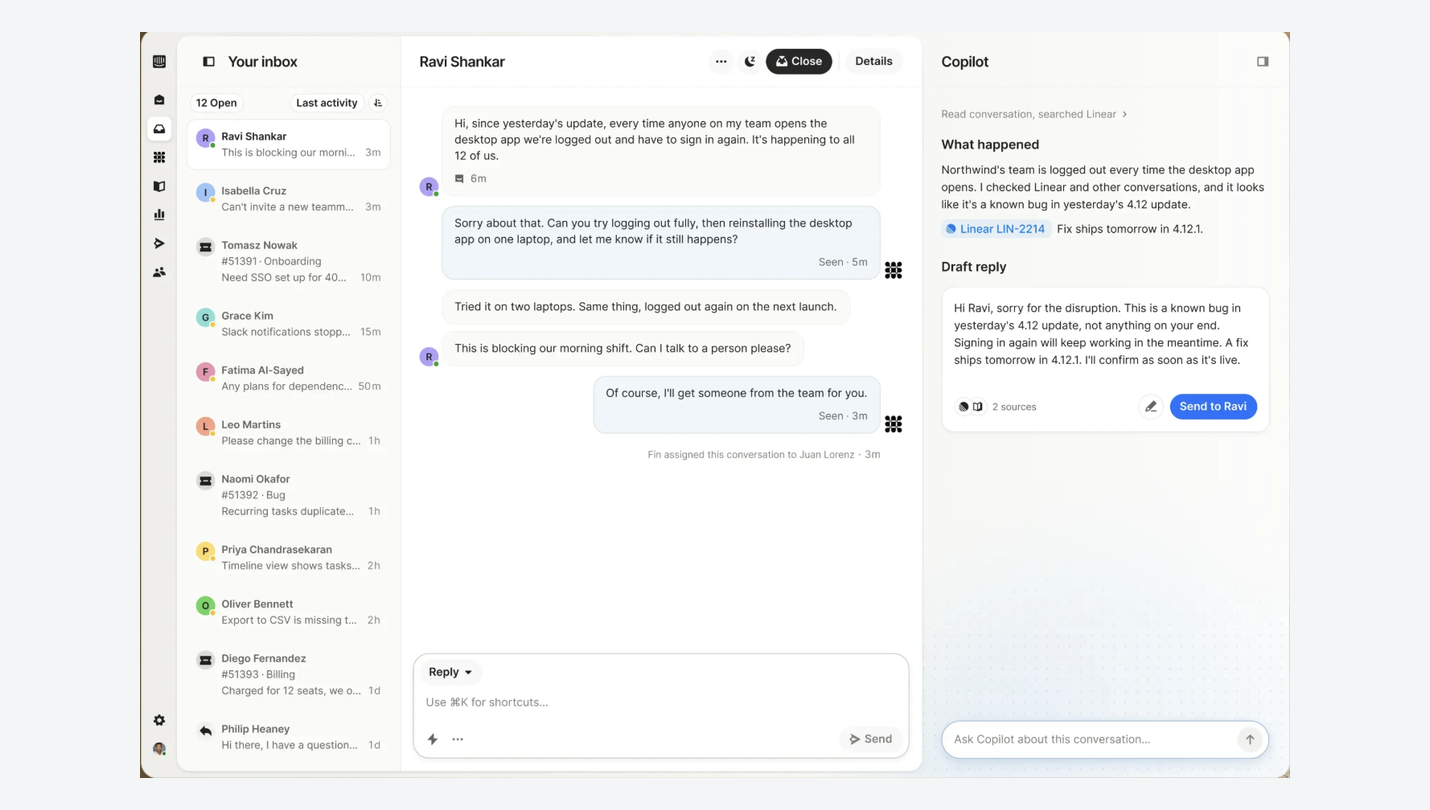
Intercom is a full customer service platform with one of the most capable AI agents around, Fin. WhatsApp, Instagram, Messenger, and SMS can all come into its inbox. Our list of Intercom alternatives compares options that cost less.
Pros
- A highly capable AI agent in Fin
- Deep helpdesk, help center, and reporting features
- Instagram and other messaging apps
Cons
- Fin is charged per outcome, on top of seats
- WhatsApp conversations are charged extra
- The bill is hard to predict
Pricing: Essential, $39 per seat a month. Advanced, $99. Expert, $139. Fin costs $0.99 per outcome.
Versus LiveChat: you gain a stronger AI agent and a fuller helpdesk. You give up predictable pricing, since seats, Fin, and WhatsApp are each billed separately.
10. Zendesk
Best for: larger companies that already run email and tickets in Zendesk.
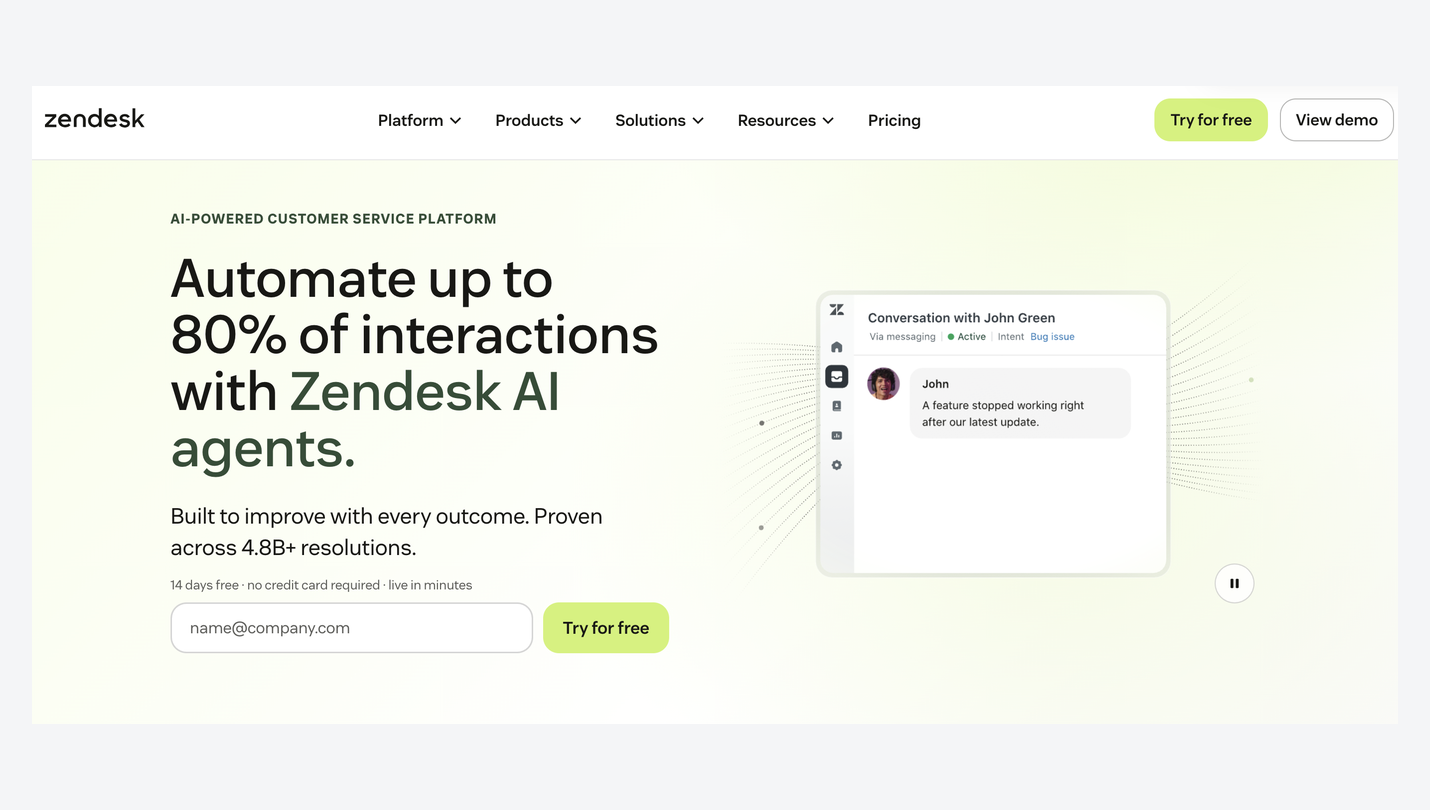
Zendesk is one of the best-known helpdesks. Its Suite plans bring web chat, WhatsApp, Instagram, and Messenger into the same workspace as email and tickets.
Pros
- Mature ticketing and reporting
- A large library of integrations
- Messaging apps on Suite plans
Cons
- Only 5 AI resolutions per agent included each month
- Higher per-agent price than most tools here
Pricing: Suite Team, $69 per agent a month, with 5 automated AI resolutions per agent. Extra resolutions cost $1.50 to $2 each.
Versus LiveChat: you gain Instagram and a deeper ticketing system. You give up a lower seat price, and AI gets expensive at volume.
What 5 agents cost
Here’s what a 5-person team pays each month on the cheapest plan of each tool that includes AI, at monthly billing.
On seats alone, several tools come in under Heyy. The picture changes once AI does real work, because most of these tools charge for AI separately. Say your AI fully resolves 500 chats a month (our assumption, not a benchmark):
Heyy charges credits per message, so a chat the AI resolves costs the same as one it hands to your team. For a fuller look at how these pricing models work, see our breakdown of live chat software pricing.
Heyy vs LiveChat
LiveChat still has the edge if you want tickets in the same tool or a longer trial before you commit. If your customers live on WhatsApp and Instagram, and you want AI handling the first reply without paying per resolution, Heyy is the better fit.
How to switch from LiveChat
Most of the work is preparation. Do it in this order, and your visitors won’t notice the change.
- Save what you want to keep. Export the chat history and contact details you need from LiveChat before your plan ends.
- Set up the new tool first. Add your business information so the AI can answer, write your greetings, and recreate your most-used canned responses. Our live chat greeting examples are a good place to start.
- Move your messaging channels. Disconnect WhatsApp and Messenger from LiveChat, then connect them to the new tool. A WhatsApp number can only be connected to one platform at a time, so plan a quiet hour for it.
- Swap the widget code. Remove LiveChat’s code and add the new one. On WordPress, our guide to adding live chat walks through it. While you’re there, check the placement against our chat widget best practices.
- Test, then cancel. Send a few real questions on your website and WhatsApp, check the replies land where your team works, and only then cancel LiveChat.
How to choose
Start with why you’re leaving LiveChat:
- You want AI answering most chats without paying per resolution: Heyy
- Your customers message you on Instagram: Heyy, Tidio, respond.io, or SleekFlow
- You want one price for a bigger team: Crisp, or Heyy if you need AI on WhatsApp and Instagram too
- You need it free: tawk.to
- You have someone technical and want full control: Chatwoot
- You sell through WhatsApp at high volume: respond.io
- You need WeChat, LINE, or Telegram: SleekFlow
- Most of your support is still email: Help Scout
- You’re a larger team that wants a full helpdesk: Intercom or Zendesk
Moving on from LiveChat
LiveChat is still a solid tool, but its jump from $25 to $99 per user, and an entry plan with 10 AI resolutions, push many small and mid-sized teams to look elsewhere. Crisp and Chatwoot win on price, tawk.to on free, and Help Scout, Intercom, and Zendesk on helpdesk depth.
If your customers message you on WhatsApp, Instagram, and your website, and you want AI to answer first without a per-resolution bill, Heyy gives a team of five all of that for $149 a month. Try Heyy free for 7 days and see how it handles your own customers’ questions.
LiveChat alternatives FAQs
1. Is LiveChat now called Text?
LiveChat’s pricing page now sells plans under the name Text, from the same company behind LiveChat, HelpDesk, and ChatBot. If you’re comparing prices, the Text plans are what new customers buy today.
2. How much does LiveChat cost in 2026?
Essential is $25 per user a month, and Growth is $99 per user a month, both billed monthly. Paying yearly saves up to 24%. Enterprise is priced on request.
3. What’s the best free alternative to LiveChat?
tawk.to is free for live chat and unlimited agents. You pay only for add-ons like AI Assist and removing its branding. Crisp, Chatwoot, Tidio, and Help Scout also have free plans with tighter limits.
4. What’s cheaper than LiveChat for a team of five?
On seats alone, tawk.to, Chatwoot, Crisp, and Tidio cost less than LiveChat Essential. Once AI is answering a real share of your chats, Heyy Pro at $149 a month usually works out cheaper, because its AI isn’t charged per resolution.
5. Does LiveChat include WhatsApp?
Yes. Website chat, WhatsApp, Messenger, SMS, and email share one inbox on every plan, and the AI agent answers WhatsApp too. Instagram isn’t included.
6. Which LiveChat alternative includes AI on every plan?
Heyy includes an AI Employee on every plan. Crisp includes an AI allowance, and Chatwoot includes a small number of AI credits. Most others sell AI as an add-on or charge per resolution.
7. Can I keep my chat history when I switch?
Export the chats and contacts you want to keep from LiveChat before you cancel. How easily you can bring them into a new tool depends on that tool’s import options, so check before you switch.
8. Can I move my WhatsApp number from LiveChat?
Yes. Disconnect it from LiveChat first, then connect it to the new tool, since a WhatsApp number can only be connected to one platform at a time. With Heyy, Coexistence also lets you keep using the WhatsApp Business app on your phone.
More blog posts to read

Ready to Automate Support
Across Every Channel?

